
 EN
EN  العربية
  Български
  Čeština
  Dansk
Dansk  Deutsch
  Ελληνικά
  Español
  Suomi
Suomi  Français
  עברית
עברית  हिन्दी
  Bahasa Indonesia
  Italiano
  日本語
日本語  한국어
한국어  Bahasa Melayu
  Nederlands
  Norsk
Norsk  Polski
  Português
  Română
  Русский
  Svenska
  Kiswahili
  ไทย
ไทย  Türkçe
  Українська
  Tiếng Việt
  中文
中文 InvoiceFlow for Voiceover Artists: Your Voice Is Your Business — Invoice Like One
Why Voiceover Artists Need Professional Billing
Voiceover is one of the fastest-growing freelance professions — and one of the most varied when it comes to billing. Voiceover artists charge for scripts, by the word count, by recording time, by usage type, by usage territory, by the campaign duration. A single e-learning recording and a national TV commercial have completely different fee structures, yet both might come from the same client in the same week.
You deal with advertising agencies (large budgets, slow payment), corporate clients (moderate budgets, predictable timelines), e-learning companies (volume work, fast turnaround), and independent video producers (smaller budgets, immediate payment needs). International clients are the norm — you might record for clients in the UK, US, Germany, and Australia on the same day. Managing all of this without a professional invoicing system means money constantly falls through the cracks.
Key Pain Points for Voiceover Artists
- No system for usage rights billing — recording fee vs. usage fee confusion
- Working with agents who take a percentage vs. direct clients who pay full rate — tracked differently
- No clear record of which corporate clients have paid their quarterly retainer
- International clients with currency and tax complexity
- E-learning clients who commission dozens of modules but pay per delivery — complex multi-invoice tracking
- No professional PDF invoice — agencies expect formal paperwork, not payment links
How InvoiceFlow Solves It
Usage Rights as Line Items
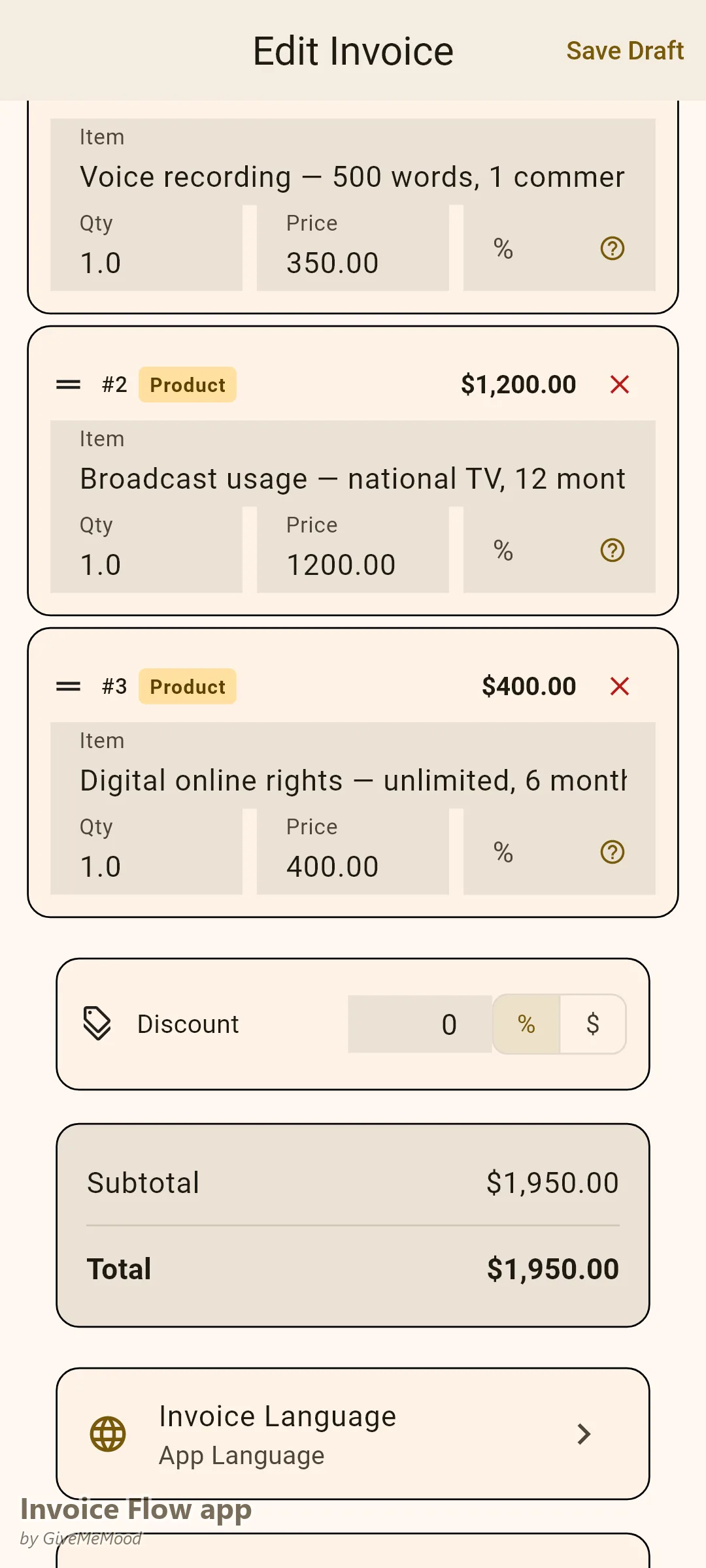
Structure invoices to reflect how voiceover is actually priced: “Voice Recording Fee — 500 words, 1 commercial spot: $350” “Broadcast Usage Rights — National TV, 12 months: $1,200” “Digital Online Rights — Unlimited, 6 months: $400”
The client sees the talent fee and the usage rights as separate line items — exactly how the industry standards work. Nothing is bundled. Nothing is invisible.
Multi-Currency Billing for Global Clients
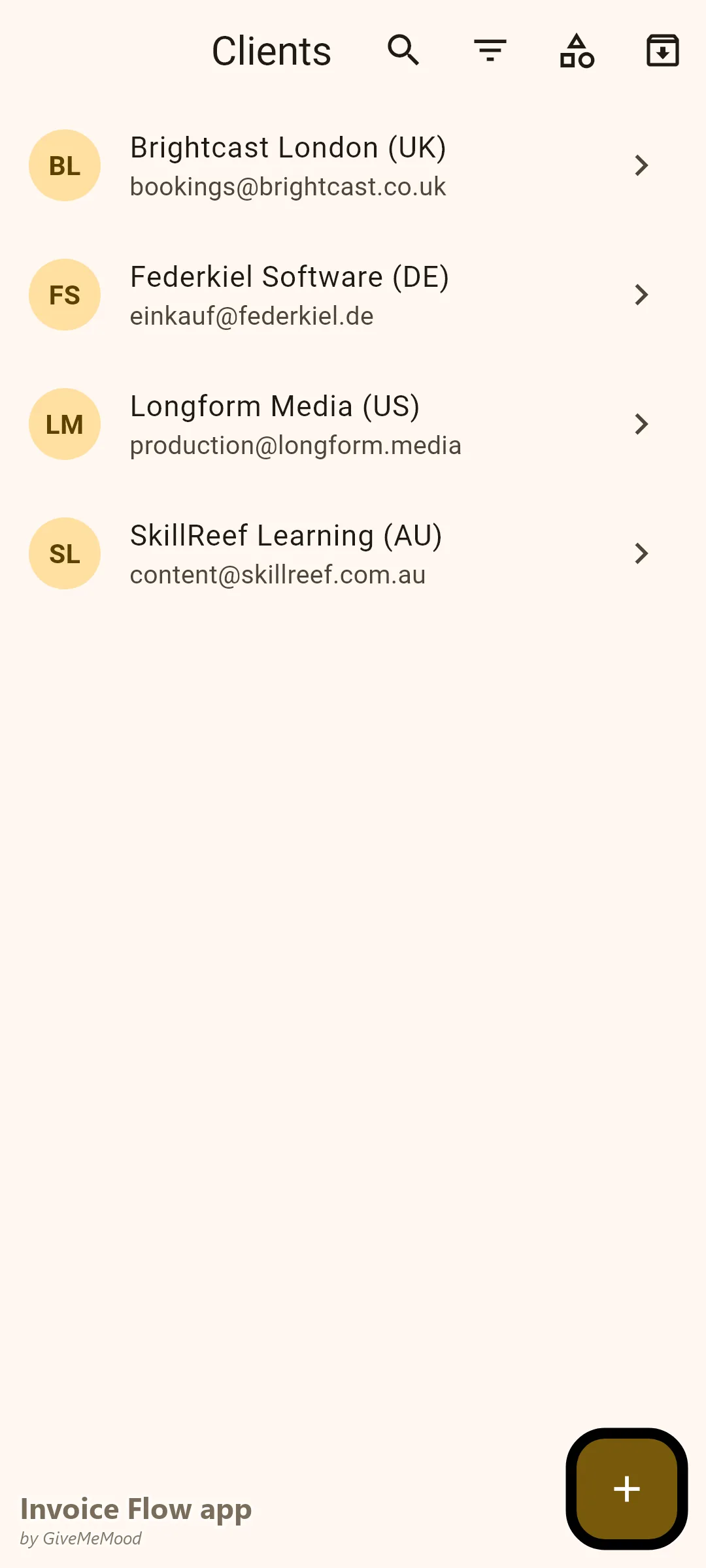
Most voiceover artists work with clients from multiple countries simultaneously. Set each client’s currency in their profile. Invoices generate in their currency — USD for US clients, GBP for UK clients, EUR for EU clients, AUD for Australian clients. Each client is billed in their own currency, so no one has to deal with conversions.
E-Learning Module Tracking
When an e-learning client commissions 40 modules, use InvoiceFlow’s product library to pre-define “E-learning Module Recording — standard 10-minute module: $85.” Invoice per delivery batch (10 modules at a time, for example). Track which batches are invoiced and paid. The client gets a clear breakdown of what each batch cost.
Corporate Quarterly Retainers
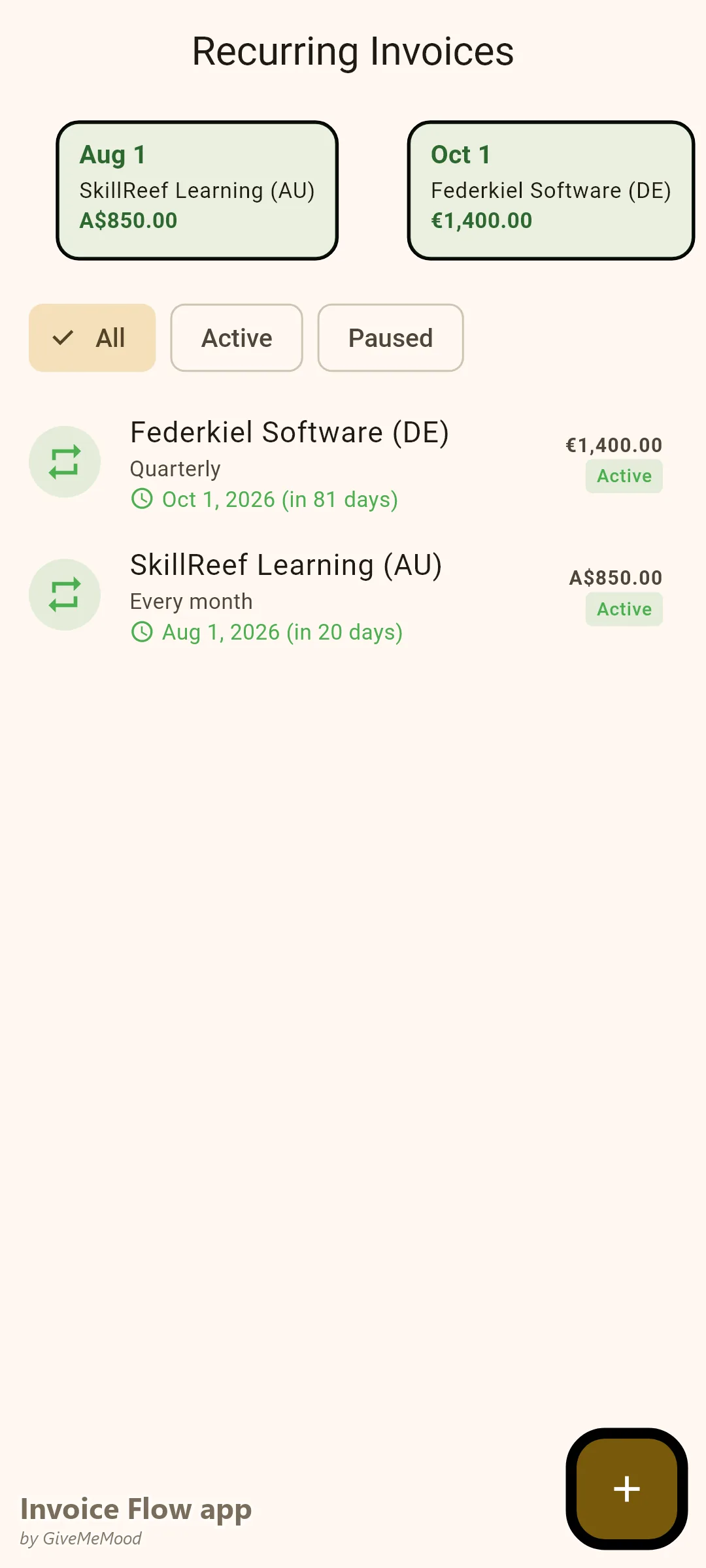
Some corporate clients keep voiceover artists on retainer for regular narration, IVR updates, or training materials. Set up a recurring invoice for the quarterly or monthly amount. InvoiceFlow generates it automatically and notifies you to send. Your retainer clients are billed reliably without any manual work.
Tax Compliance for International Work
Different countries apply different tax rules to digital creative services. InvoiceFlow suggests the correct tax rate based on client country. For EU clients, the digital services VAT rules apply. For US clients, no VAT but potentially state sales tax. The tax system keeps you compliant without becoming a tax expert.
Your Workflow with InvoiceFlow
-
Recording completed: Open InvoiceFlow. Select client. Add line items (recording fee, usage rights). Select correct currency. Choose Professional template. Send PDF. Done in 3 minutes.
-
E-learning batch: Invoice per delivery batch with a clear “Module Recording × 10” line item. Client tracks their budget per batch easily.
-
Corporate retainer: Monthly/quarterly invoices generate automatically. Review, approve, send.
-
Agent work: Create a separate Business Profile or client tag for agent-sourced work. Track income separately from direct client work.
-
Year-end: Analytics exports CSV of all income by client, by currency, by month. Your accountant has everything they need.
Most Valuable Features for Voiceover Artists
- Usage Rights Line Items — Separate talent fee and usage fees clearly
- Multi-Currency Billing — Global clients in their currency
- Product Library — Standard voiceover rates and usage types pre-built
- Recurring Invoices — Corporate retainer billing automation
- Professional Templates — Agency-grade PDF invoices
- Analytics — Revenue by client type and currency tracking
Real Example: Sarah’s Voiceover Business Goes Global
Sarah is a UK-based voiceover artist with clients in the US, Germany, and Australia. Before InvoiceFlow she invoiced in GBP for everyone — some clients pushed back on currency, and her international income tracking was a mess. Now each client profile has the correct currency. UK clients get GBP invoices with UK VAT. US clients get USD invoices with no VAT. Her e-learning client receives batch invoices for module deliveries. Her corporate retainer client auto-invoices quarterly. Her late payment rate dropped significantly once clients started receiving invoices in their own currency with familiar tax treatment.
Getting Started
Download InvoiceFlow free on Android. Build your voiceover rate card in the product library, set up your first international client profile with the correct currency and tax settings, and invoice your next recording today.