
 EN
EN  العربية
  Български
  Čeština
  Dansk
Dansk  Deutsch
  Ελληνικά
  Español
  Suomi
Suomi  Français
  עברית
עברית  हिन्दी
  Bahasa Indonesia
  Italiano
  日本語
日本語  한국어
한국어  Bahasa Melayu
  Nederlands
  Norsk
Norsk  Polski
  Português
  Română
  Русский
  Svenska
  Kiswahili
  ไทย
ไทย  Türkçe
  Українська
  Tiếng Việt
  中文
中文 InvoiceFlow for Copywriters & Content Writers: Get Paid for Every Word
Why Copywriters Struggle with Getting Paid
Copywriters are hired for their words, but the words they write for themselves are often the hardest: invoice, payment terms, overdue. The irony is painful. Skilled communicators who craft conversion-driving copy for global brands sometimes operate with a billing process that consists of emailing a PDF made in Google Docs and hoping for the best.
Copywriting billing has specific quirks. You might charge per word, per hour, per project, or per retainer. Rush fees, research fees, and revision limits all need to appear on invoices. You work with marketing agencies (who have 45-day payment terms), startups (who want 15-day), and solo founders (who pay immediately or not at all). You have recurring clients for blog packages, one-off clients for landing pages, and referral work through agencies where rates differ.
InvoiceFlow manages all of this and makes your invoices look as professional as the copy you deliver.
The Biggest Pain Points for Copywriters
- No reliable way to track which clients owe money and how much
- Forgetting to charge rush fees or research time that wasn’t in the original quote
- Clients requesting endless revisions beyond the agreed scope with no written record
- Payment terms are inconsistent — some invoices are Net 15, others Net 30
- Agency clients who have slow accounts-payable departments that need formal invoices with PO numbers, specific billing info, and structured formats
- No system for recurring blog package billing
- Losing visibility of total income per client for tax purposes
How InvoiceFlow Solves These Challenges
Clear Line-Item Billing for Complex Projects
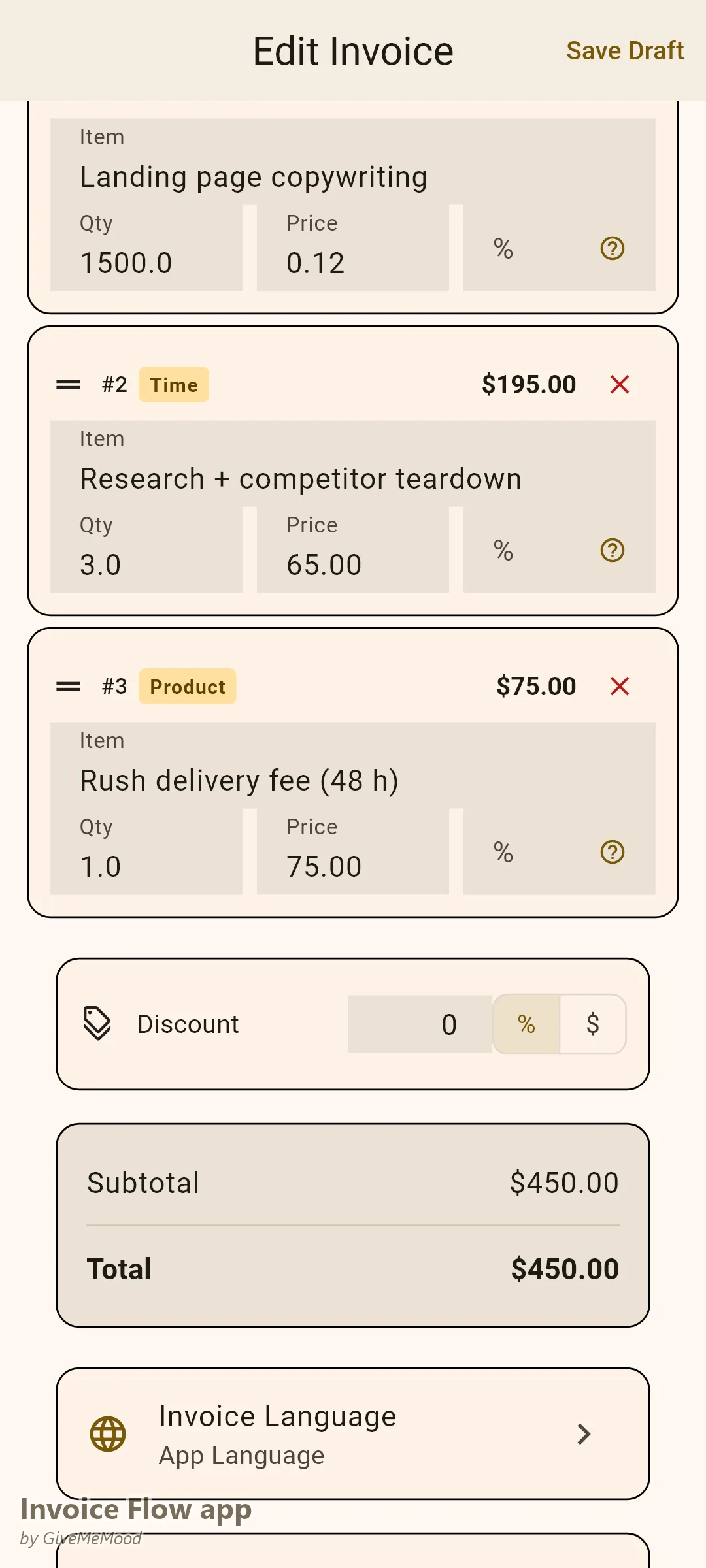
Create line items that reflect how you actually work: “Landing Page Copywriting — 1,500 words @ $0.12/word = $180.00,” “Research — 3 hours @ $65/hour = $195.00,” “Rush Delivery Fee — flat $75.00.” Clients see exactly what they paid for, removing grounds for disputes. Tax is calculated automatically based on the client’s country and your rate settings.
Custom Fields for PO Numbers and Project References
Agency clients almost always need a Purchase Order number on the invoice. Add it as a custom field. You can also add project reference codes, campaign names, or contract numbers. The invoice meets the agency’s accounts-payable requirements without you needing a separate accounting system.
Recurring Invoices for Content Packages
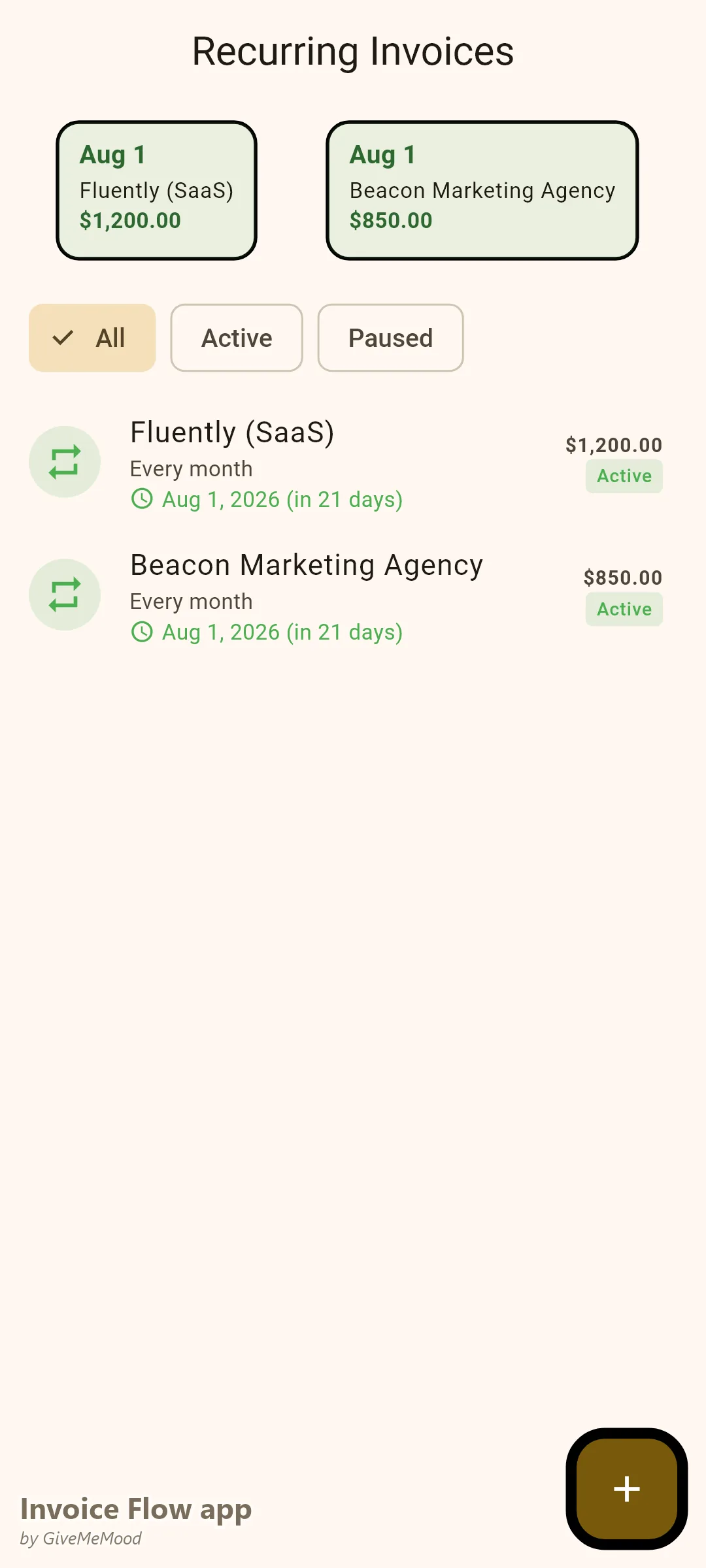
If you write 4 blog posts per month for a client at a fixed rate, set up a recurring invoice in InvoiceFlow. It generates automatically every month, on the day you choose, with the correct amount. You review it, send it — or set it to auto-send. Retainer clients are billed without any manual effort.
Overdue Reminders Without Awkward Emails
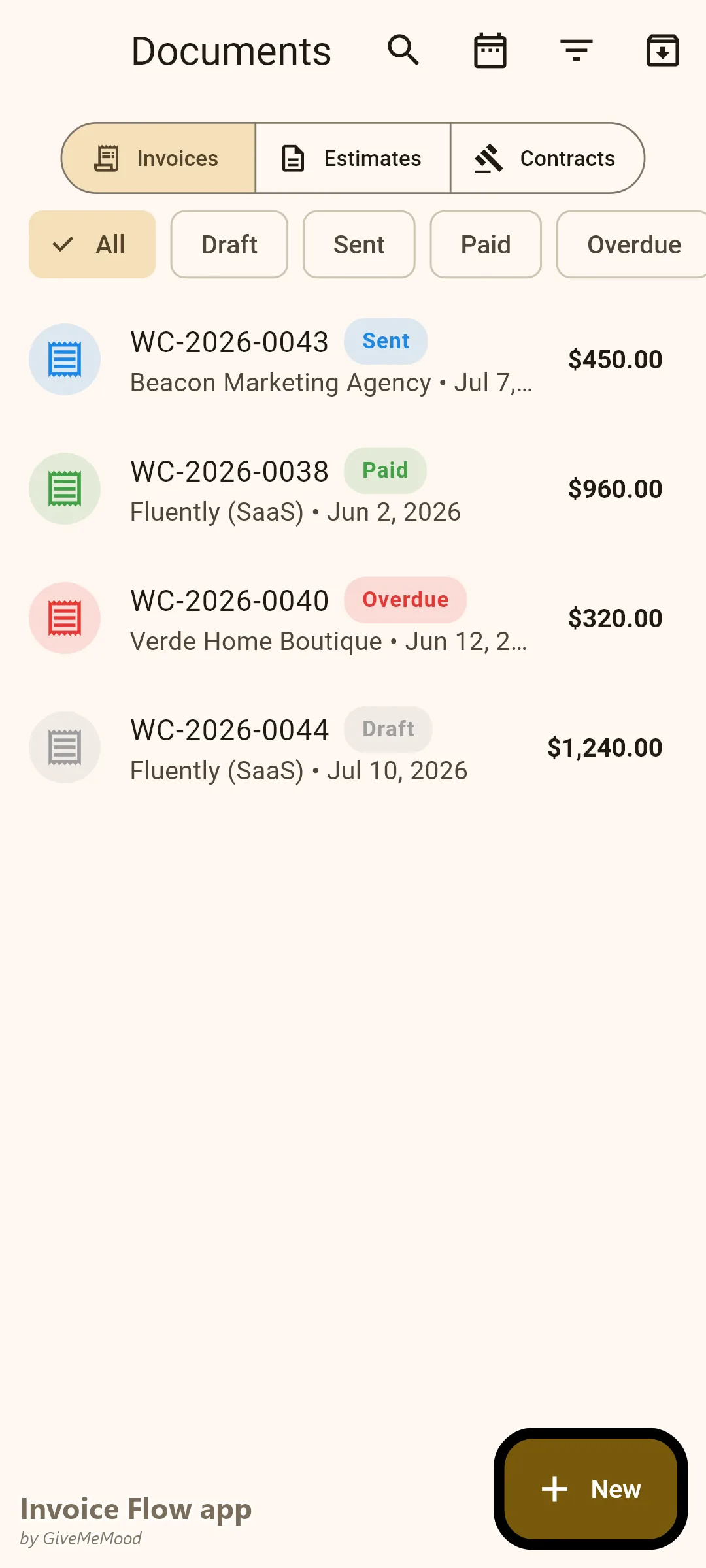
Set reminders: 3 days before due, on the due date, 7 days after. InvoiceFlow notifies you when a reminder is due. You send a brief follow-up from a position of clarity (“My records show Invoice #INV-2024-043 for $540 is due today”) rather than vague uncertainty. This professionalism alone accelerates payment.
Contracts for Revision Policies
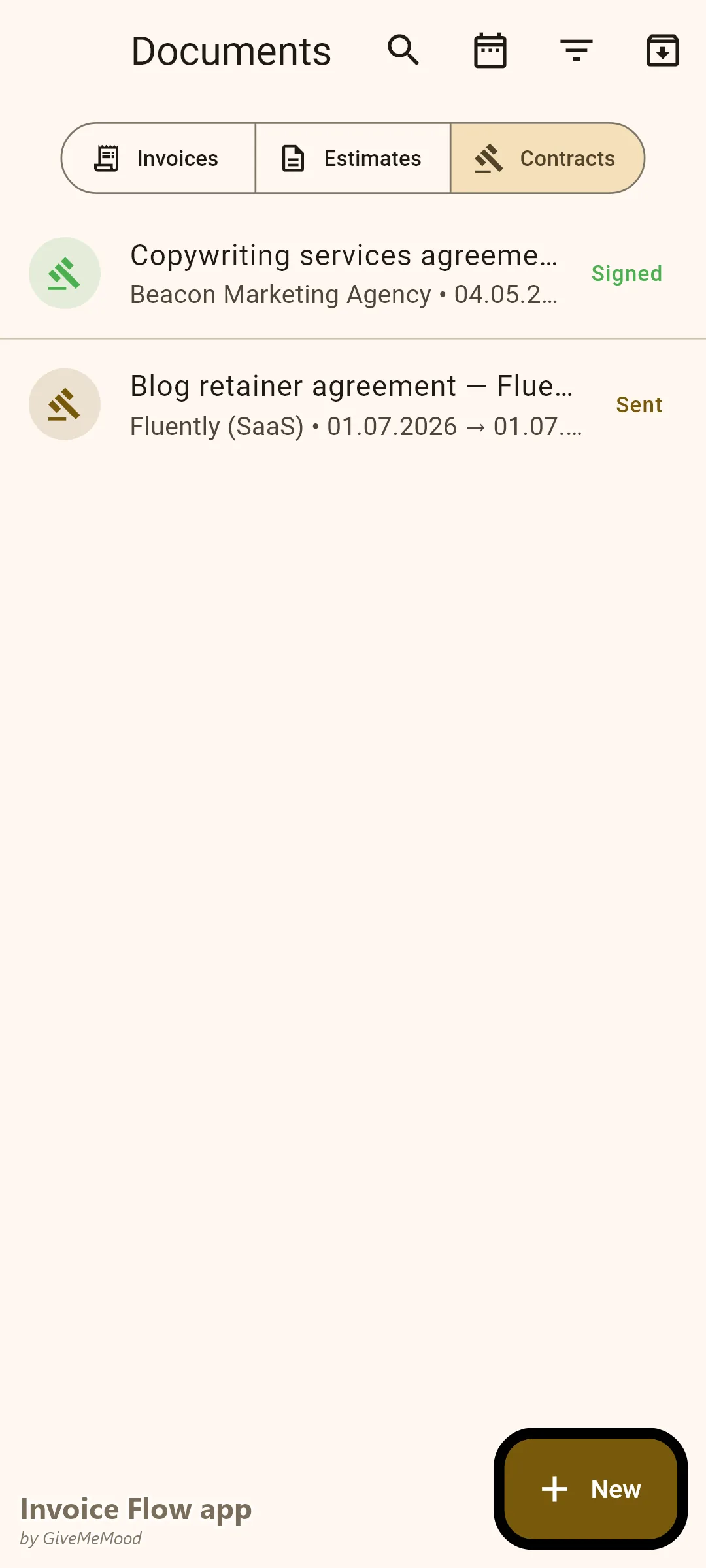
Create a contract in InvoiceFlow that outlines your revision policy (e.g., 2 rounds of revisions included), ownership rights, and payment terms. Link it to the client profile. When a client requests a 4th revision round, you have a signed document to reference.
Analytics for Rate-Setting
The Profit & Loss report shows your actual income vs. expenses over any period. The Client Report shows which clients generated the most revenue. This data tells you which clients to prioritize, which to price higher, and which are costing you time for too little money.
Your Workflow with InvoiceFlow
-
New project: Client approves a scope. Create an Estimate in InvoiceFlow with all line items. Send the PDF. Client signs off. You begin writing.
-
Tracking research time: If you charge for research, use the Time Tracker. Log your hours, link to the client. Convert to a line item on the final invoice.
-
Project delivery: Create the Invoice from the approved Estimate. Add any additional line items (rush fee, extra revisions). Choose Professional template. Send PDF.
-
Recurring clients: Set up once. InvoiceFlow handles monthly billing automatically.
-
Payment received: Mark as Paid. See the updated revenue chart in Analytics.
-
Tax time: Export CSV from Analytics. All income organized by client and date. Clean data for your accountant.
Most Valuable Features for Copywriters
- Line Items with Flexible Units — Charge per word, per hour, or flat fee per project
- Custom Fields — PO numbers and project references for agency clients
- Recurring Invoices — Automate blog package and retainer billing
- Payment Reminders — Professional follow-ups without awkward emails
- Contracts — Document revision policies and usage rights
- Analytics — Revenue by client, income tracking for tax
- Estimates → Invoices — One-tap conversion from approved quote to invoice
Real Example: James Writes More, Chases Less
James is a freelance B2B copywriter. He writes for 12 clients per month — 4 on retainer, 8 on project work. Before InvoiceFlow he spent Sunday evenings piecing together invoices and writing follow-up emails. Now his 4 retainer invoices send automatically. For project clients he converts estimates to invoices with one tap. Payment reminders mean he sends fewer awkward emails. His average payment time dropped from 41 days to 19 days. He increased prices by 15% for the agency clients who consistently paid late — backed by the data from his analytics.
Getting Started
Download InvoiceFlow free on Android. Build your service library with your typical line items (per-word rate, hourly rate, package prices) so invoicing any project takes under 2 minutes. Send your first professional invoice today.