
 EN
EN  العربية
  Български
  Čeština
  Dansk
Dansk  Deutsch
  Ελληνικά
  Español
  Suomi
Suomi  Français
  עברית
עברית  हिन्दी
  Bahasa Indonesia
  Italiano
  日本語
日本語  한국어
한국어  Bahasa Melayu
  Nederlands
  Norsk
Norsk  Polski
  Português
  Română
  Русский
  Svenska
  Kiswahili
  ไทย
ไทย  Türkçe
  Українська
  Tiếng Việt
  中文
中文 InvoiceFlow for Mobile App Developers: Ship Apps and Get Paid, Every Time
Why Mobile Developers Need Better Invoicing
Mobile app developers command premium rates — but premium projects don’t always come with premium billing processes. Many indie developers and freelancers still track payments in spreadsheets, send invoices as Word documents, and chase clients through WhatsApp. The result is a high-skill, high-rate professional operating with the billing sophistication of a student doing odd jobs.
Mobile app projects are complex to bill. Development spans months. Scope changes constantly. App Store submission fees, third-party API subscriptions, push notification services, backend hosting, and analytics platforms all cost money — some of which belongs to the client. Clients range from startups who want milestone payments to corporates who need formal invoice formats. International clients pay in USD, EUR, or their local currency. Some need invoices in their own language.
InvoiceFlow handles all of this and keeps your billing as professional as your code.
Key Pain Points for Mobile App Developers
- Milestone payments for 6-month projects with no clear tracking of which milestones are paid
- Third-party costs (API fees, App Store developer accounts, analytics tools) absorbed instead of billed to clients
- Scope creep — additional screens and features added mid-project with no documentation for extra billing
- International clients in different currencies and languages
- Corporate clients requiring PO numbers and specific invoice formats
- No automated billing for monthly app maintenance and support contracts
How InvoiceFlow Solves It
Milestone Billing for Multi-Month Projects
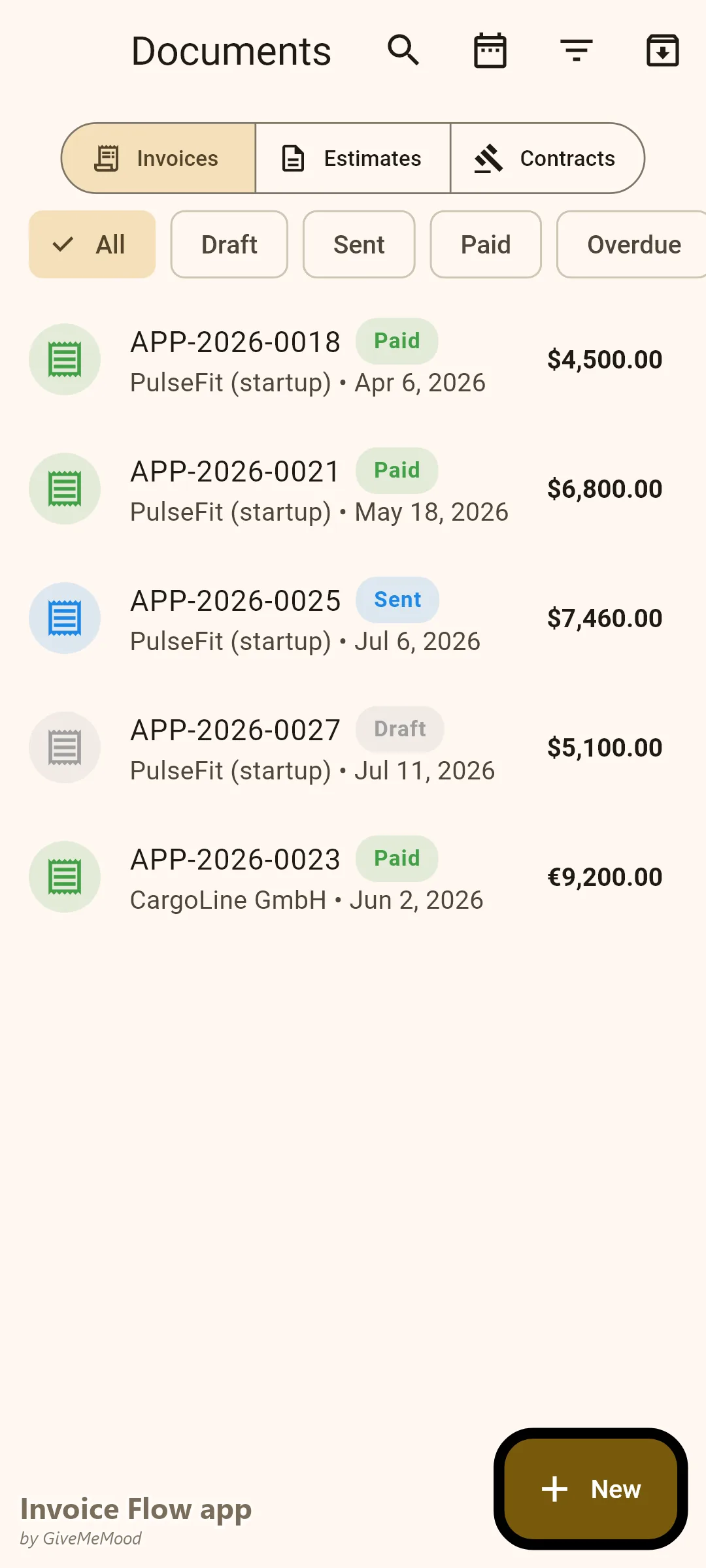
Define your project milestones and bill per milestone: Discovery & Planning, UI/UX Design, Frontend Development, Backend Integration, QA & Testing, App Store Submission, Launch Support. Create an invoice per milestone or list all with a payment schedule. Clients pay progressively. You don’t deliver the next milestone until the previous payment clears. Exposure is managed, cash flow is maintained.
Third-Party Cost Passthrough
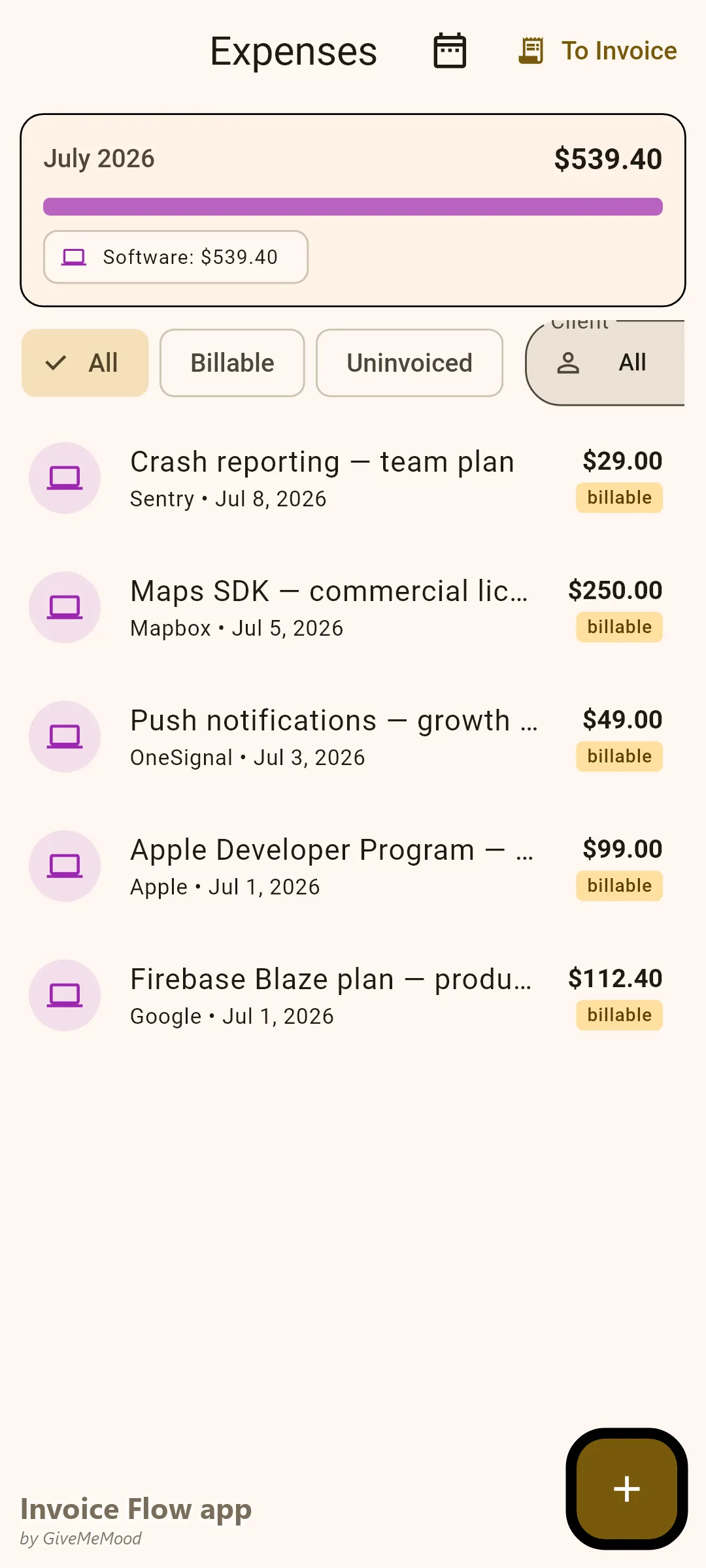
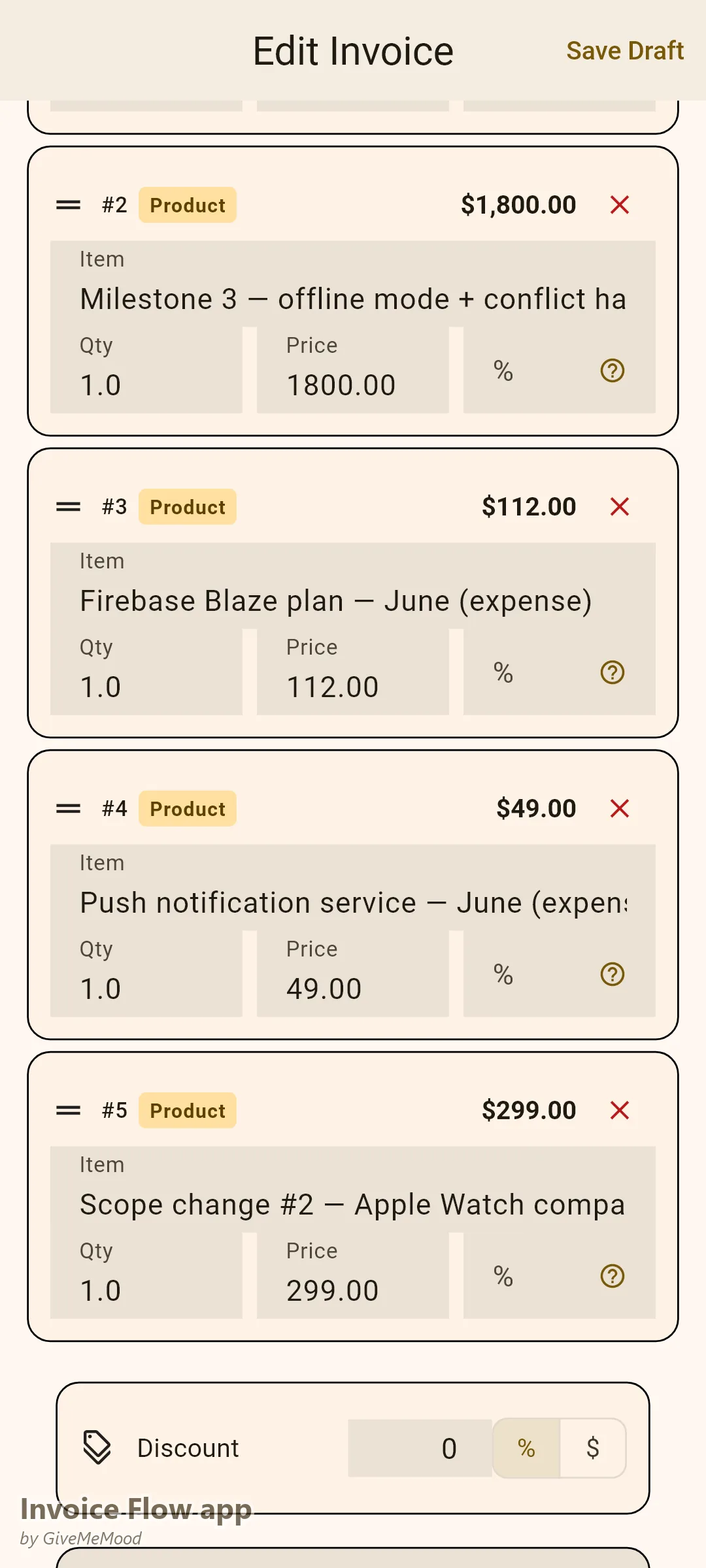
Apple Developer Program fee? Firebase plan? Push notification service? Third-party API subscription for the client’s app? Log each cost in InvoiceFlow’s expense tracker, link to the client, mark as billable. At billing time, these costs appear as line items. Your margin stays intact.
Contracts for Scope Protection
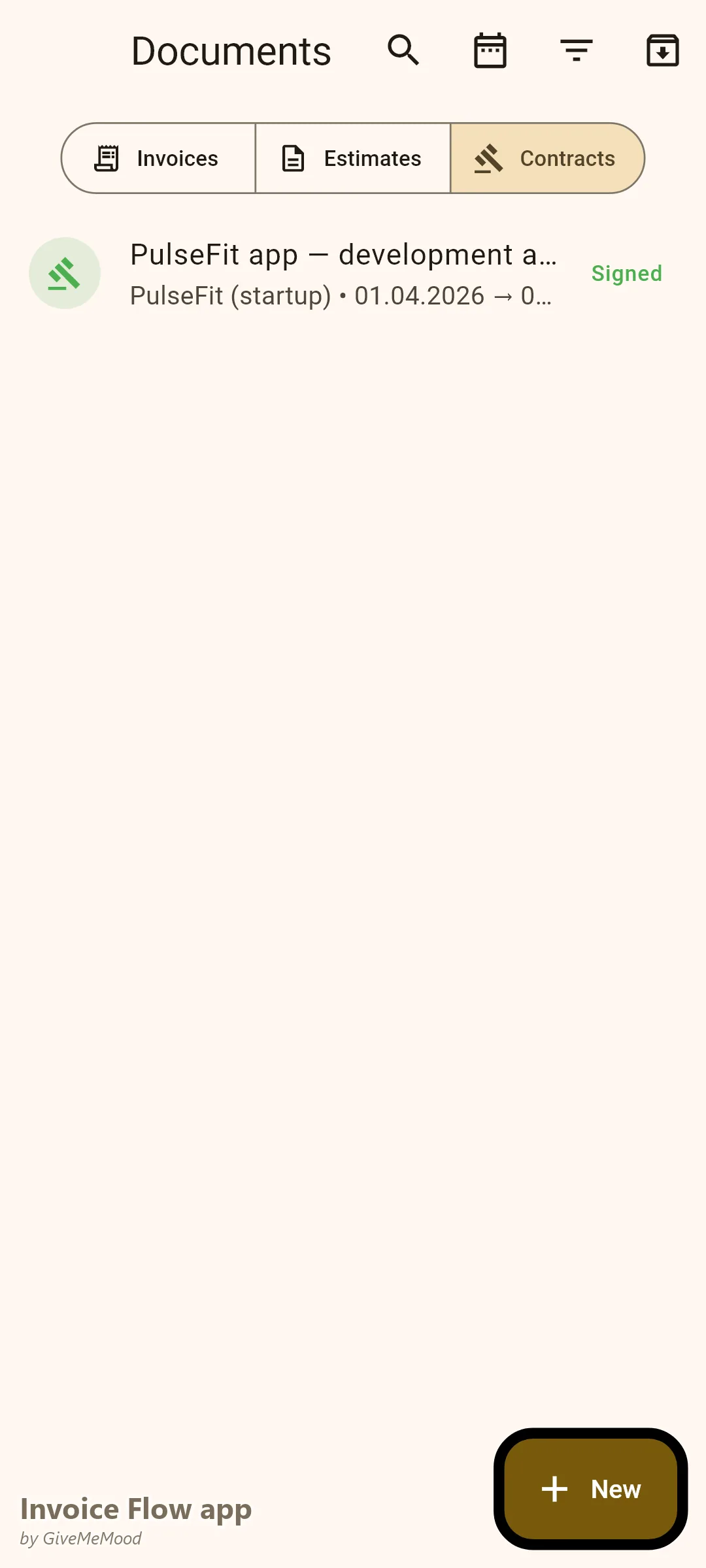
Create a mobile app development contract in InvoiceFlow specifying the app platforms (iOS, Android, web), the screen count, included revisions, and what constitutes a scope change. Link the contract to the project invoices. When the client asks for “just one more screen” for the 8th time, you have a signed document to reference — and a basis for an extra invoice.
Multi-Language Invoices for International Clients
European clients expect invoices with the correct VAT treatment. Some international clients appreciate invoice labels in their native language. InvoiceFlow generates PDF labels in 16 languages and handles tax rates for 45+ countries. Your invoices are globally appropriate from day one.
Recurring for Maintenance and Support Contracts
Monthly maintenance contract? Bug fix retainer? App update subscription? Set up a recurring invoice. It generates automatically every month. Review and send. Your ongoing client relationships are billed without manual effort.
Your Workflow with InvoiceFlow
-
Project kickoff: Create client profile. Agree on milestones and pricing. Issue Proforma Invoice for the discovery/planning deposit. Begin work when paid.
-
During development: Log all third-party costs (Apple developer fee, API subscription). Link to client. Accumulates for the next milestone invoice.
-
Milestone delivery: Issue milestone invoice. Hold the next phase’s code or deliverable until payment clears. Professional and contractually sound.
-
App launch: Issue final invoice for launch and post-launch support. Add any extra scope items negotiated during development.
-
Post-launch maintenance: Recurring invoice handles monthly billing automatically.
Most Valuable Features for Mobile App Developers
- Milestone Invoicing — Phase-based billing for multi-month projects
- Expense Tracker — Third-party platform cost passthrough
- Contracts — Scope protection and change order documentation
- Multi-Currency — International clients in their currency
- Multi-Language Invoices — EU and international client compliance
- Recurring Invoices — Maintenance and support contract automation
- Custom Fields — Corporate PO numbers and project references
Real Example: Dmitri’s App Agency Bills Every Phase
Dmitri is an independent mobile app developer building iOS and Android apps for startups and SMEs. His average project is 4-5 months and $15,000-40,000. Before InvoiceFlow he issued one invoice at the end of the project — and waited up to 60 days for payment while absorbing all the costs. Now he uses milestone invoicing: 20% upfront, 20% per major phase, with App Store fees billed as pass-through costs. His cash flow improved dramatically. One client who would have likely disappeared after delivery was locked into paying progressively — ensuring full project payment.
Getting Started
Download InvoiceFlow free on Android. Create your development milestone templates, set up your first project invoice, and implement phase-based billing on your next app project.