
 EN
EN  العربية
  Български
  Čeština
  Dansk
Dansk  Deutsch
  Ελληνικά
  Español
  Suomi
Suomi  Français
  עברית
עברית  हिन्दी
  Bahasa Indonesia
  Italiano
  日本語
日本語  한국어
한국어  Bahasa Melayu
  Nederlands
  Norsk
Norsk  Polski
  Português
  Română
  Русский
  Svenska
  Kiswahili
  ไทย
ไทย  Türkçe
  Українська
  Tiếng Việt
  中文
中文 InvoiceFlow for Freelance Photographers: Invoice Like a Pro, Shoot Like an Artist
Why Photographers Need Purpose-Built Billing
Photography is one of the most passion-driven professions — and one of the worst paid when it comes to collecting what you’re owed. Photographers routinely deliver stunning work and then struggle for weeks to get paid because their invoicing process is informal, inconsistent, or just plain hard to take seriously.
The business side of photography is genuinely complex. You shoot weddings, corporate events, portraits, products, and real estate — each with completely different pricing models. You charge session fees, licensing fees, print packages, editing add-ons, travel expenses, and equipment rental. Some clients pay a 50% deposit upfront, the rest on delivery. Others want a retainer for ongoing commercial work. Your expenses — equipment maintenance, props, editing software, cloud storage — vary month to month.
InvoiceFlow brings order to this complexity with a mobile-first design built for people who work in the field, not behind a desk.
The Biggest Pain Points for Freelance Photographers
- Arriving at a shoot without an invoice ready because the system is too slow or complicated to use on the go
- Losing track of deposits — knowing someone paid 50% but not remembering how much
- Forgetting to bill for mileage, parking, prop purchases, or equipment rental
- Not having a professional-looking invoice to match the quality of your photography
- Clients ghosting after receiving the gallery because there’s no clear payment tracking system
- Mixing up different packages and print options when itemizing an invoice
- No ability to manage contracts, invoices, and delivery notes in one place
How InvoiceFlow Solves These Challenges
Stunning Invoice Templates for a Visual Profession
As a photographer you understand visual communication. InvoiceFlow’s templates were designed with the same attention to layout: Clean for minimalism, Elegant for luxury clients, Bold for commercial work, Creative for editorial clients. Add your logo and the invoice visually matches the galleries you deliver. Choose a color palette that reflects your brand — Ocean for fresh/airy, Charcoal for editorial/fine art.
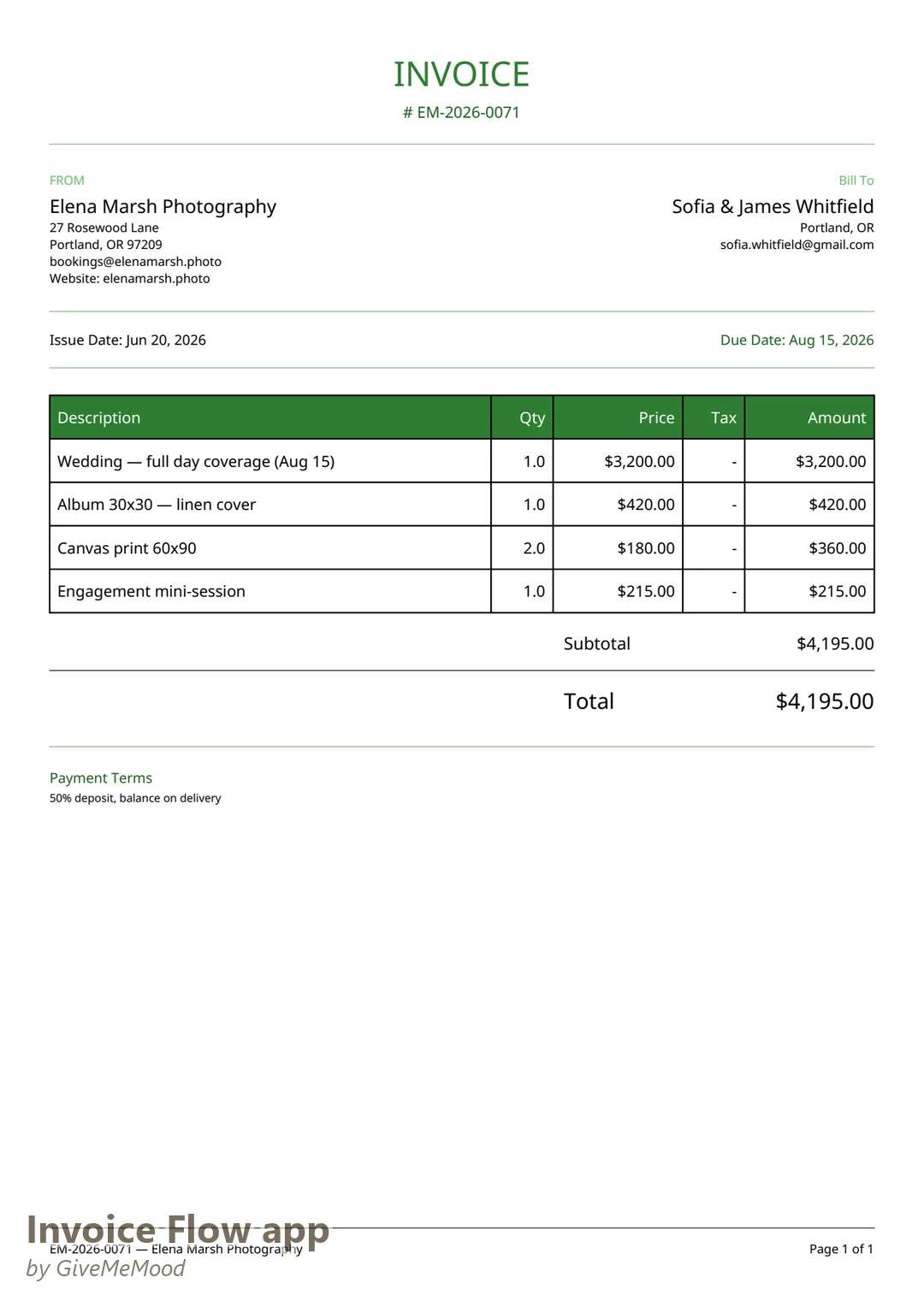
Split Payment Tracking
Photographers almost always take a deposit. InvoiceFlow lets you record multiple payments against a single invoice. Record the 50% deposit when it arrives, then the remaining 50% when the gallery is delivered. The invoice status updates accurately, and you always know exactly what’s been paid.
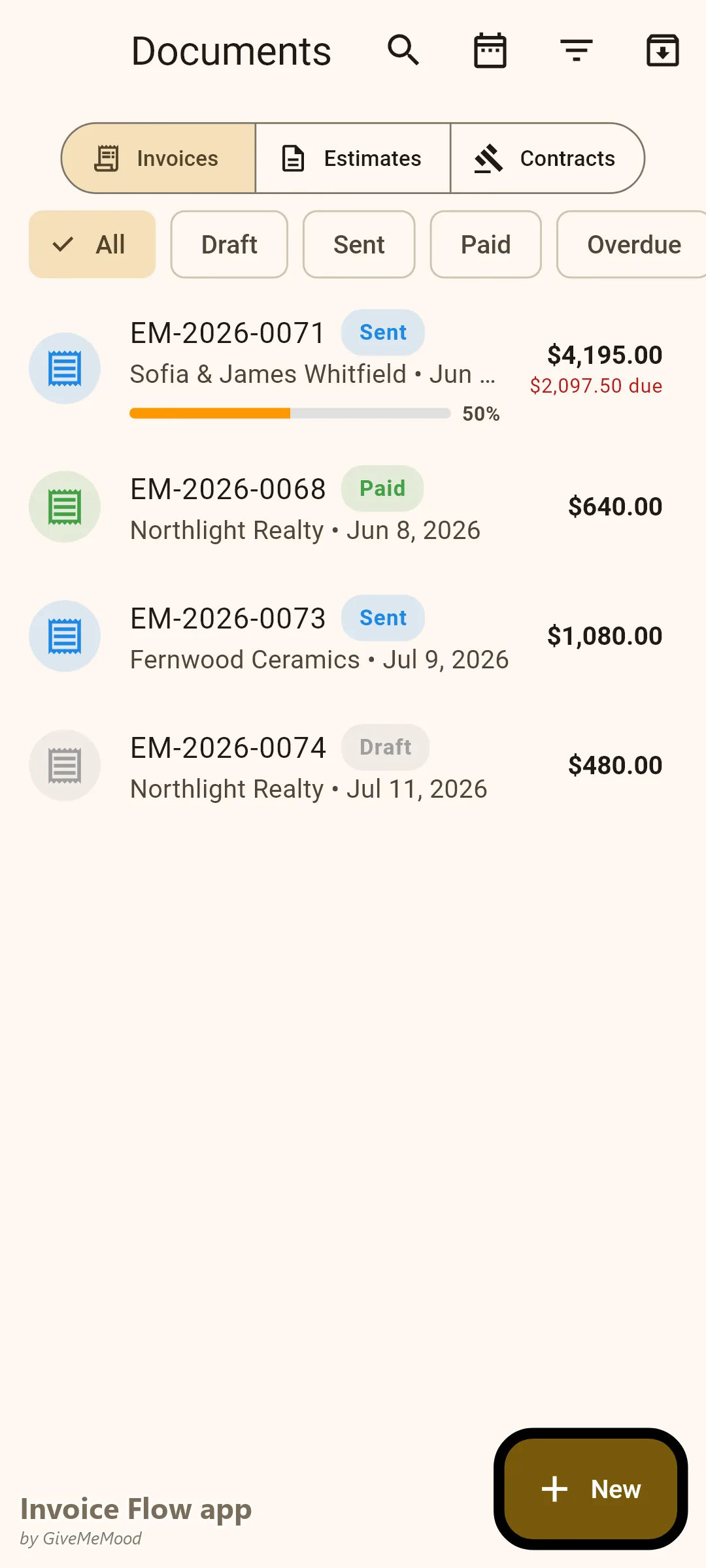
Expense Logging On Location
You’re at a shoot and spend $40 on parking and $25 on props. Pull out your phone, photograph both receipts in InvoiceFlow, tag them as billable to the client, and move on. When you generate the final invoice, those expenses appear automatically as line items. You stop absorbing location costs that belong to the client.
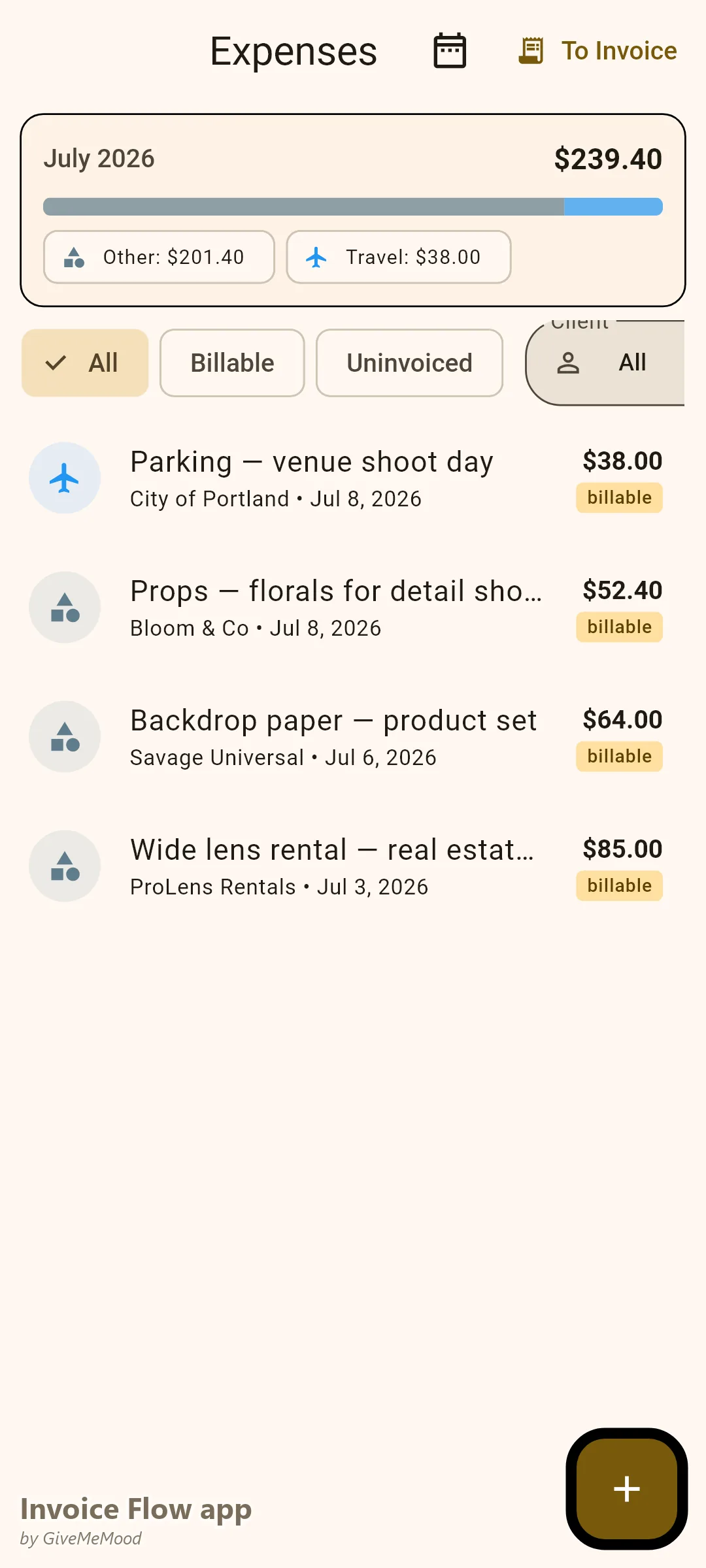
Product Library for Packages and Prints
Build your package library in InvoiceFlow: Half-Day Session, Full-Day Session, Album 30x30, Canvas Print 60x90, Extra Editing Hour. When creating an invoice, select from your library instead of typing the same descriptions every time. Prices, units, and tax rates are pre-filled. Invoicing a complex multi-product order takes under a minute.
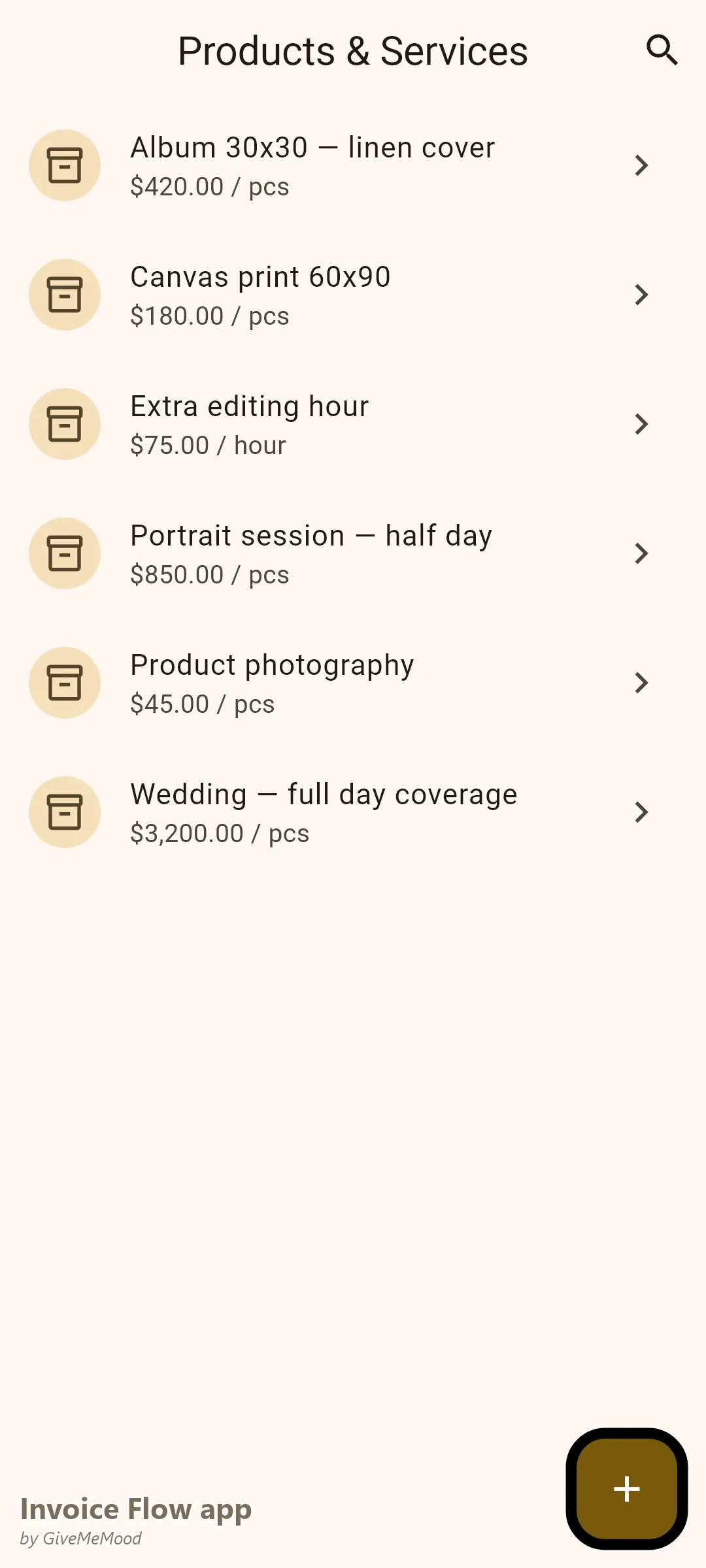
Contracts Linked to Client Profiles
Create a photography contract for each client — usage rights, revision policy, cancellation terms. Link it to the client profile and the corresponding invoice. When disputes arise (they do), everything is in one place: the signed contract, the invoice, the payment records.
Delivery Notes for Gallery Handoff
When you deliver a gallery or print order, generate a Delivery Note with item quantities and tracking info. The client has a document confirming what they received, which reduces disputes about missing files or prints.
Your Workflow with InvoiceFlow
-
Booking the shoot: Create the client profile. Create a contract with your terms and conditions. Send the PDF. Create an Invoice with 50% deposit due.
-
Deposit received: Open the invoice, record the payment. Status shows “Partially Paid.” You know exactly what’s outstanding.
-
On location: If you have billable expenses (parking, props), log them in the app with photo receipts during or after the shoot.
-
Delivering the gallery: Update the invoice with any additional items (extra editing, rush delivery, prints ordered). Mark remaining balance due. Send the updated invoice with the gallery delivery.
-
Final payment received: Record payment. Invoice status becomes Paid. Analytics updates.
-
Seasonal review: Check Analytics. Which month was your highest revenue? Which client type is most profitable? Adjust pricing accordingly.
Most Valuable Features for Photographers
- Split Payment Recording — Deposits and balances tracked on one invoice
- Expense Tracker with Photos — Log shoot expenses on location
- Product Library — Pre-build packages, prints, add-ons
- Invoice Templates — Visual quality that matches your work
- Contracts — Link usage rights agreements to invoices
- Delivery Notes — Confirm gallery and print delivery
- Analytics — Understand seasonal revenue patterns
Real Example: Sofia Photographs, Invoices, Gets Paid
Sofia is a wedding and portrait photographer. She used to send invoices via email as Word attachments — payment was often late or disputed. Now she sends contracts and invoices as professional PDFs directly from InvoiceFlow. Her wedding clients see a branded Elegant template invoice that matches the quality they expect. Deposit tracking means she never loses sight of what’s owed. She recovered an average of $220/month in forgotten shoot expenses. Her payment cycle shortened from 35 days to 12 days because professional invoices create professional expectations.
Getting Started
InvoiceFlow is free on Android. Build your product library with your packages and print options in 10 minutes. Create your first client and send your first invoice today — before your next shoot.