
 EN
EN  العربية
  Български
  Čeština
  Dansk
Dansk  Deutsch
  Ελληνικά
  Español
  Suomi
Suomi  Français
  עברית
עברית  हिन्दी
  Bahasa Indonesia
  Italiano
  日本語
日本語  한국어
한국어  Bahasa Melayu
  Nederlands
  Norsk
Norsk  Polski
  Português
  Română
  Русский
  Svenska
  Kiswahili
  ไทย
ไทย  Türkçe
  Українська
  Tiếng Việt
  中文
中文 InvoiceFlow for IT Support Professionals: Complete Billing Guide
The billing system built for IT technicians, helpdesk providers, and managed services practices
IT support billing covers more ground than almost any other service profession. In a single week you might invoice break-fix service calls, recurring MSP agreements, hardware and software procurement, corporate helpdesk tickets, and project-based network installations. Each billing type has different documentation requirements, different payment terms, and different client expectations.
InvoiceFlow handles every IT billing type from one Android app. This guide covers how to set up and use each one.
Break-Fix Service Call Invoicing
Break-fix billing lives and dies on speed and documentation. The longer you wait to invoice, the more details you lose — and the more you risk not invoicing at all.
The on-site invoice rule: create the invoice before you leave the client site. Open InvoiceFlow on your phone, select your break-fix service line items, add any travel, and send. The entire process takes three to five minutes while the work is fresh.
A complete break-fix invoice line item:
“Remote Desktop Troubleshooting — Outlook configuration and email server settings: 1.5 hours × $110/hr: $165.00”
Document what you did, not just how long you were there. Specific task descriptions eliminate disputes because clients can verify what was done — and they rarely contest charges for work they can recognize.
Standard break-fix line items to pre-build in your InvoiceFlow service catalog:
- Remote desktop troubleshooting (per hour)
- On-site hardware diagnosis (per hour)
- Network troubleshooting and configuration (per hour)
- Virus/malware removal (per hour or flat rate)
- Data backup and recovery (per hour)
- Software installation and configuration (per hour)
- Travel time / mileage (per mile or flat fee)
- Emergency/after-hours rate (premium per hour)
MSP Recurring Invoice Setup
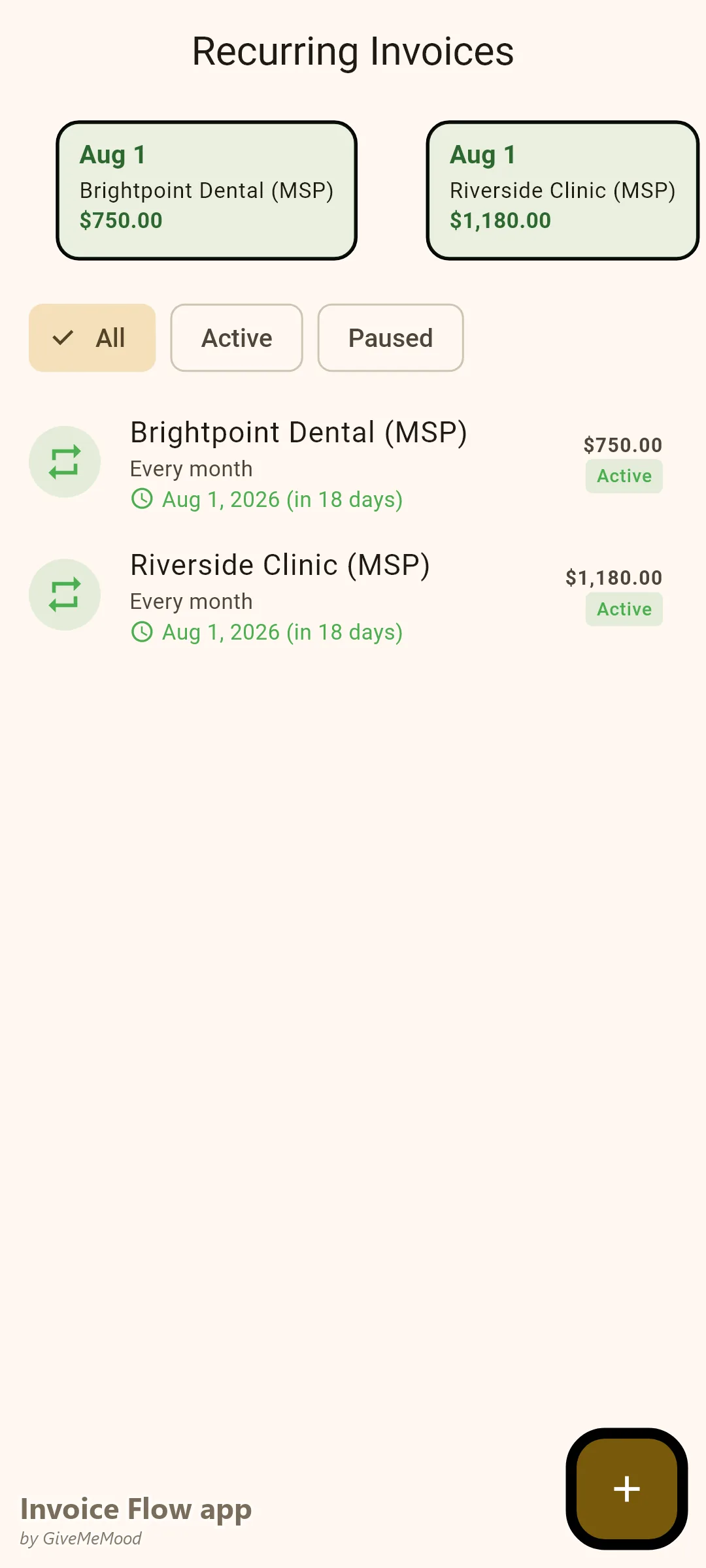
Managed services agreements are the revenue foundation of a sustainable IT practice. InvoiceFlow’s recurring invoice feature generates and sends monthly MSP invoices automatically.
Setting up a monthly MSP invoice:
“Managed IT Services — [Client Name] — [Month Year]:
- 5 workstations: remote monitoring, automated patching, threat detection
- Helpdesk access: up to 4 hours monthly response included
- Monthly preventive maintenance visit (1 hour on-site)
- Network monitoring: router, switch, firewall Monthly fee: $675.00”
Set the invoice to recur monthly. InvoiceFlow sends it on the same date each month without manual intervention. Clients receive a consistent, professional invoice that matches their budget expectations.
MSP pricing tiers to define in your service catalog:
Workstation monitoring (per device/month): $25-45 Server monitoring (per server/month): $75-150 Helpdesk hours block (included or overage rate): varies Patch management: bundled or per-device Backup monitoring: flat rate On-site maintenance visit: per visit or bundled
Hardware Procurement Invoicing
Hardware invoices require complete documentation for warranty support, asset tracking, and client recordkeeping. Every hardware line item should include manufacturer, model, serial number, and specifications.
“Hardware Procurement — [Client Name] — [Date]:
- Lenovo ThinkPad E16 (S/N: LNV2026-87341) — 16GB RAM, 512GB SSD: $1,280.00
- Windows 11 Pro OEM License (Key: XXXXX-XXXXX-XXXXX-XXXXX): $189.00
- Hardware Configuration and Setup — 2 hours × $110/hr: $220.00
- 3-Year Manufacturer Warranty Extension: $180.00 Total: $1,869.00”
Use InvoiceFlow’s notes field to record serial numbers and license keys. This documentation serves you when handling warranty claims and serves the client for asset tracking and insurance records.
Corporate Helpdesk Ticket Billing
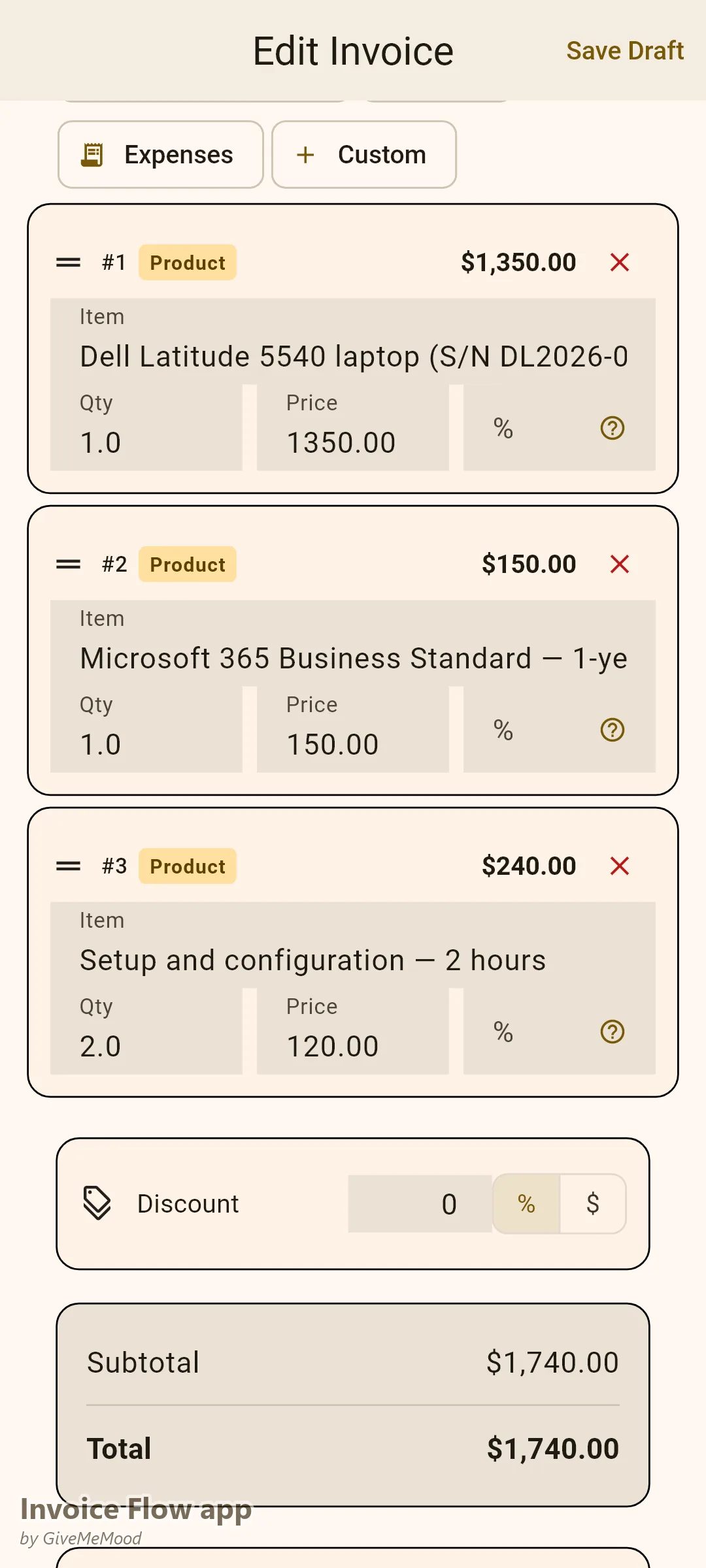
Corporate clients with internal IT departments use helpdesk ticketing systems. Their AP teams require every invoice to reference the originating ticket number. Without this reference, invoices go into a review queue.
Add a custom “Ticket Reference” field to every corporate invoice in InvoiceFlow:
“IT Support Services — [Corporate Client] — [Month Year]: Ticket #IT-2026-04891 — Server room temperature alarm investigation and HVAC contractor coordination 3.5 hours × $125/hr: $437.50 Ticket Reference: IT-2026-04891 Purchase Order: PO-2026-0341”
The invoice matches their internal record. AP processes without follow-up. Payment arrives within the agreed net terms.
For corporate clients, also include:
- Your company name and tax ID
- Net-30 payment terms prominently displayed
- Bank or payment details for ACH or check
Project Billing: Network Installations and Server Setups
Larger IT projects — new network installations, server room buildouts, infrastructure migrations — should be billed by phase rather than as a single invoice at completion.
Standard IT project phase structure:
Phase 1 — Assessment and Planning (25%): Site survey, needs analysis, project scope documentation. Billed at project commencement.
Phase 2 — Procurement and Preparation (25%): Equipment ordered and tested, network diagram finalized. Billed when equipment is confirmed.
Phase 3 — Installation and Configuration (35%): Physical installation, network configuration, system testing. Billed at installation completion.
Phase 4 — Training and Handover (15%): Staff training, documentation delivery, client sign-off. Billed at project close.
Phase billing distributes your income across the project timeline and gives clients clear checkpoints tied to tangible deliverables.
Software Licensing Invoices
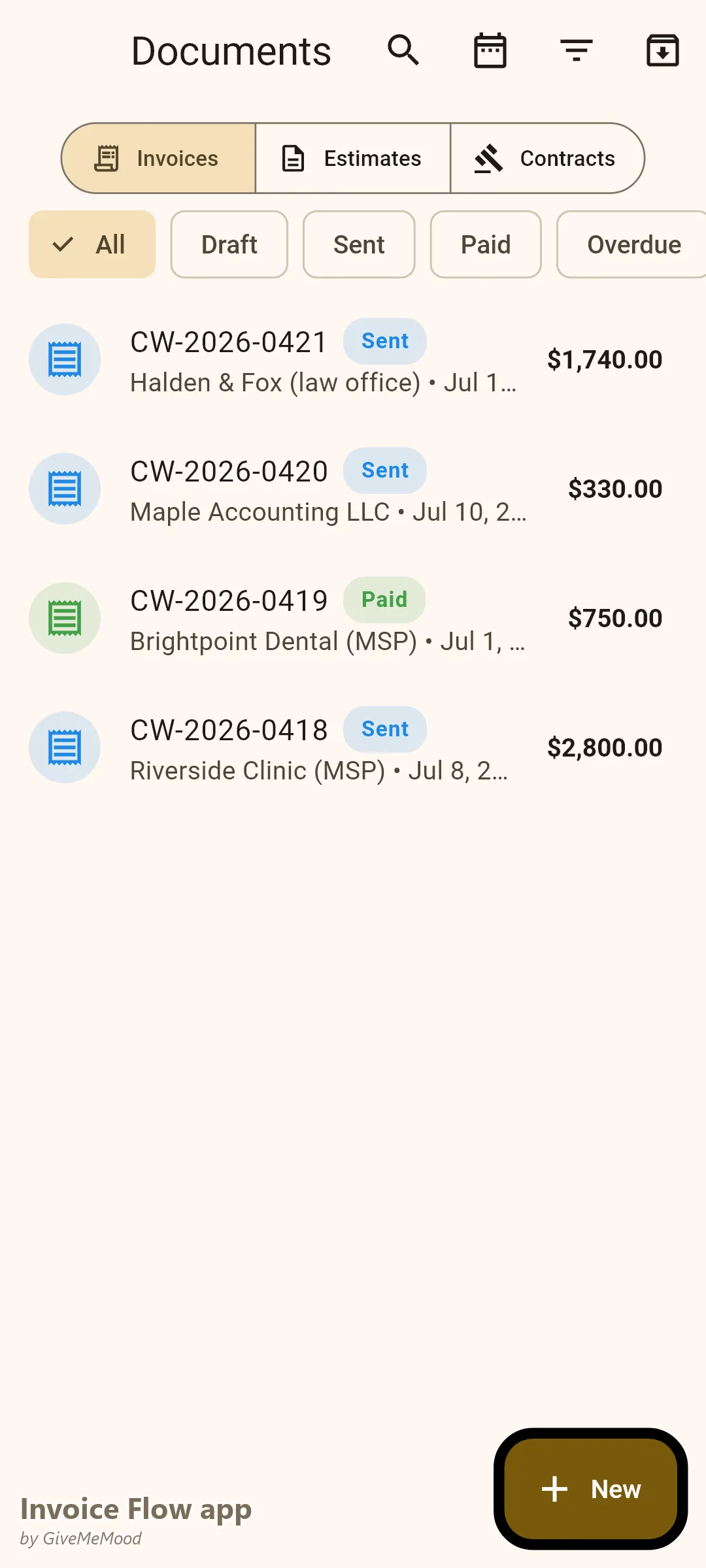
Software procurement and licensing invoices need documentation similar to hardware:
“Software Licensing — [Client Name]:
- Microsoft 365 Business Standard — 5 licenses × $22/user/month (annual commitment): $1,320.00
- Adobe Acrobat Pro — 2 licenses × $239.88/year: $479.76
- Licensing Setup and Account Configuration — 1 hour × $110/hr: $110.00 Total: $1,909.76”
Always document license keys, seat counts, subscription terms, and renewal dates. Clients rely on this information for their software asset management.
What InvoiceFlow Does for IT Professionals
- Service catalog: pre-build your break-fix rates, MSP tier pricing, hourly rates, and hardware markup so every invoice starts from your established pricing
- Recurring invoices: MSP monthly agreements auto-generate and send without manual intervention
- Custom fields: add ticket reference numbers, PO numbers, client cost centers, or asset tags to any invoice
- On-site mobile invoicing: create and send invoices directly from your phone before leaving the client site
- Payment tracking: see outstanding balances by client across all invoice types
- Professional PDF output: bank-quality formatting that corporate AP teams and small business owners both accept without hesitation
Getting Started
- Build your service catalog: break-fix hourly rates, MSP tier packages, hardware markup percentage, travel rate
- Create recurring invoice templates for each MSP client — set and forget
- Enable custom fields for corporate clients who require ticket references or PO numbers
- Set a rule: invoice before you leave the site on every break-fix call
- Convert your next break-fix client whose monthly spend is consistent to a flat monthly MSP agreement
Download InvoiceFlow. Professional billing is the operational foundation that turns a freelance IT practice into a real managed services business.
InvoiceFlow is a free invoicing app for Android, designed for independent professionals and small business owners.