
 EN
EN  العربية
  Български
  Čeština
  Dansk
Dansk  Deutsch
  Ελληνικά
  Español
  Suomi
Suomi  Français
  עברית
עברית  हिन्दी
  Bahasa Indonesia
  Italiano
  日本語
日本語  한국어
한국어  Bahasa Melayu
  Nederlands
  Norsk
Norsk  Polski
  Português
  Română
  Русский
  Svenska
  Kiswahili
  ไทย
ไทย  Türkçe
  Українська
  Tiếng Việt
  中文
中文 InvoiceFlow for Jewelry Designers: From Sketch to Sale, Professionally Invoiced
Why Jewelry Designers and Makers Need Better Billing
Jewelry design is a business that blends artistry with materials management, production, and sales — and most independent jewelry designers are doing all three simultaneously without a coherent financial system. You design, source materials, produce pieces, sell wholesale to boutiques, sell direct to consumers, accept custom commissions, and teach jewelry-making workshops. Each of these channels has different billing needs.
Custom jewelry commissions deserve milestone billing — 50% deposit when the design is approved, 50% on delivery. Wholesale accounts need formal invoices with net terms (Net 30 is standard in retail). Workshop attendees need receipts. Material costs for custom pieces — gemstones, precious metals, findings — should be documented on the invoice. And as your brand grows, you need financial data to understand which sales channels are actually profitable.
Key Pain Points for Jewelry Designers
- Custom commission deposits tracked informally — often lost or confused
- Wholesale invoices sent with net terms but no payment tracking system
- Material costs for custom pieces not documented clearly on client invoices
- No system for recurring wholesale restocking orders from repeat boutiques
- Workshop and class income not properly invoiced
- No income tracking across multiple sales channels (direct, wholesale, commissions)
How InvoiceFlow Solves It
Custom Commission Billing
When a client commissions a custom engagement ring or bespoke necklace, create an invoice with the deposit structure: design consultation fee, materials estimate, 50% deposit, final balance on delivery. As materials are sourced, log the costs in the expense tracker. On the final invoice, the actual material costs appear as line items alongside your labor. Everything is transparent and professional.
Wholesale Invoicing with Net Terms
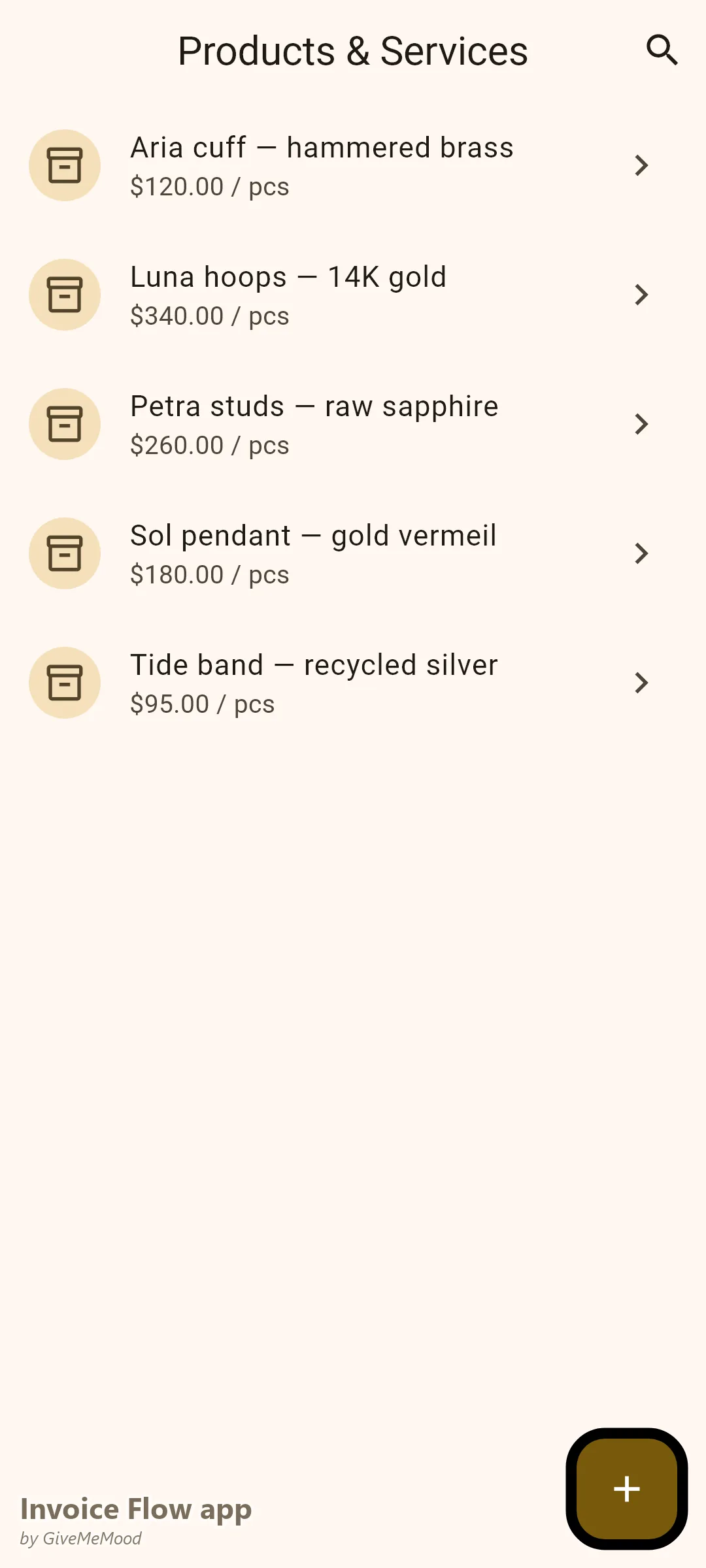
When supplying boutiques and gallery stores, InvoiceFlow produces the formal Net 30 or Net 60 invoices that retail buyers expect. List each SKU, description, wholesale price, and quantity. Calculate tax correctly based on the buyer’s state or country. The Professional template produces exactly what a boutique’s purchasing department needs.
Inventory Management for Production Tracking
Track your finished jewelry inventory in InvoiceFlow. When a wholesale order ships, the inventory automatically decrements. Low stock alerts notify you when a popular style needs restocking. Your wholesale orders and inventory stay in sync without a separate spreadsheet.
Material Cost Transparency
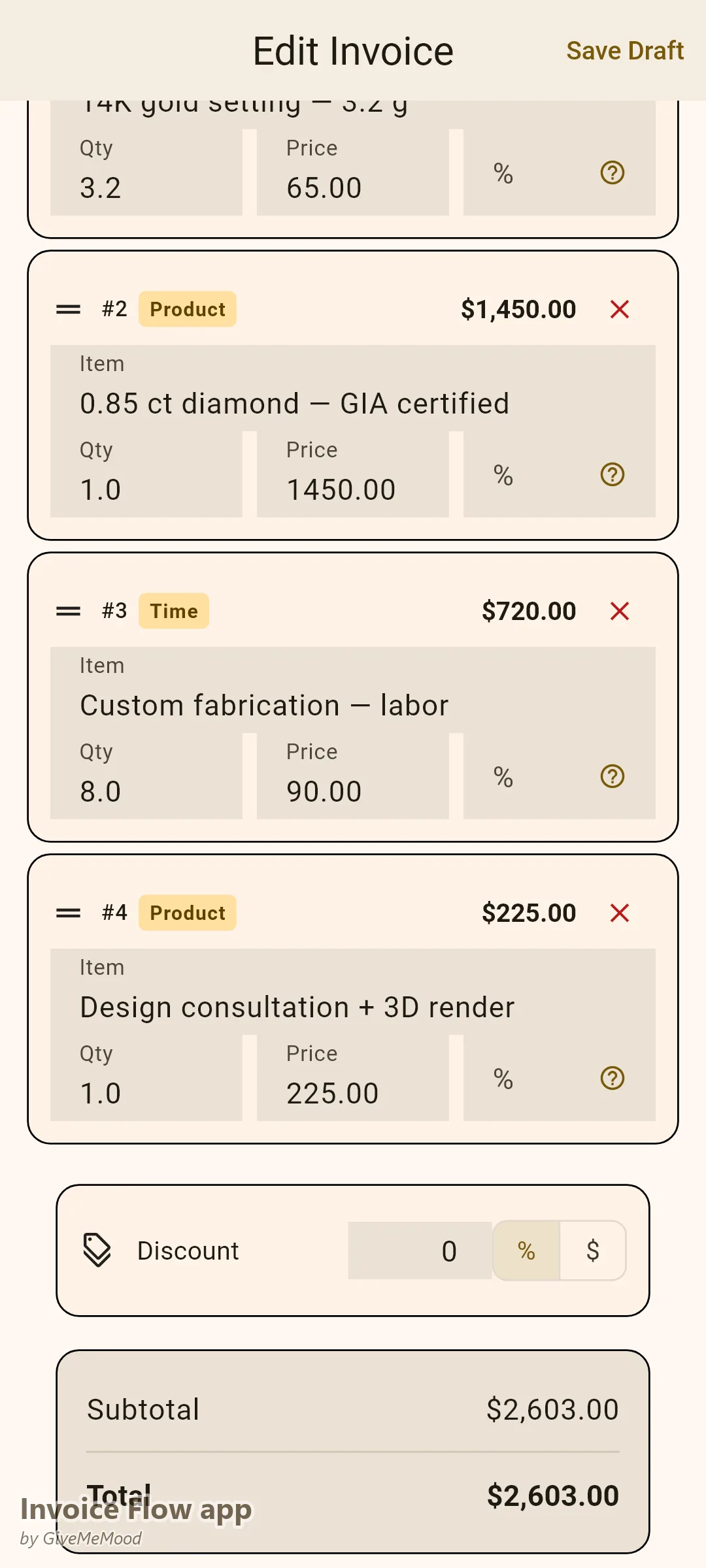
For custom pieces, list the primary materials as line items: “14K Gold Setting — 3.2g @ $65/g: $208,” “0.85ct Diamond — GIA certified: $1,450,” “Labor — 8 hours custom fabrication @ $90/hr: $720.” The client sees exactly what they’re paying for. Custom jewelry pricing becomes defensible and clear.
Recurring Wholesale Orders
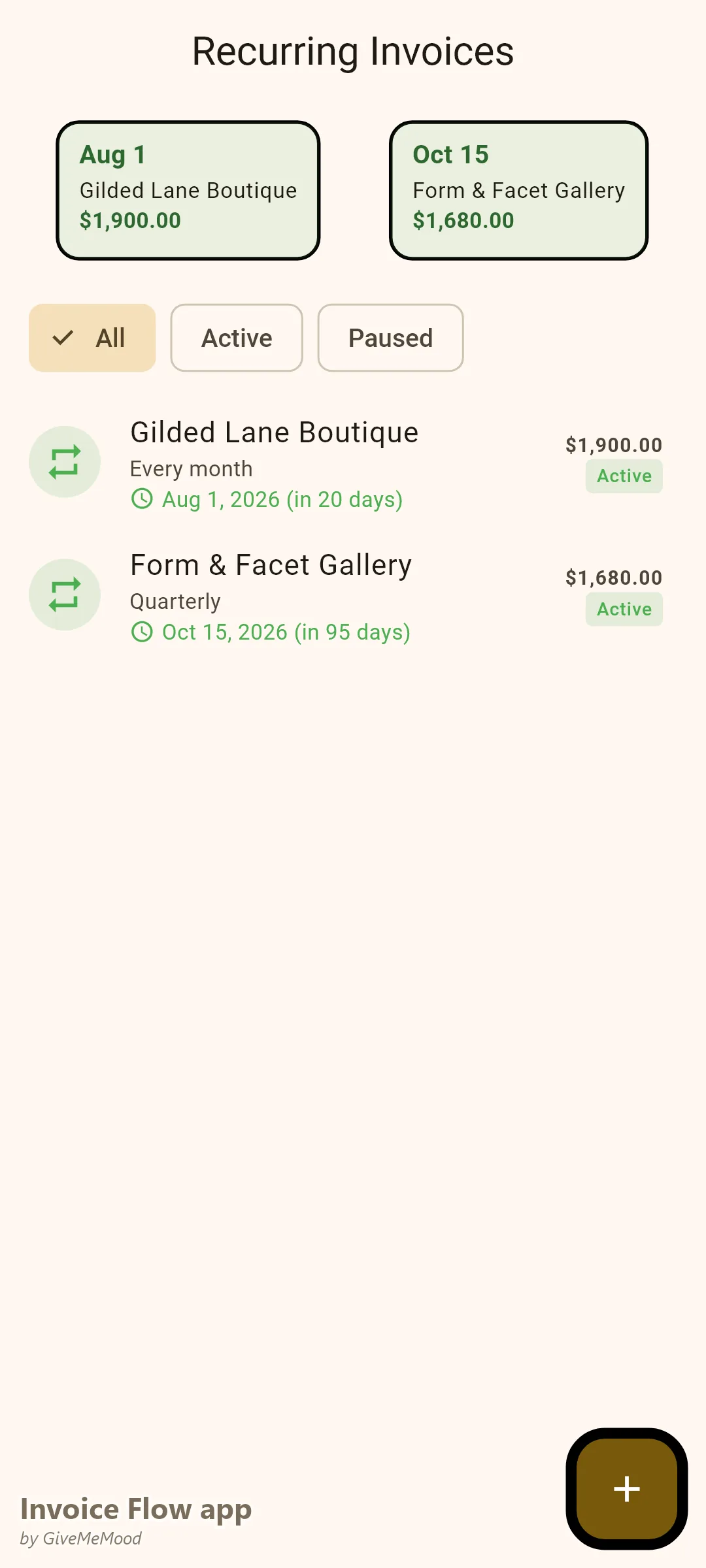
If a boutique orders monthly restocking of your signature collection, set up a recurring invoice with the standard order. They receive the invoice automatically. Adjust quantities in the monthly review before sending.
Your Workflow with InvoiceFlow
-
Custom commission: Design consultation. Client approves design sketch. Issue deposit invoice with material estimate. Receive deposit. Begin making.
-
Materials sourced: Log gemstone and metal costs in expense tracker, linked to this client’s project. They appear on the final invoice.
-
Piece completed: Issue final invoice with all line items (materials + labor). Balance due on delivery. Client receives the piece and a professional invoice.
-
Wholesale order: Boutique sends purchase order. Create invoice from their order. Send with Net 30 terms. Set payment reminder.
-
Workshop: Participants pay on arrival or in advance. Issue receipts from InvoiceFlow on the spot.
-
Monthly review: Analytics shows revenue by channel: commissions, wholesale, workshop. Know which is growing, which is shrinking, which is most profitable.
Most Valuable Features for Jewelry Designers
- Split Payment Tracking — Deposit and delivery for custom commissions
- Inventory Management — Wholesale stock tracking
- Expense Tracker — Material cost documentation for custom pieces
- Net Terms Invoicing — Formal wholesale invoices for boutiques
- Recurring Invoices — Monthly restocking orders automated
- Analytics — Revenue by sales channel (custom vs wholesale vs workshop)
Real Example: Elena’s Jewelry Studio Scales Without Chaos
Elena makes fine jewelry — primarily custom commissions and wholesale to 8 boutiques. Before InvoiceFlow her wholesale invoicing was inconsistent (some boutiques paid late because her invoices didn’t have clear terms), and her custom commission billing was informal. With InvoiceFlow her wholesale invoices have Net 30 terms, payment reminders, and professional formatting that boutique buyers respect. Her commission billing includes material cost transparency that justified a 22% price increase — clients understood the value once they saw the materials listed.
Getting Started
Download InvoiceFlow free on Android. Build your jewelry product library with your standard pieces and wholesale prices. Set up your first boutique client with Net 30 terms and send your first professional wholesale invoice today.