
 EN
EN  العربية
  Български
  Čeština
  Dansk
Dansk  Deutsch
  Ελληνικά
  Español
  Suomi
Suomi  Français
  עברית
עברית  हिन्दी
  Bahasa Indonesia
  Italiano
  日本語
日本語  한국어
한국어  Bahasa Melayu
  Nederlands
  Norsk
Norsk  Polski
  Português
  Română
  Русский
  Svenska
  Kiswahili
  ไทย
ไทย  Türkçe
  Українська
  Tiếng Việt
  中文
中文 InvoiceFlow for Graphic Designers: Stop Chasing Payments, Start Creating
Why Graphic Designers Need Professional Invoicing
Graphic designers live and breathe visuals — every deliverable you send is a statement about your taste, your professionalism, and your brand. Yet many talented designers still invoice clients with plain Word documents or messy spreadsheet templates that look nothing like the polished work they just delivered. The disconnect is jarring, and it costs money.
Beyond aesthetics, design work has unique billing complexity. Projects split into phases (discovery, concepts, revisions, final delivery). Clients request countless revisions beyond the agreed scope. You juggle recurring retainer clients alongside one-off projects. You track billable hours for some clients and charge flat fees for others. You deal with clients in different countries, different currencies, and different tax regimes. A generic invoicing tool buckles under all of this.
InvoiceFlow was built for exactly this kind of professional. It handles every layer of billing complexity while producing invoices that look as good as your design portfolio.
The Biggest Pain Points for Graphic Designers
- Sending invoices in Word/PDF templates that look embarrassingly basic compared to your actual design work
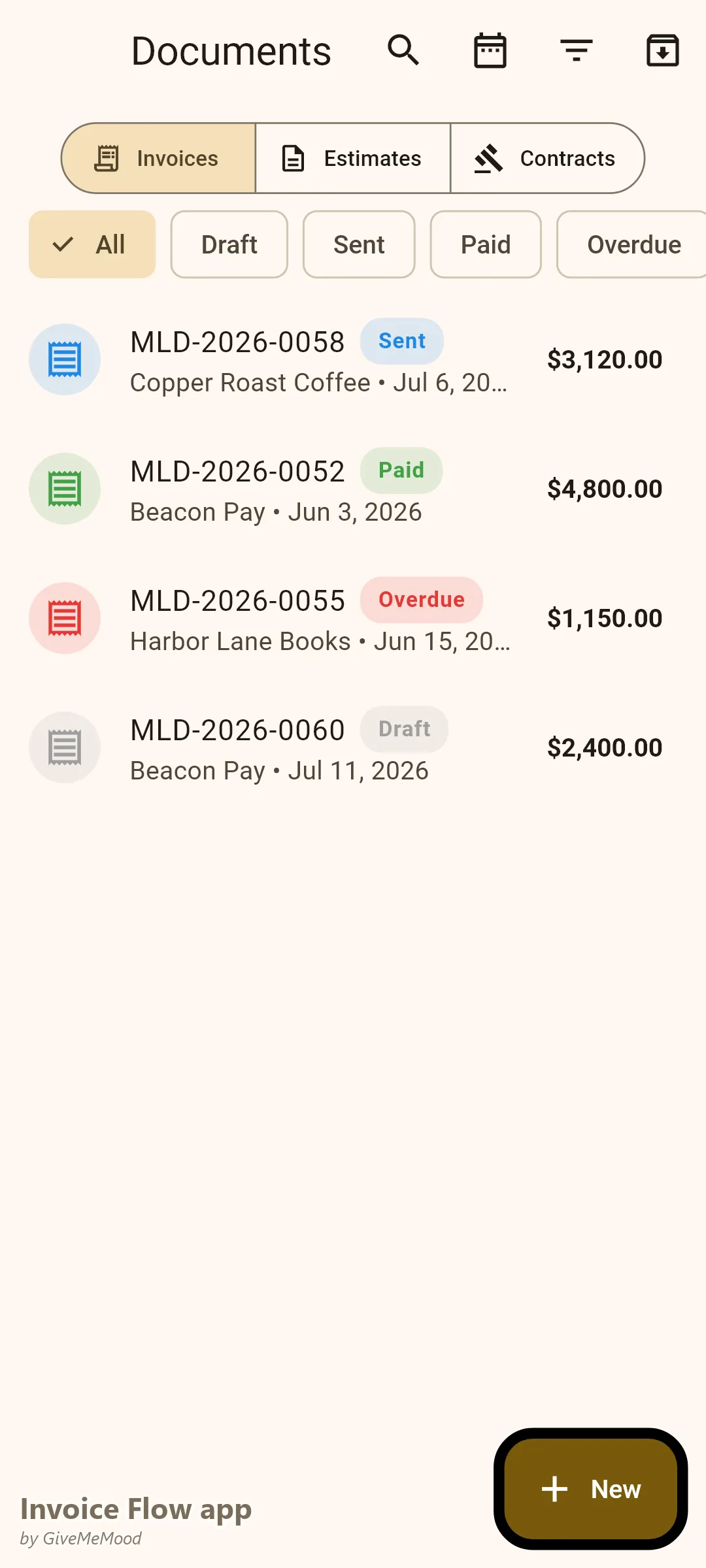
- No clear system for tracking which invoices are paid, overdue, or still draft
- Losing track of billable hours spent on client calls, revisions, and feedback rounds
- Forgetting to invoice small expenses (stock images, font licenses, software subscriptions) that should be passed on to clients
- Miscalculating taxes for clients in different countries or states
- No automated reminders when invoices go overdue — having to write awkward “just following up” emails manually
- Struggling to manage multiple business profiles (personal brand + agency work)
How InvoiceFlow Solves These Challenges
Beautiful Invoice Templates That Match Your Brand
InvoiceFlow offers 11 professionally designed invoice templates: Clean, Professional, Bold, Elegant, Compact, Modern, Classic Tax, Creative, Minimal, Contractor, and Striped. Each template supports 5 color palettes (Ocean, Forest, Sunset, Plum, Charcoal) so you can match your brand identity. For designers, the Creative and Modern templates with bold typography and structured layouts communicate professionalism without a word.
You can add your logo, business name, and contact info once in your Business Profile and every invoice generates with your branding automatically.
Time Tracking That Converts to Invoices in Seconds
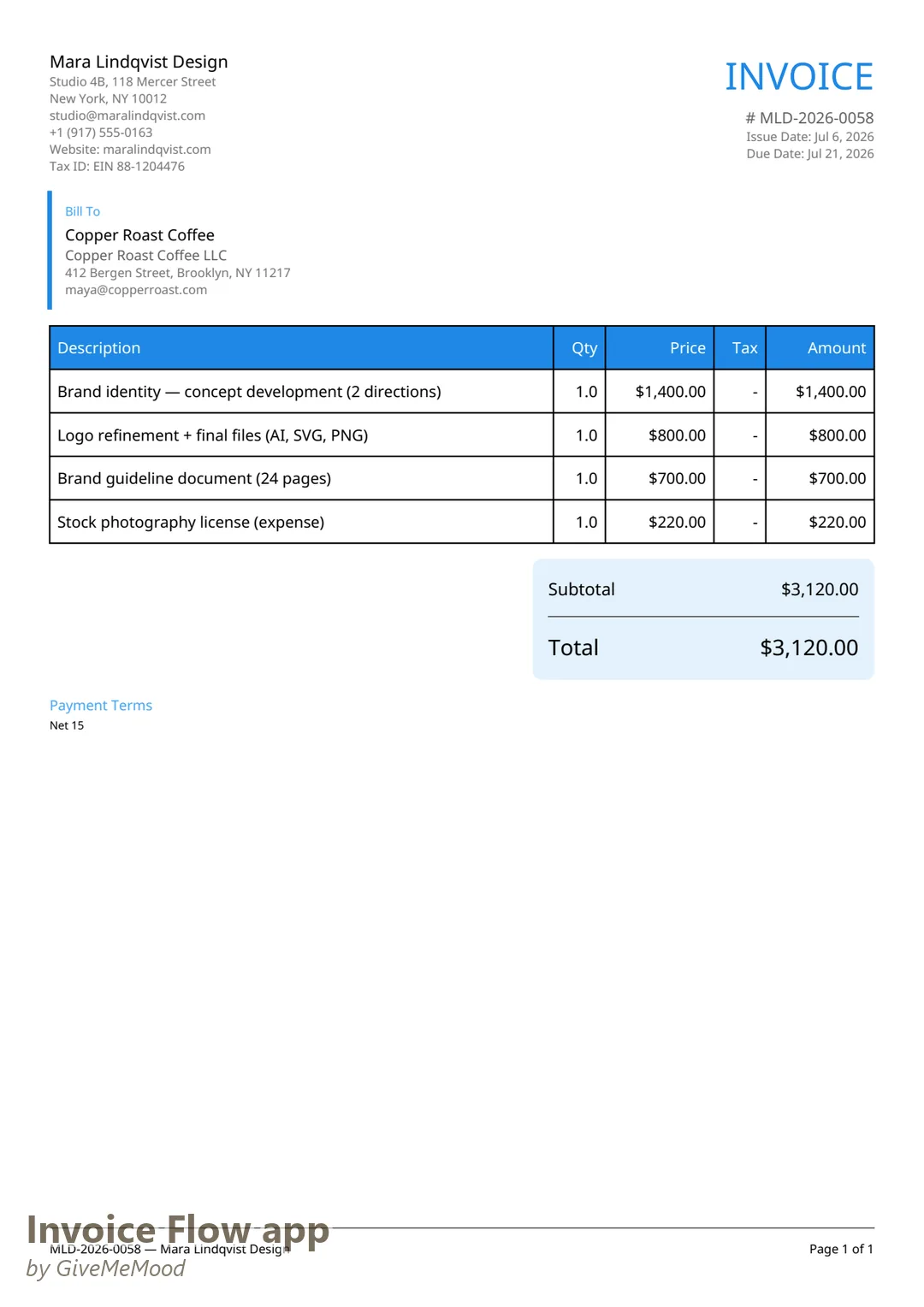
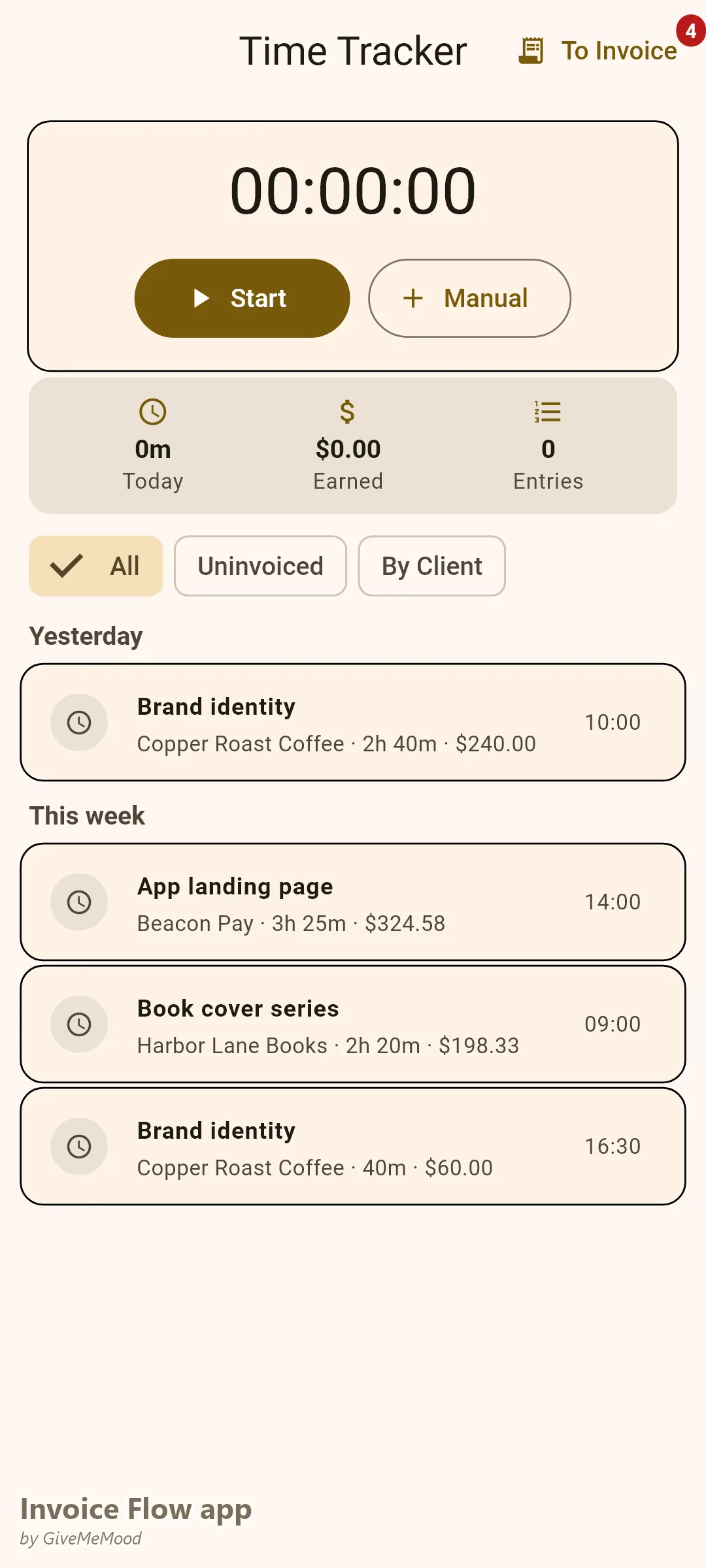
Stop trying to reconstruct billable hours from memory at the end of the month. InvoiceFlow’s Time Tracker lets you start and stop a timer per project, enter hourly rates, link sessions to specific clients, and convert any uninvoiced hours directly into invoice line items. This is essential for revision-heavy design work where the real time spent is always higher than estimated.
Expense Tracking with Receipt Photos
When you purchase a stock image, a Figma plugin license, or print proofs for a client, you can photograph the receipt, tag it as billable, link it to a client, and convert it to an invoice line item — all within InvoiceFlow. Stop letting small expenses eat into your margins.
Multi-Phase Project Billing
Use different document types for different stages: send a Quotation first, convert it to a Proforma Invoice for the deposit, then generate the final Invoice on delivery. All these link to the same client and project history. Use custom fields per invoice to note project phase, contract reference, or revision round.
Recurring Invoices for Retainer Clients
If you have monthly retainer clients, set up recurring invoices and InvoiceFlow generates and marks them automatically on schedule. You decide the frequency (weekly, biweekly, monthly, quarterly), the start and end date, and whether to auto-send them. Never forget to bill a retainer client again.
Payment Reminders Without the Awkwardness
Set smart reminders: 3 days before due, on due date, and 7 days after. InvoiceFlow notifies you when to follow up. You stay in control of the relationship while the app handles the tracking.
Your Daily Workflow with InvoiceFlow
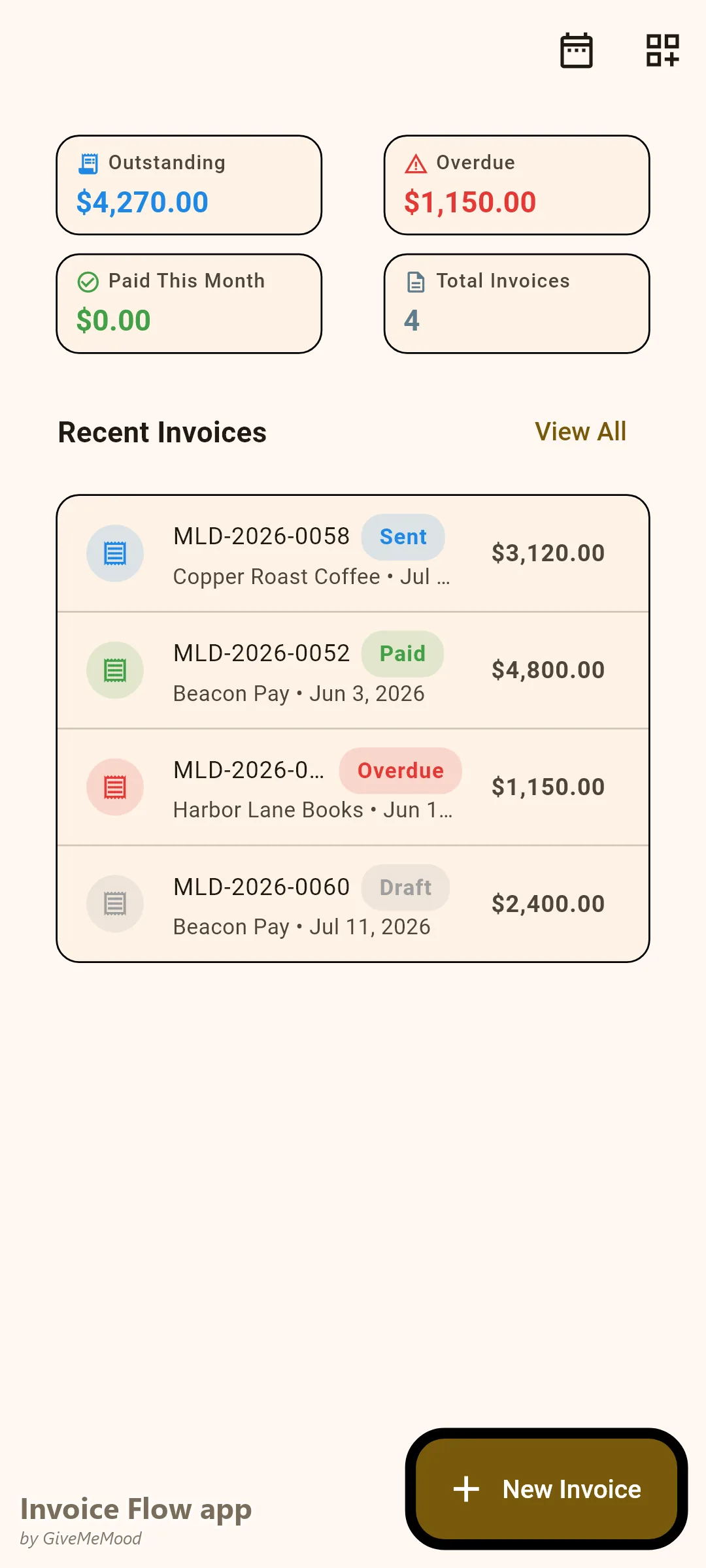
- Monday morning: Open the dashboard. See which invoices are overdue, which are due this week, and your revenue for the month — all at a glance.
-
Starting a new project: Create a client profile with their company info and country (for tax auto-suggestions). Create an Estimate, send it, and mark it as accepted when the client agrees.
-
During the project: Start the timer when you begin work. Stop it when you take a break. The app accumulates your hours per client automatically.
-
Buying something billable: Photograph the receipt, enter the amount, mark as billable, link to the client. Done in 30 seconds.
-
Sending the invoice: Convert your tracked hours and expenses to line items. Select the Modern template in Ocean palette. The invoice looks stunning. Send the PDF directly from the app.
-
Getting paid: Mark the invoice as Paid when payment arrives. Analytics updates automatically. Your monthly revenue chart stays accurate.
Most Valuable InvoiceFlow Features for Graphic Designers
- Invoice Templates — Professional designs that reflect your visual standards
- Time Tracker — Essential for revision-heavy projects with hourly billing
- Expense Tracker — Recover costs for stock assets and software licenses
- Recurring Invoices — Automate monthly retainer billing
- Multiple Business Profiles — Separate your personal freelance work from any agency or studio involvement
- Custom Fields — Add project phase, PO number, or contract reference to invoices
- Analytics — See which clients are most profitable, track revenue vs expenses
Real Example: Maria’s Design Studio
Maria is a freelance brand designer. She has 3 retainer clients (monthly, flat fee) and 5-10 project clients per month. Before InvoiceFlow she spent 2 hours every Friday reconciling spreadsheets and writing invoice emails. Now her 3 retainer invoices generate automatically on the 1st of each month. For project clients she tracks time during the project, logs her stock photo expenses, and sends a professional invoice in under 3 minutes. She recovered an average of $180/month in forgotten expenses she used to absorb. Her overdue rate dropped from 40% to 12% after enabling payment reminders.
Getting Started
InvoiceFlow is free to download on Android. Set up your Business Profile in under 2 minutes — add your logo, name, address, and default currency. Your first invoice can go out in under 5 minutes. Pro plan unlocks unlimited invoices, all 11 templates, multi-currency billing, and advanced analytics.