
 EN
EN  العربية
  Български
  Čeština
  Dansk
Dansk  Deutsch
  Ελληνικά
  Español
  Suomi
Suomi  Français
  עברית
עברית  हिन्दी
  Bahasa Indonesia
  Italiano
  日本語
日本語  한국어
한국어  Bahasa Melayu
  Nederlands
  Norsk
Norsk  Polski
  Português
  Română
  Русский
  Svenska
  Kiswahili
  ไทย
ไทย  Türkçe
  Українська
  Tiếng Việt
  中文
中文 InvoiceFlow for UX/UI Designers: From Wireframes to Wire Transfers
Why UX/UI Designers Need Better Billing
UX and UI designers operate at the intersection of technology and creativity — a high-value position that commands strong rates. Yet billing for design work is notoriously messy. Projects span multiple phases: discovery workshops, wireframing, prototyping, visual design, developer handoff. Each phase is billable differently. Research sessions are often hourly, while final design deliverables are fixed-fee. Client feedback rounds multiply beyond what was agreed, and without a written record, those extra hours are absorbed silently.
UX designers working with tech companies, startups, and agencies face additional complexity: international clients, multi-currency billing, milestone-based payments, and the need for formal invoices that pass through a corporate procurement process (PO numbers, vendor registration, NET 45 payment terms).
InvoiceFlow handles every layer of this without requiring a separate finance tool.
Key Pain Points for UX/UI Designers
- Delivering polished Figma prototypes but invoicing in a plain Word document — brand dissonance
- No record of approved project scope when clients request free extra screens
- Hours spent in workshops and discovery sessions going unbilled
- Multi-phase project billing with no way to track which phases are paid
- Agency clients requiring PO numbers and specific invoice formats
- No visibility into which retainer clients need invoicing this month
How InvoiceFlow Solves It
Phase-Based Invoicing for Multi-Stage Design Projects
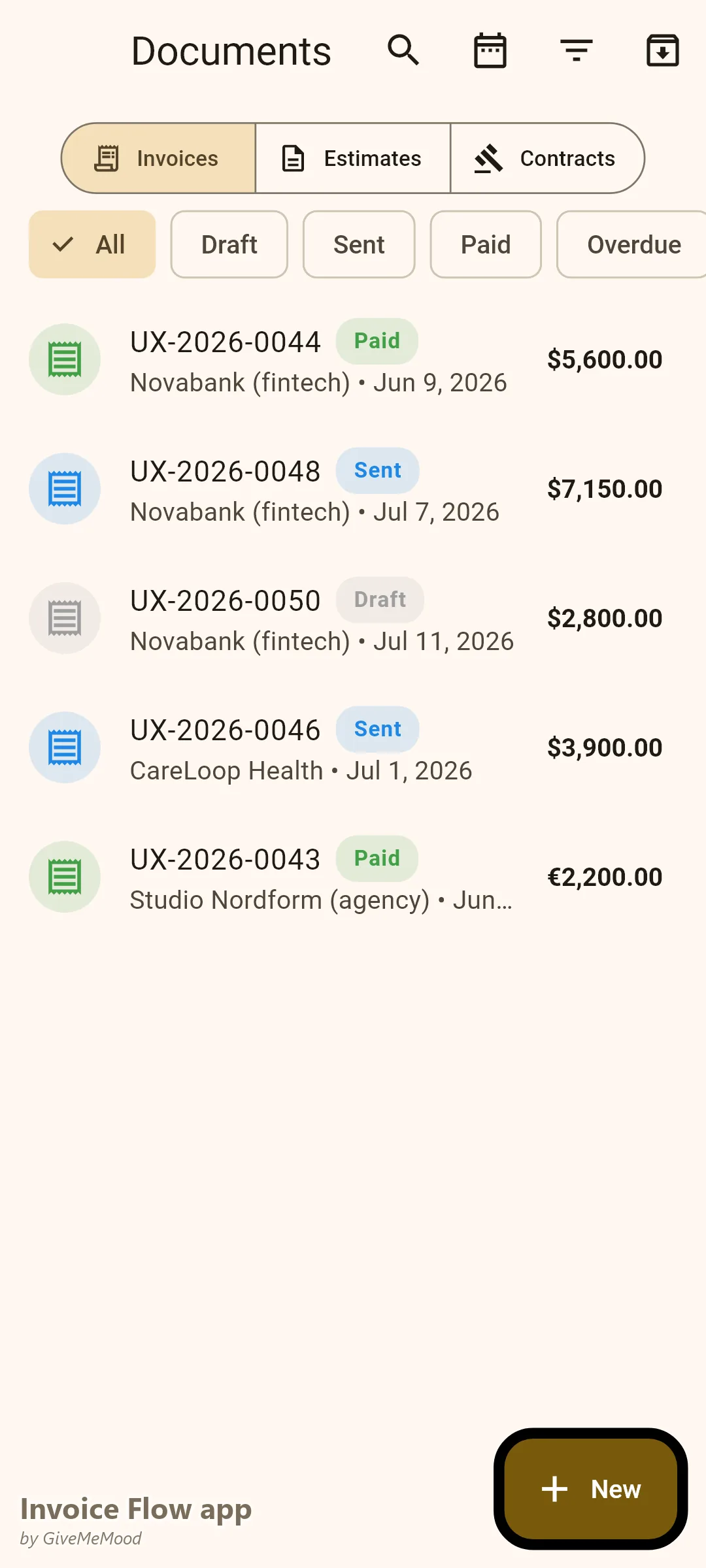
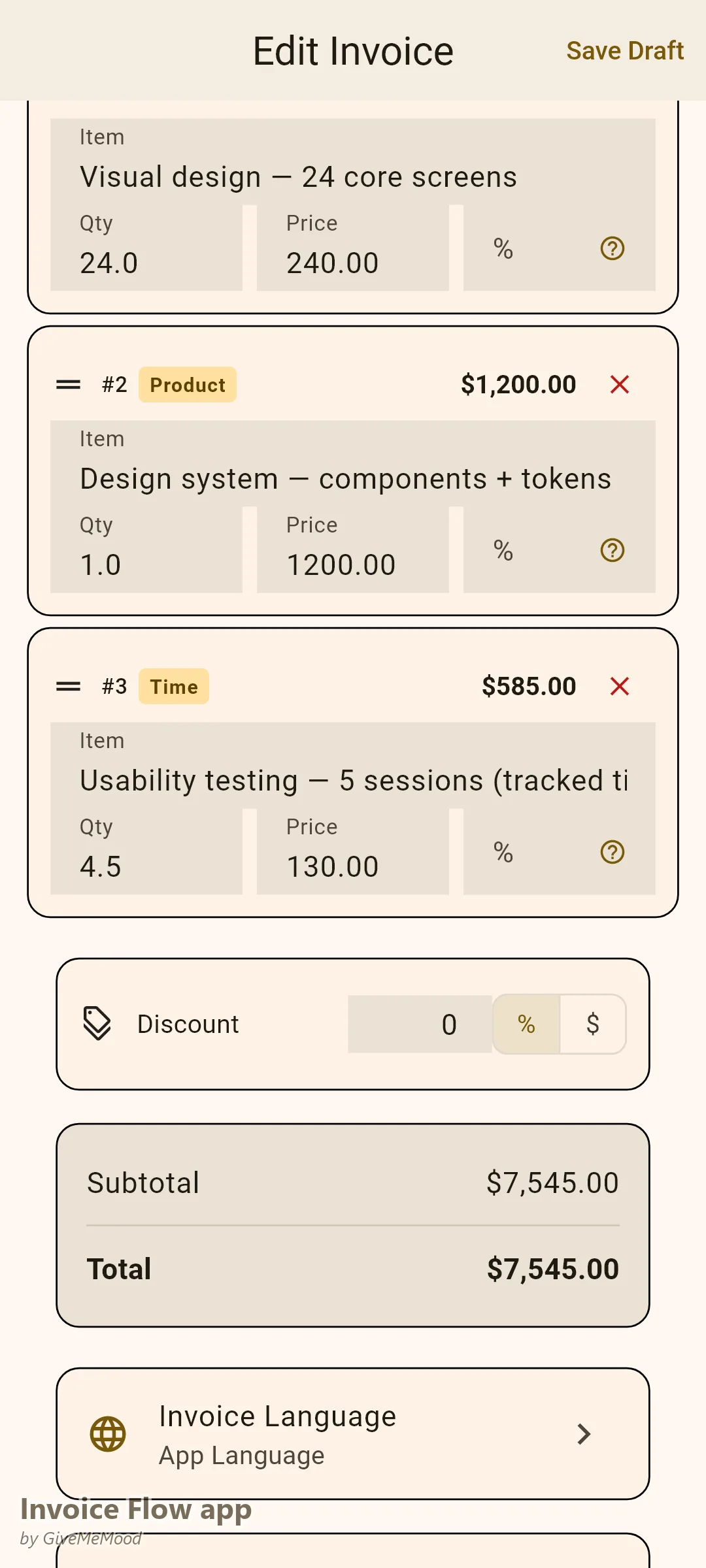
Create line items for each project phase: Discovery Workshop (half-day), Information Architecture, Wireframes (per screen or flat-fee), Visual Design, Prototype, Design System, Developer Handoff. Invoice per phase or create milestone-based invoices with payment due at each stage completion. Clients pay progressively — your exposure is limited.
Time Tracker for Workshop and Research Hours
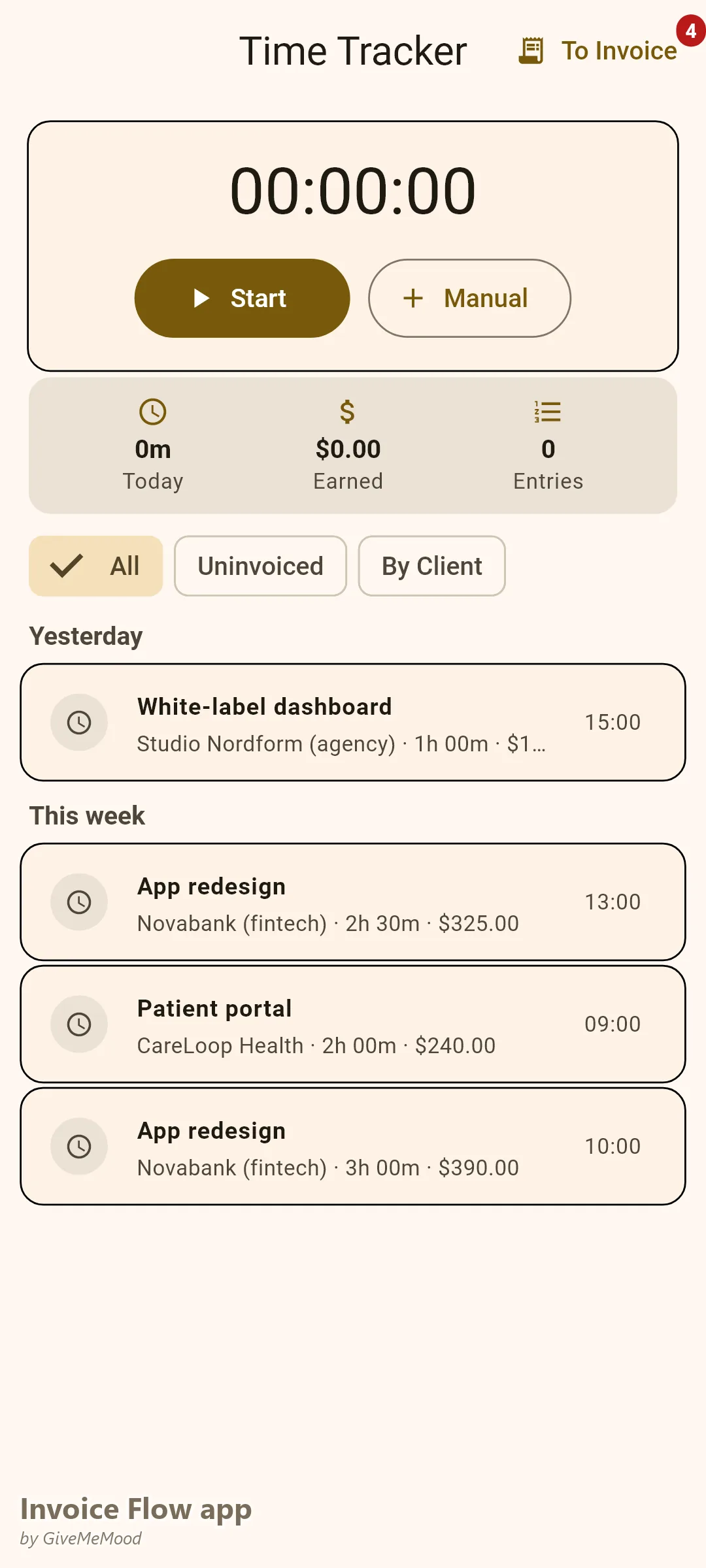
Every workshop hour, user interview session, and research analysis session is billable. InvoiceFlow’s Time Tracker links each session to a client and project. At invoice time, convert all tracked time to line items with descriptions. Clients see exactly what they paid for — no disputes.
Beautiful Templates That Match Your Design Standards
UX designers communicate visually. An invoice from a UX designer that looks like a 1999 Word document sends the wrong message. InvoiceFlow’s Modern and Elegant templates with Plum or Ocean palette produce invoices that complement the design quality you deliver. Add your logo for complete brand consistency.
Custom Fields for Corporate Client Requirements
Tech companies and corporate clients require PO numbers, vendor codes, and project reference IDs on invoices. Add these as custom fields in InvoiceFlow. Your invoice clears their procurement department without email back-and-forth.
Contracts for Scope Protection
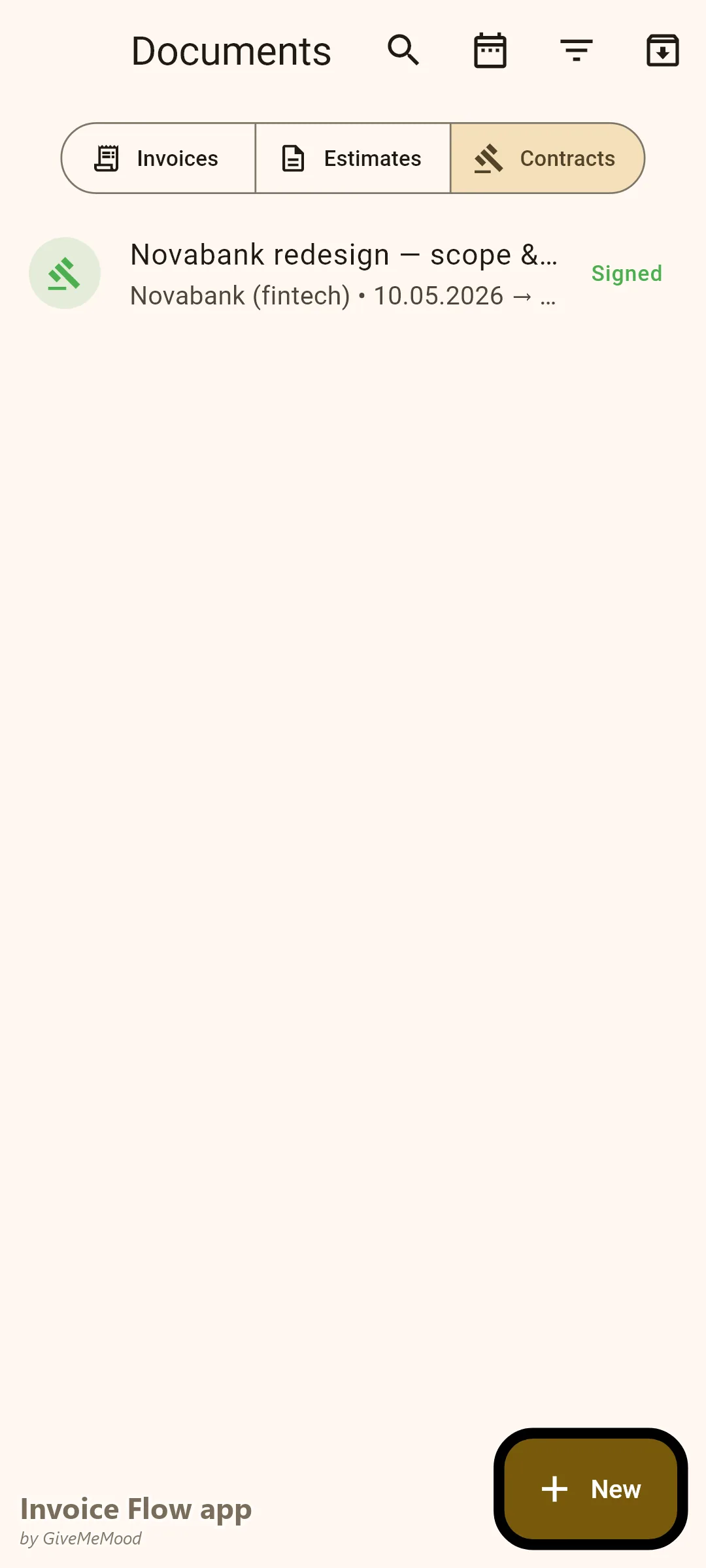
Create a design contract in InvoiceFlow that documents included deliverables, revision rounds, and ownership rights. Link it to the project invoices. When a client requests screen #47 that wasn’t in scope, you have a signed reference document.
Your Workflow with InvoiceFlow
-
Project start: Send a Quotation with all phases listed and priced. Client approves. Issue a Proforma Invoice for the discovery phase deposit.
-
During discovery: Track all workshop and interview hours in the time tracker.
-
Wireframe delivery: Convert tracked hours + fixed deliverable fees to an invoice. Send. Receive payment. Continue.
-
Visual design completion: Issue final invoice for remaining balance. Reference the contract for approved scope. List any extras as separate line items.
-
Corporate client: Add PO number and project reference to custom fields. The invoice processes through their procurement without rejection.
Most Valuable Features for UX/UI Designers
- Phase-Based Line Items — Bill each design stage clearly and separately
- Time Tracker — Capture workshop and research hours
- Contracts — Protect scope and deliverables in writing
- Custom Fields — PO numbers for corporate clients
- Invoice Templates — Aesthetically appropriate for a design professional
- Multi-Currency — International clients in their currency
Real Example: Elena’s UX Studio Gets Paid at Every Phase
Elena is a freelance UX designer working with SaaS startups and corporate clients. She used to invoice only at project completion — her exposure was 6-8 weeks of work unpaid. Now she uses milestone invoicing: 30% upfront, 30% at wireframe delivery, 40% at final delivery. Two clients who would likely have delayed payment had no choice — Elena held the next deliverable until each phase was paid. Her outstanding invoice time dropped from 58 days to 18 days. Workshop hours she used to absorb are now tracked and billed — adding $400-700 per project.
Getting Started
Download InvoiceFlow free on Android. Build your phase and service library, send your first milestone invoice, and get paid at every stage of your next project.