
 EN
EN  العربية
  Български
  Čeština
  Dansk
Dansk  Deutsch
  Ελληνικά
  Español
  Suomi
Suomi  Français
  עברית
עברית  हिन्दी
  Bahasa Indonesia
  Italiano
  日本語
日本語  한국어
한국어  Bahasa Melayu
  Nederlands
  Norsk
Norsk  Polski
  Português
  Română
  Русский
  Svenska
  Kiswahili
  ไทย
ไทย  Türkçe
  Українська
  Tiếng Việt
  中文
中文 InvoiceFlow for Courier & Delivery Services: Complete Billing Guide
The invoicing system built for same-day couriers, medical delivery services, and last-mile delivery businesses
Courier and delivery billing requires a system that handles multiple client types simultaneously: individual clients who pay per delivery, corporate accounts who need weekly invoices, medical clients with documentation requirements, and e-commerce partners who send daily batches.
InvoiceFlow handles all of these from one Android app. This guide covers how to structure each billing type.
Per-Delivery Invoicing
The most basic delivery invoice documents the delivery details and the charge clearly:
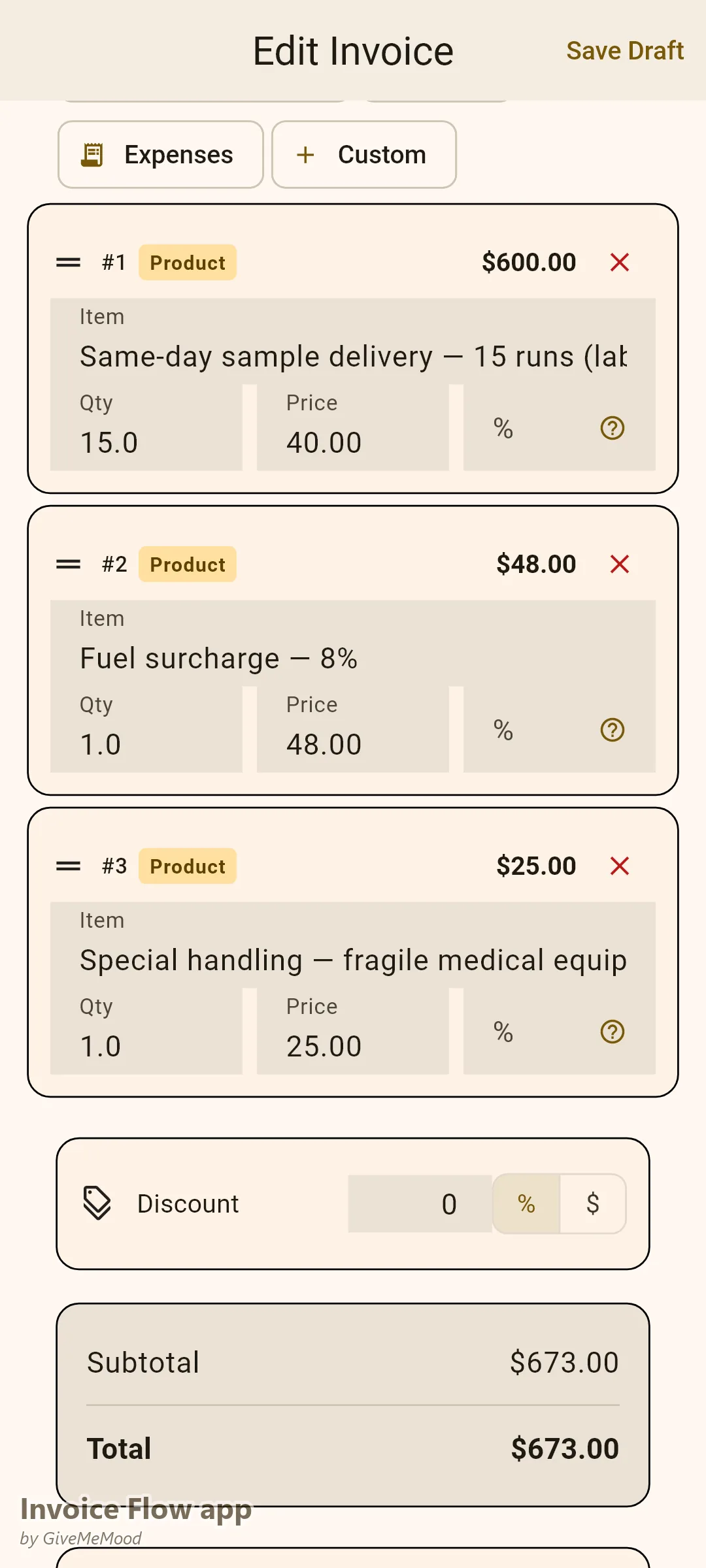
“Delivery Services — [Date]: Pickup: [Address] | Delivery: [Address] Service Type: Same-day delivery, standard Distance: 8.2 miles Base rate: $18.00 Fuel surcharge (8%): $1.44 Total: $19.44”
Pre-build your delivery rates in InvoiceFlow’s service catalog. Standard rate options to define:
- Same-day, single stop (flat or per mile)
- Rush delivery (under 2 hours)
- After-hours delivery (surcharge)
- Medical/pharmaceutical priority
- Additional stops (per stop)
- Waiting time (per 15-minute increment beyond free time)
- Extended zone delivery (percentage uplift or flat add-on)
Having these pre-built means every invoice calculates from your established pricing — no guessing or inconsistency.
Weekly Corporate Account Invoicing
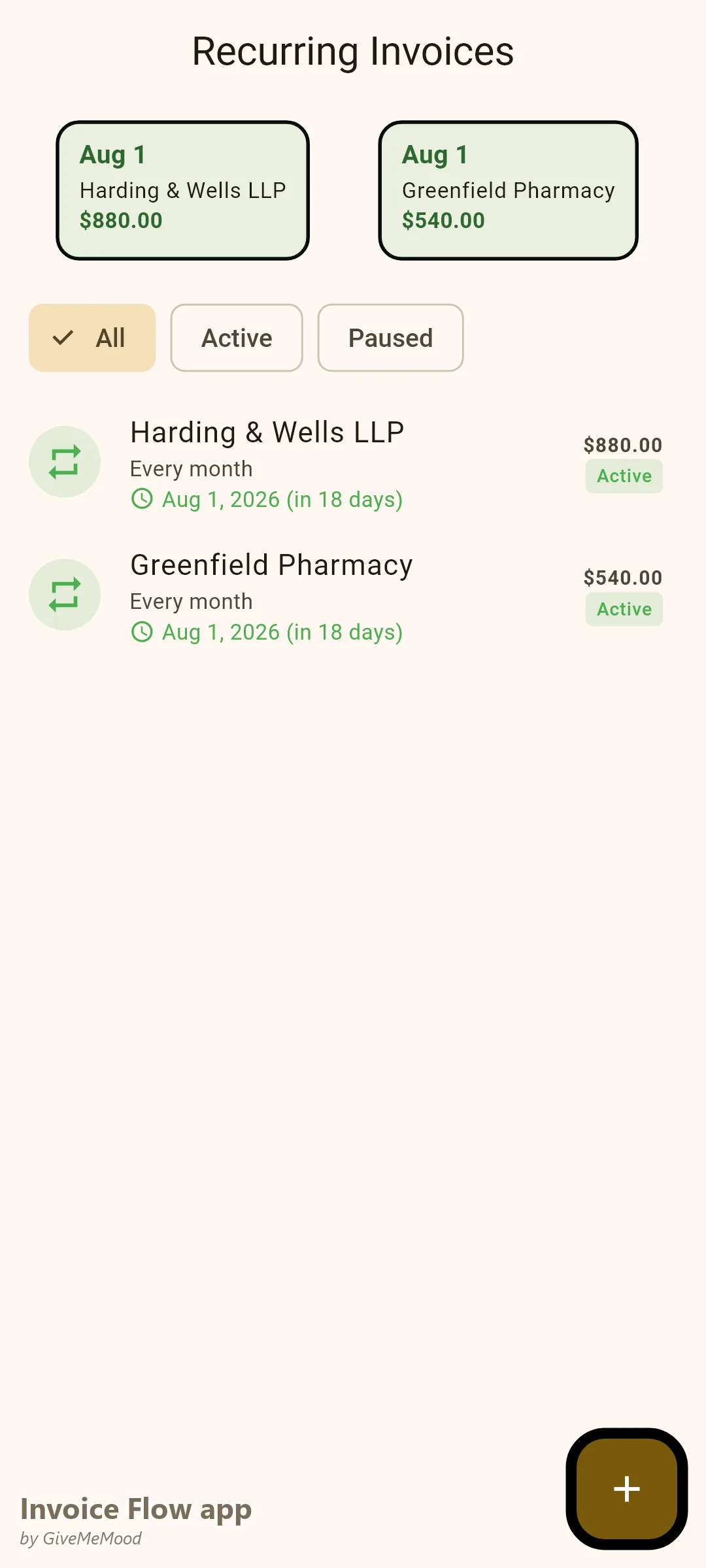
Corporate clients — law firms, medical suppliers, office service businesses — need a formatted weekly or monthly invoice they can process through their AP systems. The invoice needs to show:
- Each delivery as a named line item with date and description
- Pickup and delivery details or route summary
- Subtotal before surcharges
- Fuel surcharge as a separate line item
- Payment terms (typically Net-7 or Net-15)
“Courier Services — [Law Firm Name] — Week of June 2-6, 2026: Monday June 2: Document delivery, 3 stops (courthouse, county recorder, client office): $47.00 Tuesday June 3: Urgent contract delivery, downtown to Scottsdale: $38.00 Wednesday June 4: Document delivery, 4 stops: $56.00 Thursday June 5: Emergency courthouse filing: $42.00 Friday June 6: End-of-week document run, 5 stops: $65.00 Weekly subtotal: $248.00 Fuel surcharge (8%): $19.84 Total: $267.84 — Payment Terms: Net-7”
Set up recurring weekly invoice templates in InvoiceFlow for each corporate account. Fill in the week’s deliveries each Friday and send. Payment arrives predictably within Net-7 terms.
Medical Delivery Documentation
Medical and pharmaceutical clients often require fields that standard invoices do not include: client reference numbers, recipient confirmation (signed delivery), and description of goods transported. Use InvoiceFlow’s custom fields to add:
- Client reference number
- Delivery confirmation / recipient signature reference
- Description of goods (general — “medical equipment, non-controlled”)
- Delivery address confirmation
These fields make the invoice processable by healthcare AP departments without follow-up. Medical clients on net-15 terms process faster when documentation is complete.
E-Commerce Batch Delivery Invoicing
Local e-commerce clients who send regular delivery batches need a batch invoice format where each line item maps to an order they can match to their records.
“Local Delivery Batch — [Store Name] — June 6, 2026: Order #E001 — [Zone A Address]: $14.00 Order #E002 — [Zone A Address]: $14.00 Order #E003 — [Zone B Address]: $16.00 (extended zone) Order #E004 — [Zone A Address]: $14.00 […12 deliveries total…] Delivery subtotal: $174.00 Fuel surcharge (8%): $13.92 Total: $187.92”
Each order number is traceable. Any delivery issue is identifiable. This level of transparency builds trust with e-commerce clients and leads to long-term account relationships.
Fuel Surcharge Tracking
Fuel is a major variable cost in delivery businesses. A fuel surcharge applied consistently to all invoices passes a portion of this cost to clients — which is standard and expected in the delivery industry.
Set your fuel surcharge as a percentage line item in InvoiceFlow. Review and adjust quarterly based on average fuel costs. Apply it automatically to every invoice. For a delivery business running 2,000+ miles per week, even a modest 8% fuel surcharge recovers a meaningful portion of fuel expense.
Waiting Time and Detention Billing
When you arrive at a pickup and the package is not ready, or when you arrive for delivery and the recipient is unavailable, you are entitled to charge for the delay. Set a waiting time policy:
- Free time: 10 minutes at pickup, 5 minutes at delivery
- Waiting time rate: $15.00 per 15-minute increment
Document the arrival time and the time you were able to proceed. Include the waiting time as a line item on the invoice. This policy also changes client behavior: pickups are ready when you arrive.
What InvoiceFlow Does for Delivery Services
- Service catalog: pre-build delivery rates, surcharges, and zone pricing for consistent invoicing
- Weekly recurring templates: corporate account invoices generate on schedule
- Custom fields: medical client reference numbers, delivery confirmation fields, e-commerce order numbers
- Fuel surcharge: percentage line item applies automatically to every invoice
- Mobile invoicing: create the delivery invoice before driving away from each location
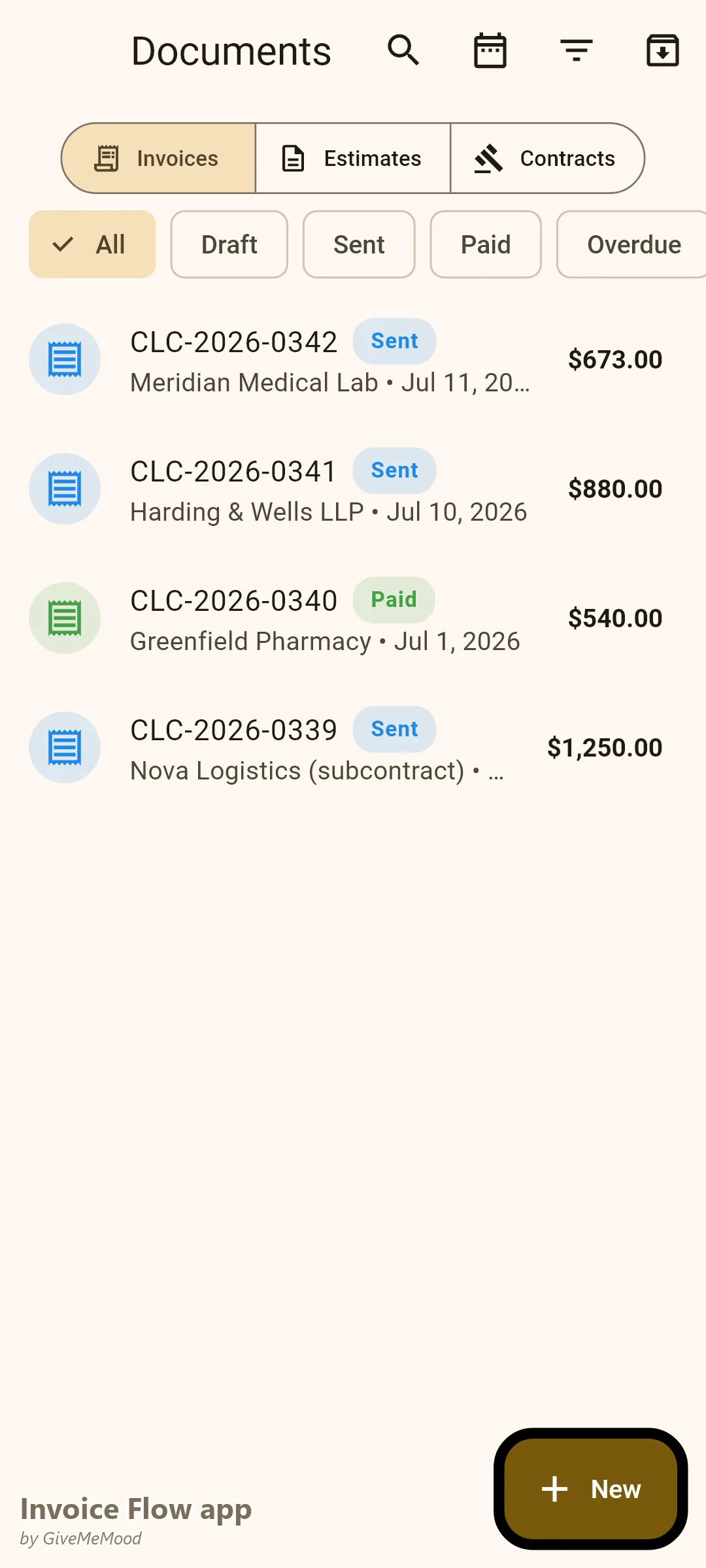
- Payment tracking: see outstanding balances by corporate account
Getting Started
- Build your service catalog: base rates, rush rates, after-hours surcharges, waiting time charge, fuel surcharge percentage
- Set up weekly invoice templates for each corporate account
- Add custom fields for any medical or specialized clients
- Set your fuel surcharge percentage and apply it to all invoices going forward
- Establish a waiting time policy and add it to your rate card
Download InvoiceFlow. Professional courier billing turns informal delivery work into a scalable business with predictable corporate account revenue.
InvoiceFlow is a free invoicing app for Android, designed for independent professionals and small business owners.