
 EN
EN  العربية
  Български
  Čeština
  Dansk
Dansk  Deutsch
  Ελληνικά
  Español
  Suomi
Suomi  Français
  עברית
עברית  हिन्दी
  Bahasa Indonesia
  Italiano
  日本語
日本語  한국어
한국어  Bahasa Melayu
  Nederlands
  Norsk
Norsk  Polski
  Português
  Română
  Русский
  Svenska
  Kiswahili
  ไทย
ไทย  Türkçe
  Українська
  Tiếng Việt
  中文
中文 InvoiceFlow for Electricians: Professional Invoicing for a Critical Trade
Why Electricians Need Proper Invoicing
Electricians are among the most in-demand tradespeople in the world — yet many operate their billing with hand-written invoices or basic templates that don’t track materials, capture all labor hours, or apply the correct tax rates. The result is a chronic undercharge that compounds over every job.
Electrical work billing is inherently complex. Every job combines labor (at different rates for apprentice, journeyman, and master electrician time) with materials (wire, conduit, outlets, panels, fixtures) at varying markups. Commercial jobs for businesses require formal invoices with tax identification numbers, project references, and payment terms. Residential clients want clear receipts they can use for insurance claims or home equity documentation. Emergency call-outs have different rate structures than planned installations.
InvoiceFlow handles all of this from a smartphone — on site, between jobs, without returning to the office.
Key Pain Points for Electricians
- Forgetting to bill for materials used on jobs — especially small items (wire, connectors, outlet covers) that add up to significant cost over many jobs
- No consistent labor rate tracking for different crew members or job types
- Customers questioning invoices with no itemized breakdown
- Commercial clients requiring formal invoices for their accounting records
- Emergency call-out rates applied inconsistently
- No record of completed work for warranty tracking and repeat client billing
How InvoiceFlow Solves It
Itemized Labor + Materials Billing
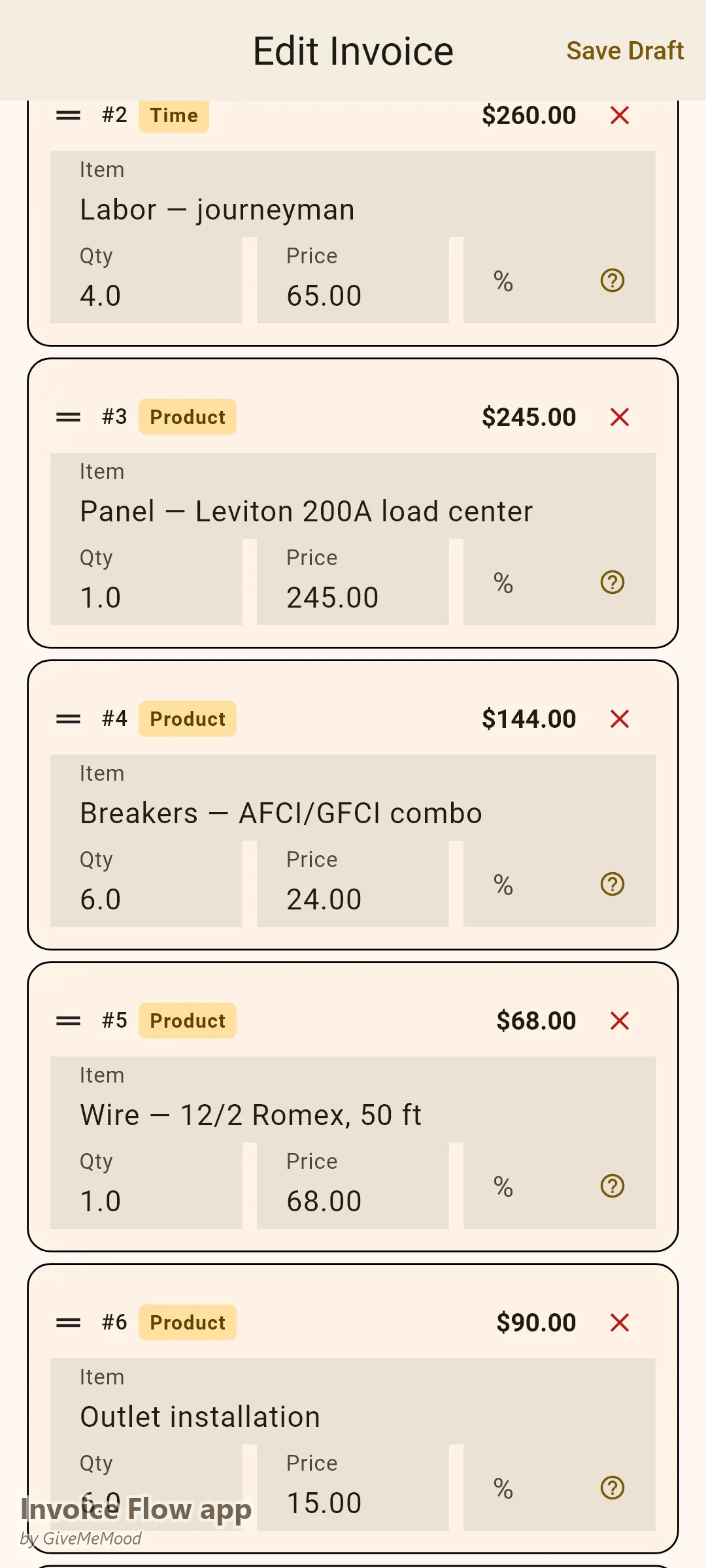
The most important feature for any tradesperson: the ability to list both labor and materials as separate line items on the same invoice. “Electrical Labor — Master Electrician — 4 hours @ $95/hr: $380,” “Wire — 12/2 Romex, 50ft: $68,” “Outlet Installation — 6 units @ $15 each: $90,” “Panel — Leviton 200A: $245.” Build your materials and labor items in InvoiceFlow’s product library with your standard prices. Invoicing a complete job takes under 5 minutes.
Emergency Call-Out Rates
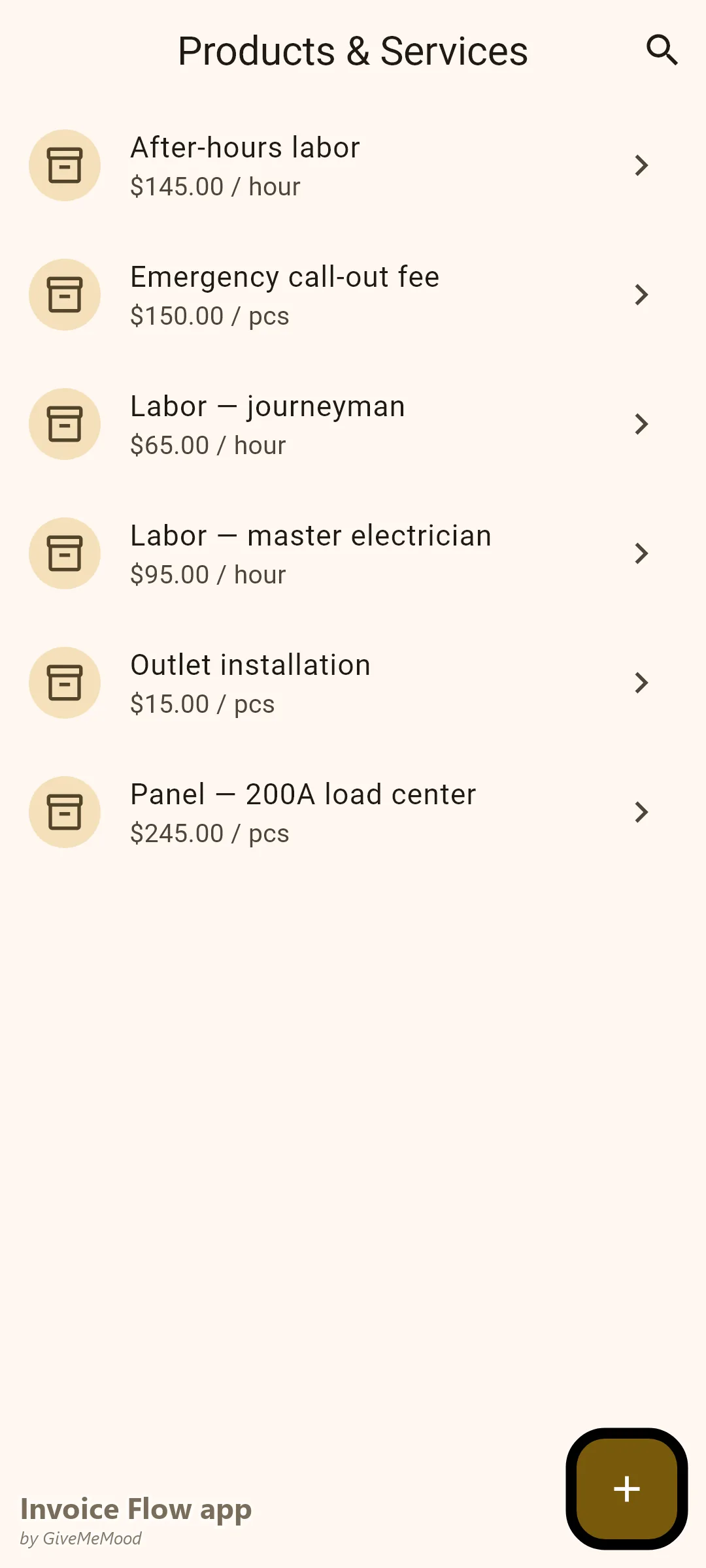
Pre-build your emergency call-out items: “Emergency Call-Out Fee: $150,” “After-Hours Labor — per hour: $145.” These are ready to add to any job invoice without recalculating or remembering the rate. Consistent, every time.
Commercial Client Invoice Requirements
Commercial clients — property managers, businesses, facilities managers — need formal invoices for their accounts-payable. InvoiceFlow’s Professional template produces the clean, formal format they require. Add your electrical contractor license number in the custom fields. Set their payment terms (Net 30 is standard for commercial) in their client profile. Every invoice they receive meets their standard.
Photo Receipts for Material Costs
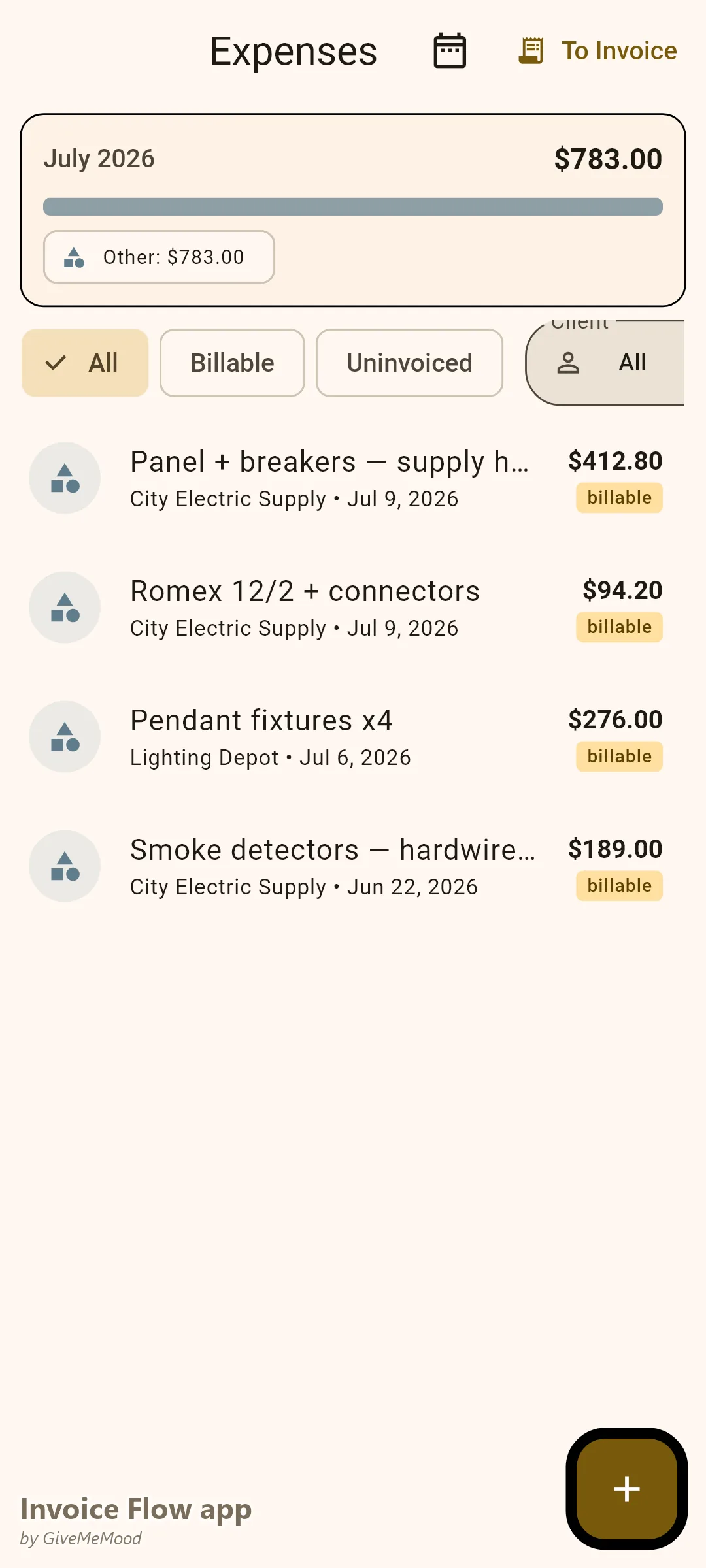
When you buy materials at the supply house, photograph the receipt with InvoiceFlow. Log the exact amounts for each material. This protects you in two ways: it ensures accurate billing to clients, and it gives you clean records for business expense tracking.
Delivery Notes for Installed Equipment
After completing a panel installation or commercial fit-out, generate a Delivery Note in InvoiceFlow documenting all installed equipment, model numbers, and serial numbers. This serves as the record for warranty claims and future maintenance visits.
Multiple Business Profiles
If you operate as a sole trader and also as part of a partnership or LLC, create separate Business Profiles in InvoiceFlow. Each has its own numbering, letterhead, and tax ID. Invoice from the correct entity for each job type.
Your Workflow with InvoiceFlow
-
Job estimate: Create a Quote in InvoiceFlow with estimated labor hours and material costs. Send to customer. Professional and clear.
-
Job completion: Open InvoiceFlow on site. Add actual labor hours and materials. Select the correct template. Send the invoice — or print it for the customer right there.
-
Materials purchased: Photograph the supply house receipt. Costs are logged and ready for billing.
-
Commercial client: Invoice generates with their Net 30 terms and PO number in the custom fields. Clears their accounting without follow-up.
-
Monthly review: Analytics shows revenue by job type, total material costs, and profit margin. Know which jobs are most profitable.
Most Valuable Features for Electricians
- Product Library — Labor rates, material items, call-out fees pre-built
- Itemized Line Items — Labor and materials clearly separated
- Expense Tracker — Material receipt logging on-site
- Custom Fields — License numbers and project references for commercial clients
- Quote → Invoice — Estimate converts to invoice on job completion
- Mobile Invoicing — Create and send invoices from the job site
Real Example: Carlos Recovers $400/Month in Unbilled Materials
Carlos is a self-employed electrician doing residential and light commercial work. Before InvoiceFlow he estimated material costs from memory and often charged less than he paid at the supply house. He was losing an average of $15-30 in materials per job, across 15-20 jobs per month. With InvoiceFlow he photographs every receipt, logs exact material costs, and invoices them accurately. He recovered over $400/month in material costs he previously absorbed. His invoices are now itemized — customer disputes dropped to near zero because clients can see exactly what was used.
Getting Started
Download InvoiceFlow free on Android. Build your electrical service library with your standard labor rates and most common material items. Create your first itemized invoice today.