
 EN
EN  العربية
  Български
  Čeština
  Dansk
Dansk  Deutsch
  Ελληνικά
  Español
  Suomi
Suomi  Français
  עברית
עברית  हिन्दी
  Bahasa Indonesia
  Italiano
  日本語
日本語  한국어
한국어  Bahasa Melayu
  Nederlands
  Norsk
Norsk  Polski
  Português
  Română
  Русский
  Svenska
  Kiswahili
  ไทย
ไทย  Türkçe
  Українська
  Tiếng Việt
  中文
中文 InvoiceFlow for General Contractors: Build Projects and Get Paid for All of Them
Why General Contractors Need Structured Invoicing
General contractors manage the most financially complex work in construction. A single project can involve dozens of subcontractors, hundreds of material line items, city permits, inspections, change orders, and a client who wants full transparency into where every dollar went. Managing all of this with informal invoicing tools isn’t just inconvenient — it’s a liability.
Construction billing follows a structured pattern that generic invoicing tools don’t support: preliminary estimates (often multiple rounds), progress billing by percentage of completion or milestone, change orders, retention withheld by owners, subcontractor payments, and final billing on substantial completion. Each of these requires a different document type and a different tracking system.
InvoiceFlow gives general contractors a mobile-first platform that handles the full billing lifecycle without requiring an office.
Key Pain Points for General Contractors
- No clear system for tracking which project milestones have been billed and paid
- Change orders added verbally but not documented — clients deny them later
- Materials purchased and subcontractors paid, but invoiced to clients weeks later causing cash flow problems
- Commercial clients requiring AIA-style progress billing format with cost breakdowns
- Retention being withheld — tracking what’s retained vs. paid requires a system
- Multiple projects running simultaneously with no dashboard view of financial status
How InvoiceFlow Solves It
Progress Billing by Milestone
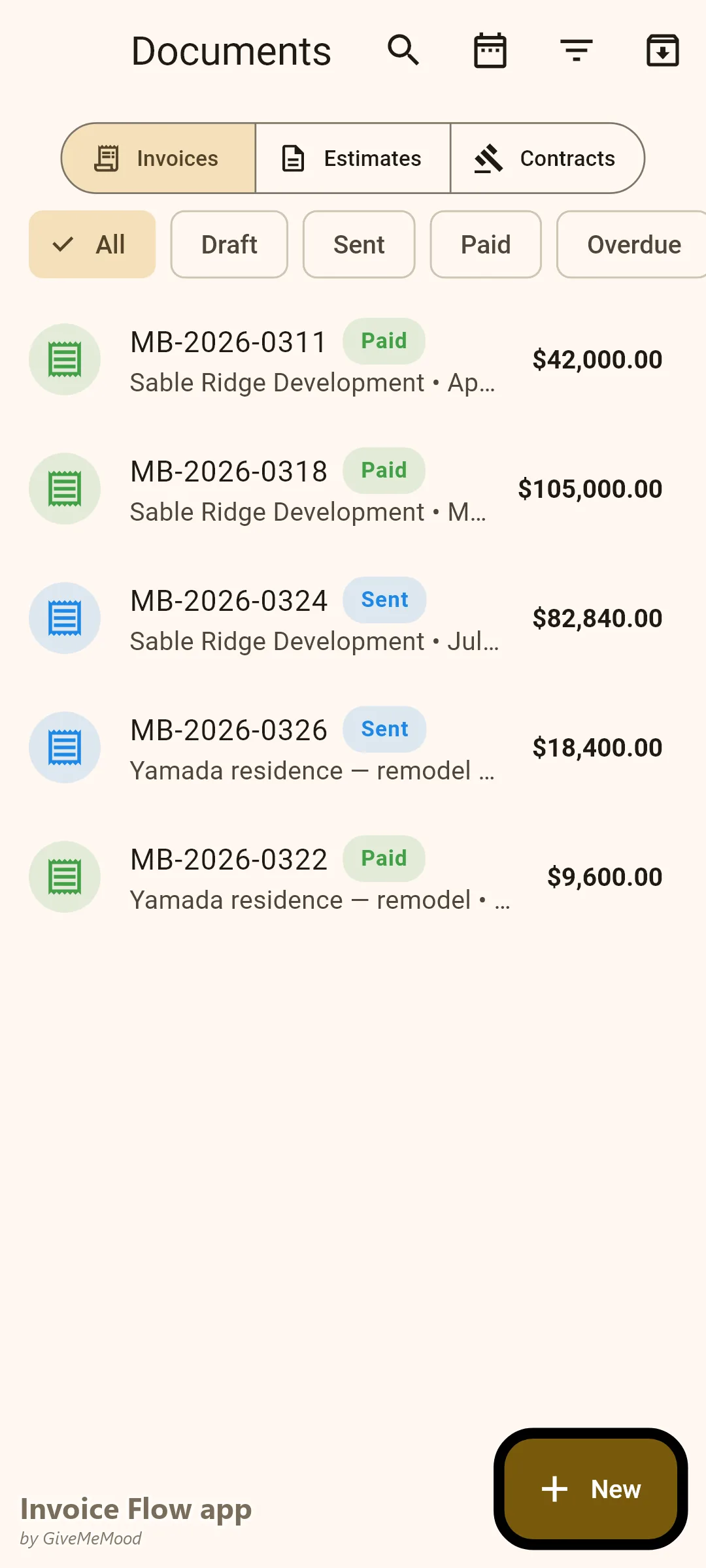
Create invoices per project milestone: Mobilization and Site Prep (10%), Foundation and Framing (25%), MEP Rough-In (20%), Insulation and Drywall (20%), Finish Work (15%), Final Punch List and Completion (10%). Each milestone generates a separate invoice billed to the client. Payment is required before the next phase begins. Cash flow is maintained throughout the project.
Change Order Documentation
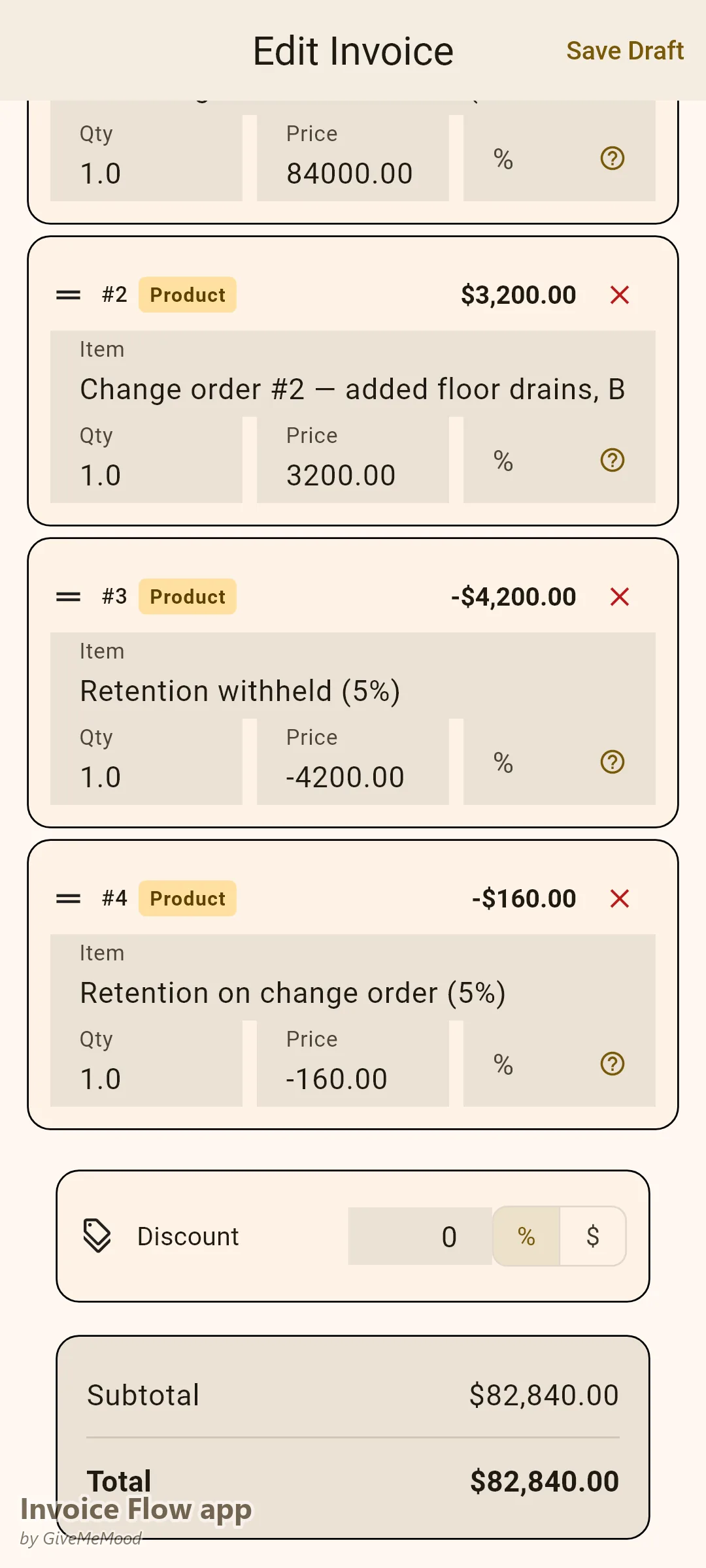
When scope changes are agreed, create a separate invoice labeled “Change Order #1 — [Description].” Document the scope change, unit quantities, and pricing. The client receives a formal change order invoice they must pay before the work begins. Verbal change orders become written financial commitments.
Subcontractor Cost Tracking
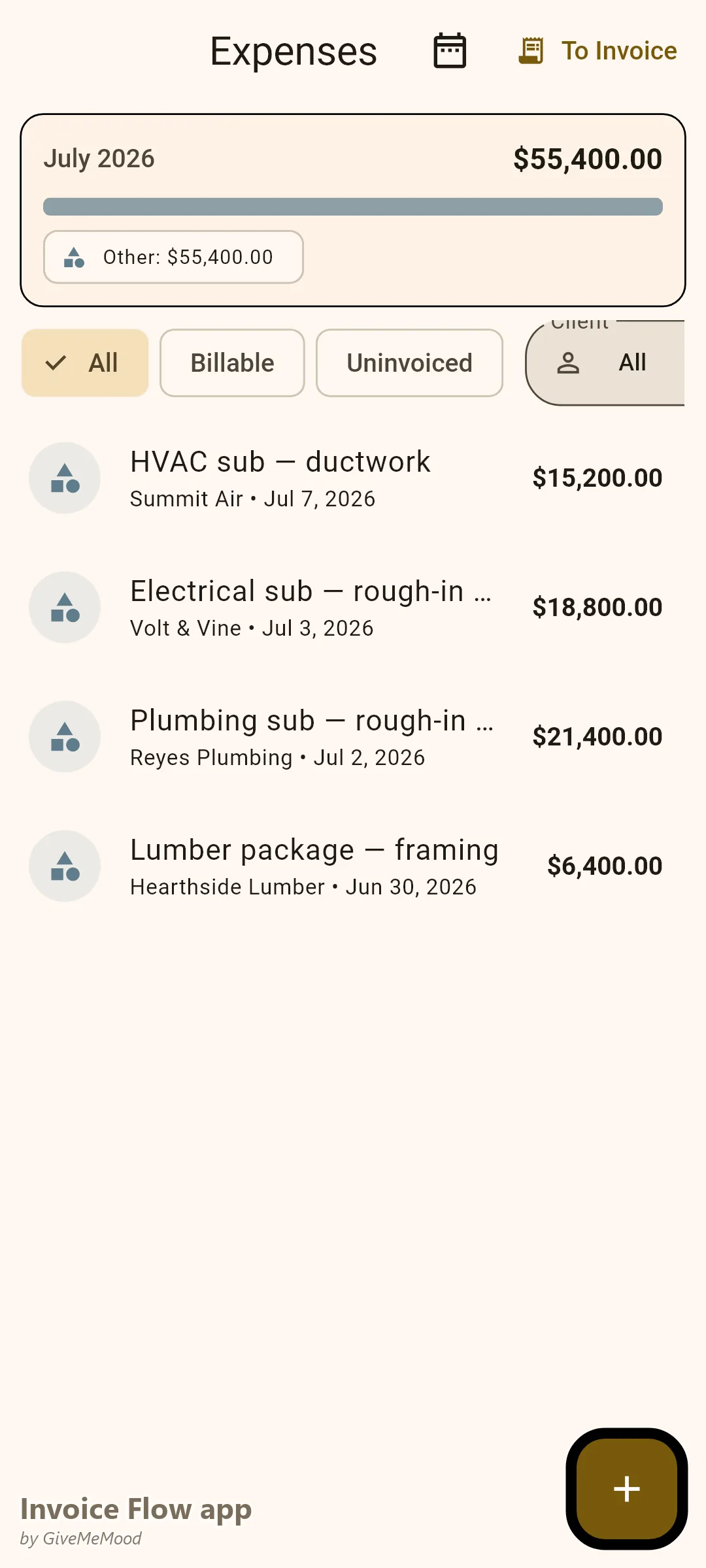
Log subcontractor payments in InvoiceFlow’s expense tracker, linked to the project. These expenses feed the Profit & Loss report. You see your true margin on every project — revenue minus subcontractor costs minus materials minus overheads.
Multiple Project Dashboard
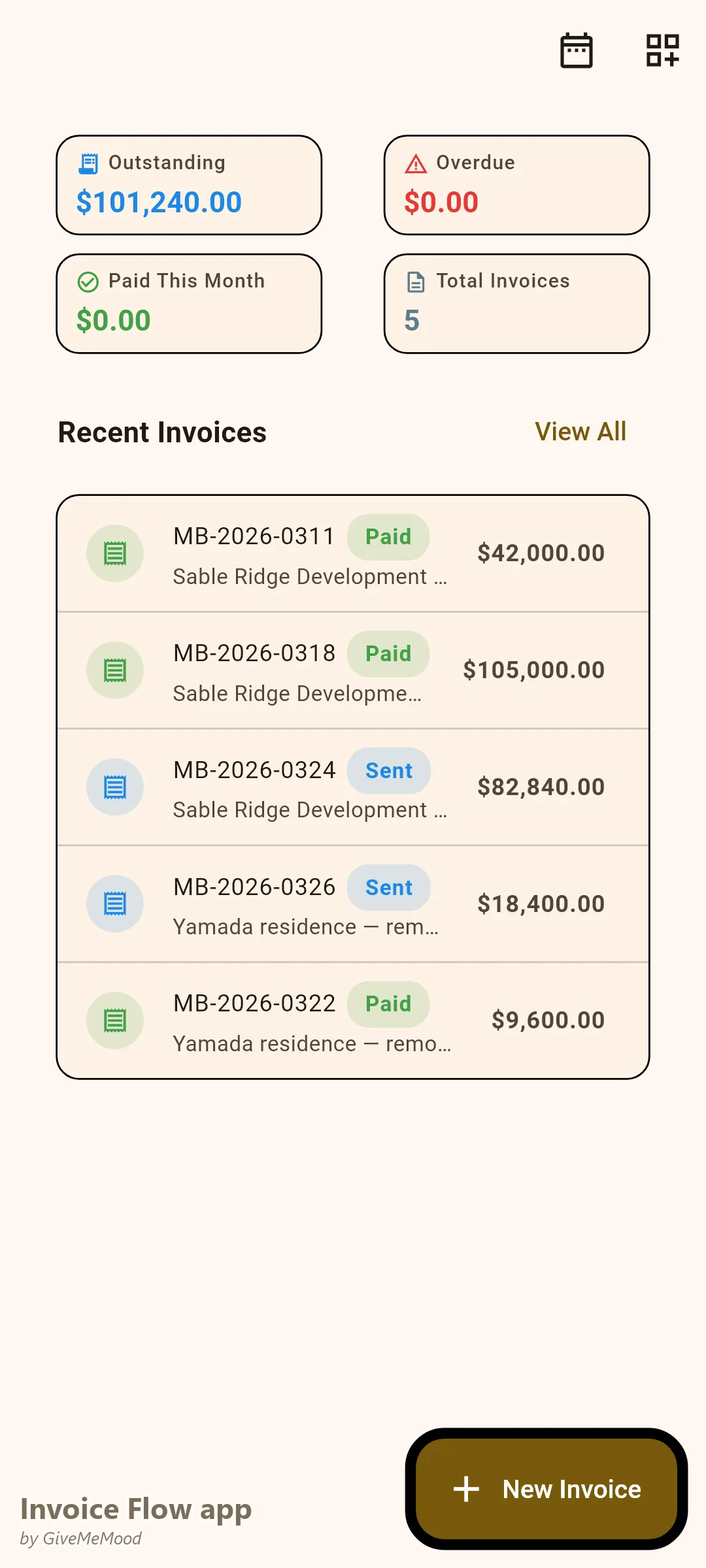
The InvoiceFlow dashboard shows all invoices across all projects: paid, overdue, draft, and sent. For a contractor with 5 active projects, this is the financial control panel that tells you what’s coming in and what’s outstanding at a glance.
Commercial Client Invoice Requirements
Commercial owners and property managers require formal invoices with project numbers, contract references, and structured cost breakdowns. InvoiceFlow’s Professional template with custom fields for project number, permit reference, and owner-provided PO number satisfies these requirements.
Retention Tracking
Add a “Retention Withheld” line item as a negative amount on progress invoices. Track the total retention held across project phases. When the retention is released at project completion, issue a final invoice for the withheld amount. All retention history is visible in the invoice record.
Your Workflow with InvoiceFlow
-
Contract signed: Create project invoice schedule in InvoiceFlow. Each milestone is an invoice with its amount and due date. First invoice sent — mobilization payment required before site work begins.
-
Each milestone: Invoice sent before or immediately on milestone completion. Client pays. Work on next phase begins.
-
Change order: Scope change agreed. Create a CO invoice immediately. Send. Do not begin extra work until it’s signed off financially.
-
Material purchase: Log in expense tracker per project. Accurate cost data.
-
Project completion: Final invoice for punch list and retention release. Analytics shows total project revenue, costs, and margin.
Most Valuable Features for General Contractors
- Milestone-Based Invoicing — Progress billing for long-duration projects
- Change Order Invoices — Document scope changes immediately
- Expense Tracker — Subcontractor and materials costs per project
- Multi-Project Dashboard — Financial status across all active projects
- Custom Fields — Project numbers, permit references, PO numbers
- Profit & Loss Analytics — True margin per project
Real Example: Rodriguez Construction Manages 8 Projects Simultaneously
Rodriguez Construction manages residential and light commercial projects simultaneously. Before InvoiceFlow the owner tracked billing in a spreadsheet — often billing weeks after milestones were reached because invoicing was done in the office at month-end. With InvoiceFlow milestone invoices are sent from the job site immediately on completion. Change orders are documented the same day they’re agreed. Cash flow improved significantly because billing happens in real time, not in arrears. One dispute about a change order was resolved in minutes by referencing the signed change order invoice the client had approved.
Getting Started
Download InvoiceFlow free on Android. Set up your first project with milestone invoices, and send your first progress invoice the day the first phase completes.