
 EN
EN  العربية
  Български
  Čeština
  Dansk
Dansk  Deutsch
  Ελληνικά
  Español
  Suomi
Suomi  Français
  עברית
עברית  हिन्दी
  Bahasa Indonesia
  Italiano
  日本語
日本語  한국어
한국어  Bahasa Melayu
  Nederlands
  Norsk
Norsk  Polski
  Português
  Română
  Русский
  Svenska
  Kiswahili
  ไทย
ไทย  Türkçe
  Українська
  Tiếng Việt
  中文
中文 InvoiceFlow for Food Trucks: Complete Billing Guide
The invoicing system built for food truck operators, mobile catering businesses, and street food vendors with corporate accounts
Food truck billing spans monthly corporate catering account invoices, private event billing with deposits, catering batch orders, and site license fees. InvoiceFlow handles all of these from one Android app.
Corporate Catering Account Invoices
Monthly invoices for corporate lunch programs:
“Corporate Catering — [Company Name] — [Month Year]: Service: Weekly Corporate Lunch Service Schedule: [List service dates — e.g., April 3, 10, 17, 24] Menu: [Description — e.g., rotating menu confirmed 48 hours prior] Guest count: ~[N] employees | Per-head rate: $[Amount]/guest Per-service pricing: Food and beverage (up to [N] guests): $1,200.00 Service fee (early arrival, setup, breakdown): $200.00 Per-service total: $1,400.00 Services this billing period: [N] dates Monthly total: $[Total] PO Number: [PO Number] Payment Terms: Net-30”
Key fields for corporate catering invoices:
- Service schedule (all dates in billing period)
- Guest count with per-head rate noted
- Separate food cost from service fee
- PO number for procurement
- Net-30 payment terms
Event and Private Party Invoices
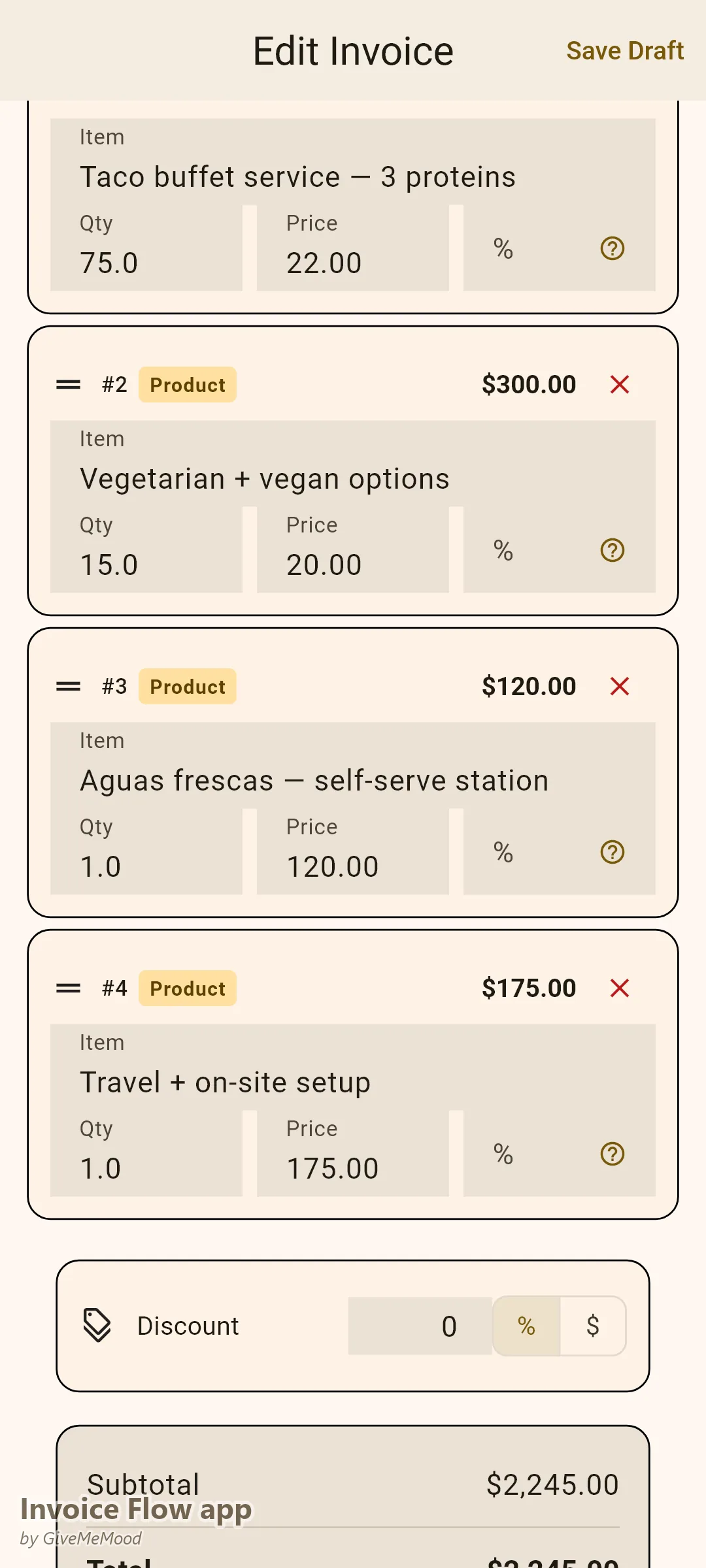
Events with 50% deposit and cancellation policy:
“Food Truck Event Service — [Client Name] — [Date]: Event: [Event Name] | Location: [Address] Service date: [Date] | Service window: [Start] – [End] Guest count: ~[N] guests | Menu: [Description] Food (up to [N] guests): $1,100.00 Additional guests over [N]: $[Rate]/guest Setup/teardown and travel: $150.00 Event subtotal: $1,250.00 Deposit (50%, non-refundable, due at booking): $625.00 Balance (due [N] days before event): $625.00 Cancellation policy: Deposit non-refundable. Balance refunded if cancelled [N]+ days before event.”
The cancellation policy belongs on the invoice — not just in email correspondence. It’s the document clients have when they want to know their options.
Itemized Catering Batch Orders
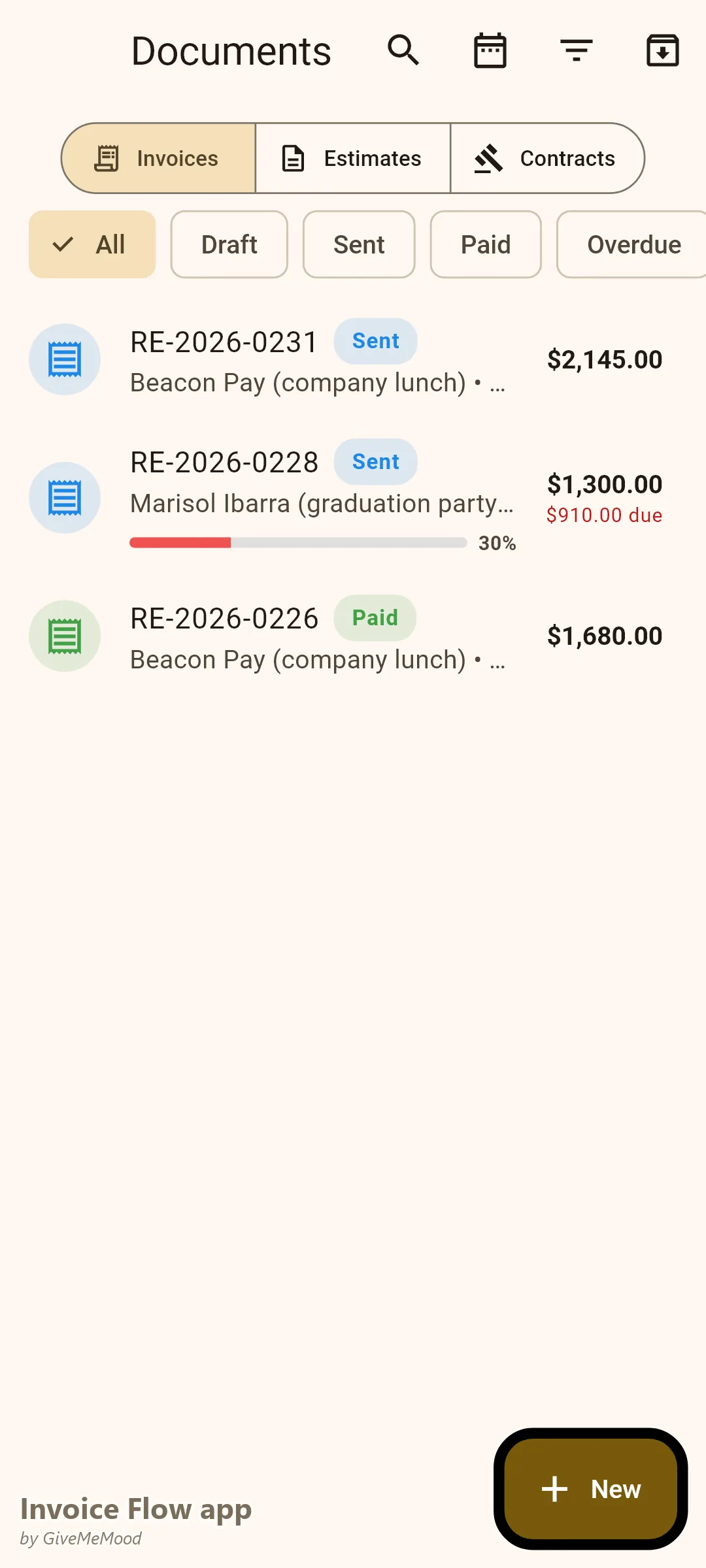
Bulk catering orders for corporate meal programs:
“Catering Order — [Client/Company Name] — [Date]: Items: [Item name] ([Qty]): [Qty] × $[Price] = $[Amount] [Item name] ([Qty]): [Qty] × $[Price] = $[Amount] [Item name] ([Qty]): [Qty] × $[Price] = $[Amount] Subtotal: $[Amount] Delivery fee: $[Amount] Total: $[Total] Delivery: [Date and time] to [Address] Payment Terms: Net-15”
Itemized orders with unit counts and per-item pricing let clients verify the order against delivery.
Monthly Site License Invoices
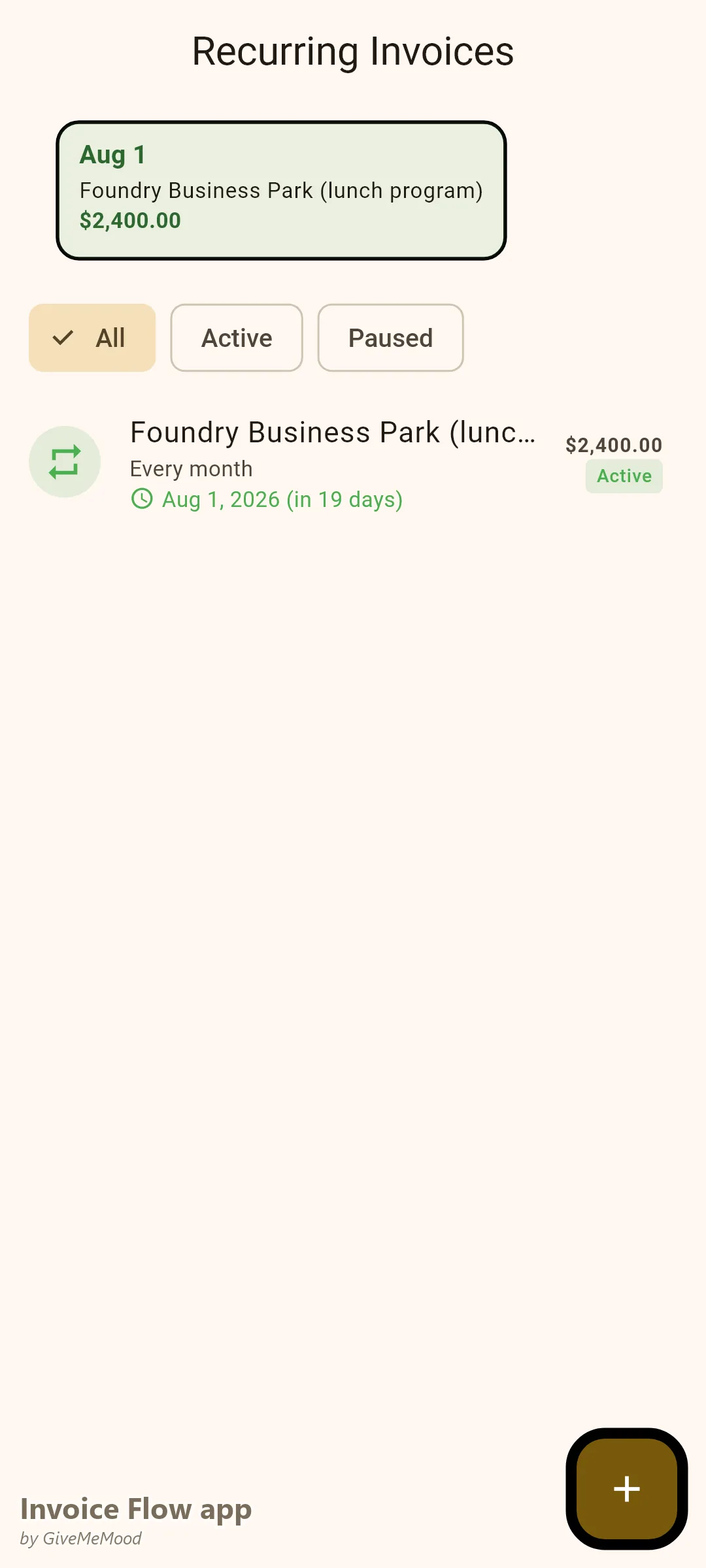
For property owners who charge monthly access fees:
“Monthly Site License — [Property Name] — [Month Year]: Service: Food truck operation rights — [Location description] Schedule: [Days], [Hours] Monthly site fee: $400.00 Note: Site fee is separate from and not reducible by sales performance. Payment Terms: Net-15”
What InvoiceFlow Does for Food Trucks
- Corporate catering invoices: monthly billing with service schedule, PO field, net-30
- Event invoices: 50% deposit with cancellation policy documented
- Catering batch orders: itemized by item type, quantity, and unit price
- Site license fees: monthly recurring for property access
- Payment tracking: see outstanding balances by account
Getting Started
- Build a corporate catering invoice template with service schedule, per-head rate, PO field, and net-30 terms
- Create an event invoice template with 50% deposit and cancellation policy
- Set up a catering batch order template with itemized line items
- Add a site license template if you pay monthly property access fees
- Set up recurring monthly invoices for active corporate accounts
Download InvoiceFlow. Build the corporate catering template first — it opens the revenue that changes the business. Add the event deposit template. The billing structure makes corporate food service professional.
InvoiceFlow is a free invoicing app for Android, designed for independent professionals and small business owners.