
 EN
EN  العربية
  Български
  Čeština
  Dansk
Dansk  Deutsch
  Ελληνικά
  Español
  Suomi
Suomi  Français
  עברית
עברית  हिन्दी
  Bahasa Indonesia
  Italiano
  日本語
日本語  한국어
한국어  Bahasa Melayu
  Nederlands
  Norsk
Norsk  Polski
  Português
  Română
  Русский
  Svenska
  Kiswahili
  ไทย
ไทย  Türkçe
  Українська
  Tiếng Việt
  中文
中文 InvoiceFlow for Appliance Repair: Fix Appliances and Fix Your Billing
Why Appliance Repair Technicians Need Better Invoicing
Appliance repair is a high-frequency service business — a technician might complete 5-8 service calls in a single day. At this volume, billing needs to be fast, accurate, and professional. Many repair techs still write service orders by hand or use outdated ticketing systems that don’t produce modern invoices.
The billing structure for appliance repair is consistent: a diagnostic fee or service call charge, plus parts, plus labor. Parts costs vary widely — from $8 replacement door gaskets to $250 compressors — and need to be documented accurately both for billing and for warranty tracking on replaced parts.
Key Pain Points for Appliance Repair Techs
- Parts costs not fully captured on invoices — technicians estimate and often undercharge
- No warranty documentation for replaced parts (critical for follow-up service)
- Service call fees applied inconsistently — sometimes forgotten on larger repairs
- Commercial clients (property managers, appliance rental companies) requiring formal invoices
- Volume of daily service calls makes detailed billing feel impossible from the field
- No record of which clients still owe money at end of day
How InvoiceFlow Solves It
Diagnostic Fee + Parts + Labor Structure
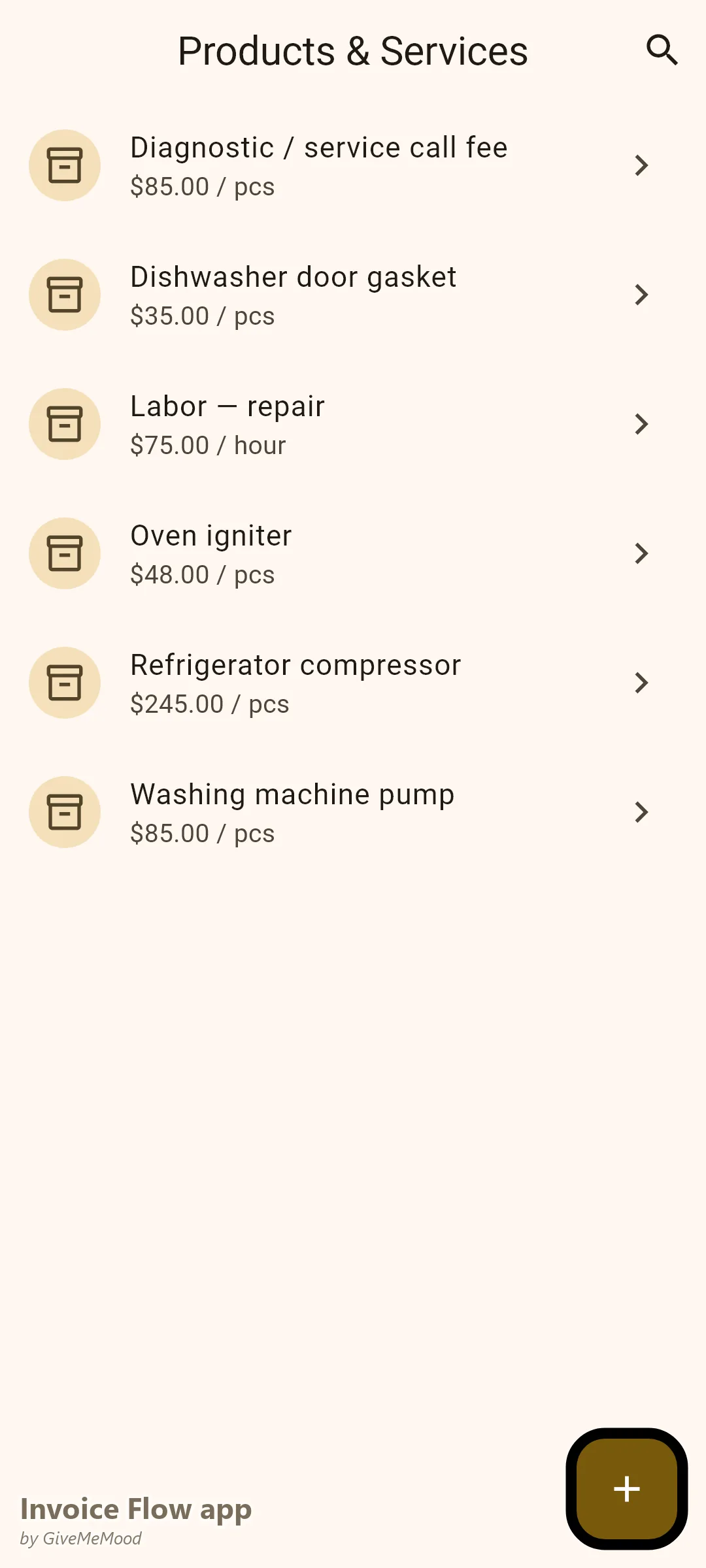
Build your standard structure in the product library: “Diagnostic / Service Call Fee: $85,” “Refrigerator Compressor: $245,” “Dishwasher Door Gasket: $35,” “Washing Machine Pump: $85,” “Labor — Repair, per hour: $75.” After each repair, select the correct items. Send invoice before leaving.
Parts Documentation on Every Invoice
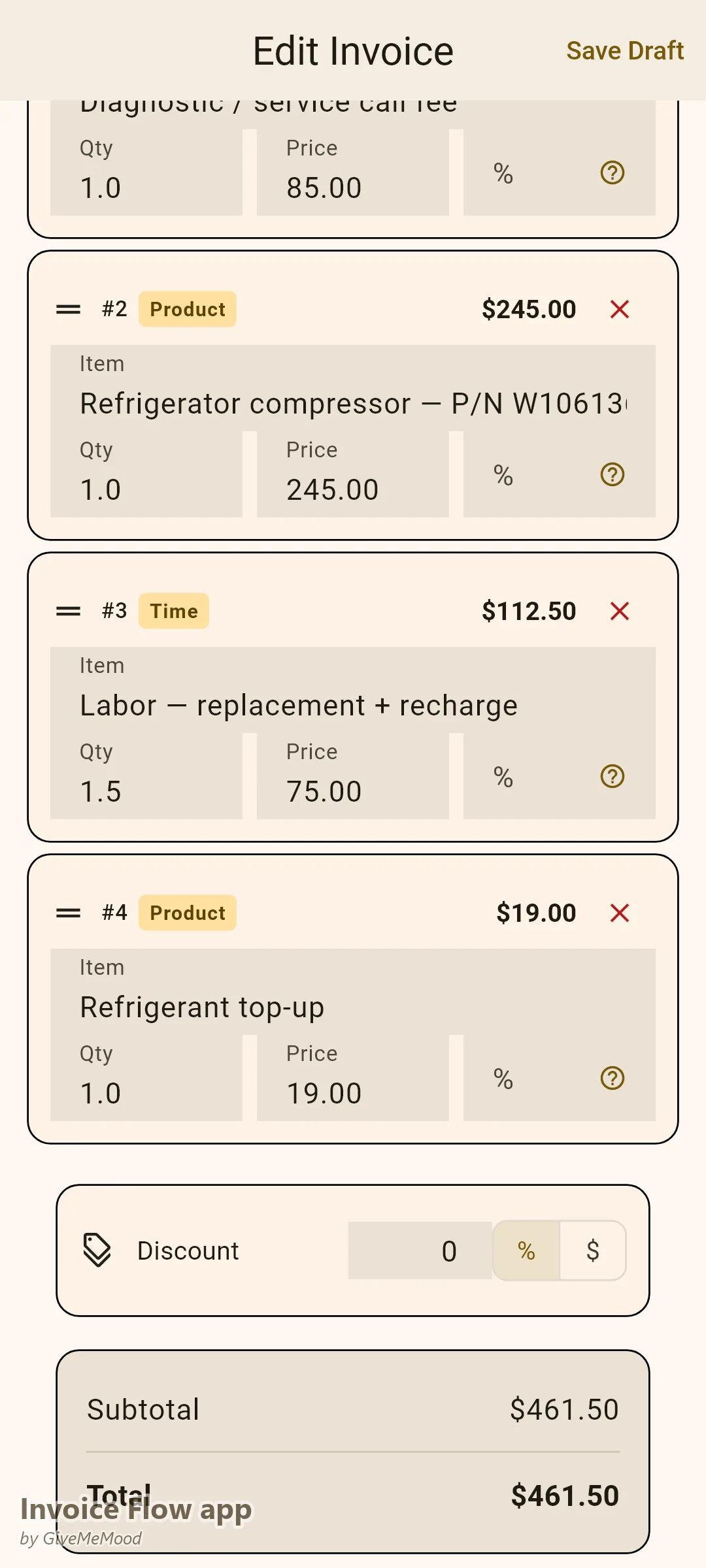
Every replaced part should appear on the invoice with the part number if applicable. This creates the warranty record — if the part fails within the warranty period, the invoice shows what was installed, when, and at what cost.
Daily Batch Efficiency
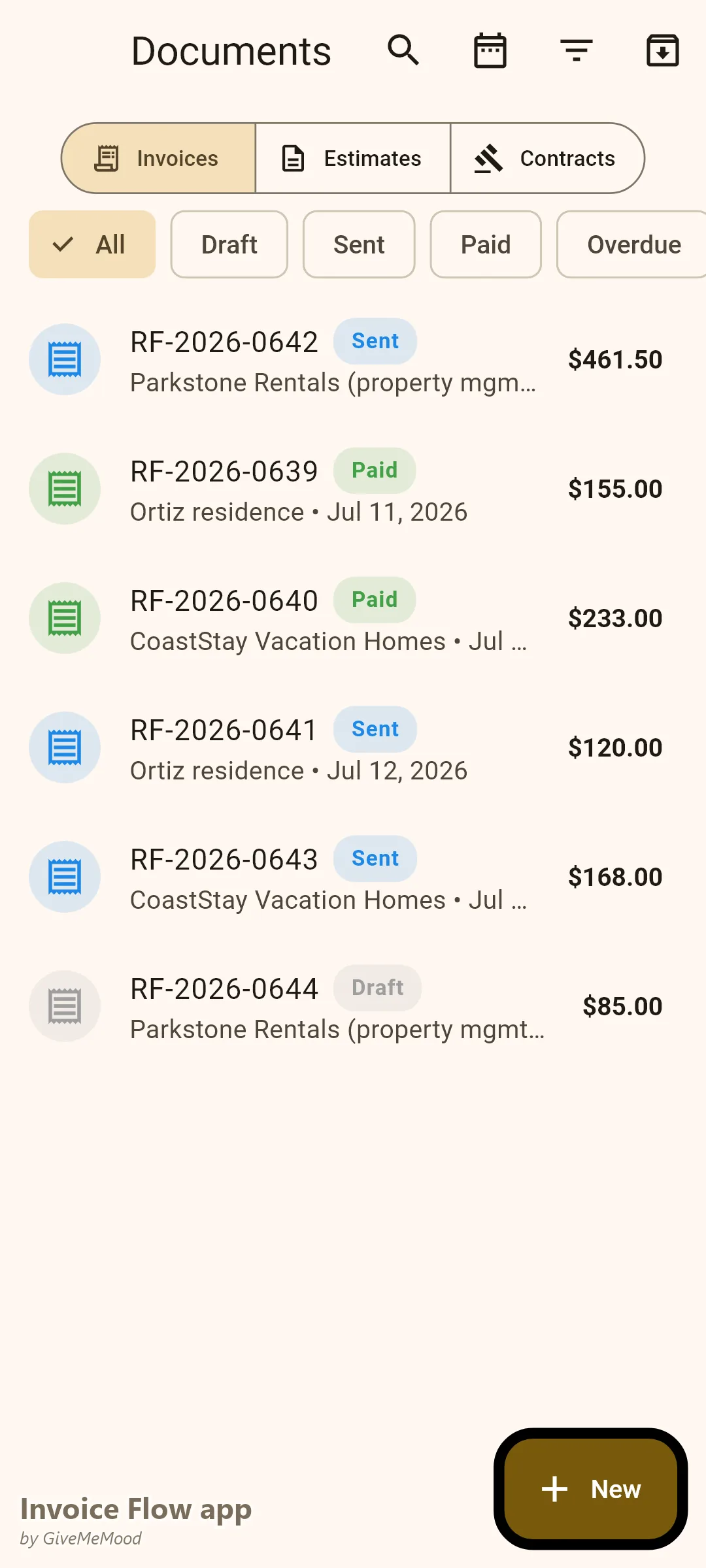
Complete 6 service calls in a day. At the end of the day, create 6 invoices in InvoiceFlow — each takes under 2 minutes. Send all 6. Done. Tomorrow you can see which ones are paid and which need a follow-up.
Commercial Property Management Invoices
Property managers with appliances in rental properties are major appliance repair clients. They need formal invoices with the property address, tenant name, and work order number. Add these as custom fields in InvoiceFlow. Their accounts-payable team processes the invoice without back-and-forth.
Recurring for Maintenance Contracts
Some commercial clients (apartment buildings, vacation rental companies) have ongoing appliance maintenance contracts. Recurring invoices handle the monthly or quarterly flat fee billing automatically.
Your Workflow with InvoiceFlow
-
During the day: Complete service calls. Note parts used. Log repairs.
-
End of day (or during job): Open InvoiceFlow. Create invoice per job. Select parts and labor. Add diagnostic fee. Send. 2 minutes per call.
-
Commercial client: Add work order and property address to custom fields.
-
Parts documentation: Part number and description in the line item description. Warranty baseline established.
-
Dashboard review: End of day — see who’s paid, who’s pending.
Most Valuable Features for Appliance Repair
- Product Library — All common parts and labor rates pre-built
- Diagnostic Fee Automation — Never forget the service call fee
- Mobile Invoicing — Invoice from the job or in batches at day’s end
- Custom Fields — Work orders and property references for commercial clients
- Parts Warranty Documentation — Via line item descriptions
- Payment Dashboard — Track all daily invoices at a glance
Real Example: AllFix Appliance Service Invoices 8 Calls Daily
AllFix does 6-8 residential and commercial appliance repairs per day. The owner used to write service receipts by hand and sometimes forgot the diagnostic fee on larger jobs. With InvoiceFlow she invoices every call from her phone. The diagnostic fee is pre-built. Parts are selected from the library. She recovers an extra $300-400/month in fees she previously forgot. Commercial property managers comment on the professional invoice format.
Getting Started
Download InvoiceFlow free on Android. Build your most common parts and repair services in the product library. Invoice your first service call from the job site today.