
 EN
EN  العربية
  Български
  Čeština
  Dansk
Dansk  Deutsch
  Ελληνικά
  Español
  Suomi
Suomi  Français
  עברית
עברית  हिन्दी
  Bahasa Indonesia
  Italiano
  日本語
日本語  한국어
한국어  Bahasa Melayu
  Nederlands
  Norsk
Norsk  Polski
  Português
  Română
  Русский
  Svenska
  Kiswahili
  ไทย
ไทย  Türkçe
  Українська
  Tiếng Việt
  中文
中文 InvoiceFlow for Freight Trucking: Complete Billing Guide
The invoicing system built for owner-operators, small fleets, and independent freight carriers
Freight invoicing is more complex than most service billing. A single load invoice may include linehaul rate, fuel surcharge, detention pay, lumper fees, accessorial charges, and factoring documentation requirements — all documented against a BOL number and rate confirmation. Getting any of these wrong creates payment delays, disputes, and lost income.
InvoiceFlow handles complete freight billing from one Android app. This guide covers how to build your freight invoice system.
The Standard Freight Invoice Structure
Every load invoice should be created at the point of delivery — before you leave the receiver’s location while all details are fresh and documentable.
Required fields for every freight invoice:
- Carrier name and MC number
- Load/Pro number
- Shipper name and location
- Receiver name and location
- Pickup date and delivery date
- BOL number
- Rate confirmation reference number (broker loads)
- Total miles
- Linehaul rate (per mile or flat)
- Fuel surcharge (percentage of linehaul, based on current DOE average)
- Any detention, accessorial charges, or fees — itemized
“Freight Invoice — [Carrier Name] — Load #[Load Number]: Shipper: [Name] | Receiver: [Name] Pickup: [City, State] | Delivery: [City, State] | Miles: [X] BOL #: [Number] | Rate Confirmation #: [Number] Linehaul: $[Rate]/mile × [Miles]: $[Amount] Fuel Surcharge ([%] of linehaul, DOE $[price]/gallon, week of [date]): $[Amount] Detention: [Hours] hours × $[Rate]/hr: $[Amount] Lumper Fee (receipt attached): $[Amount] Total: $[Amount] Payment Terms: Net-15”
Fuel Surcharge Invoicing
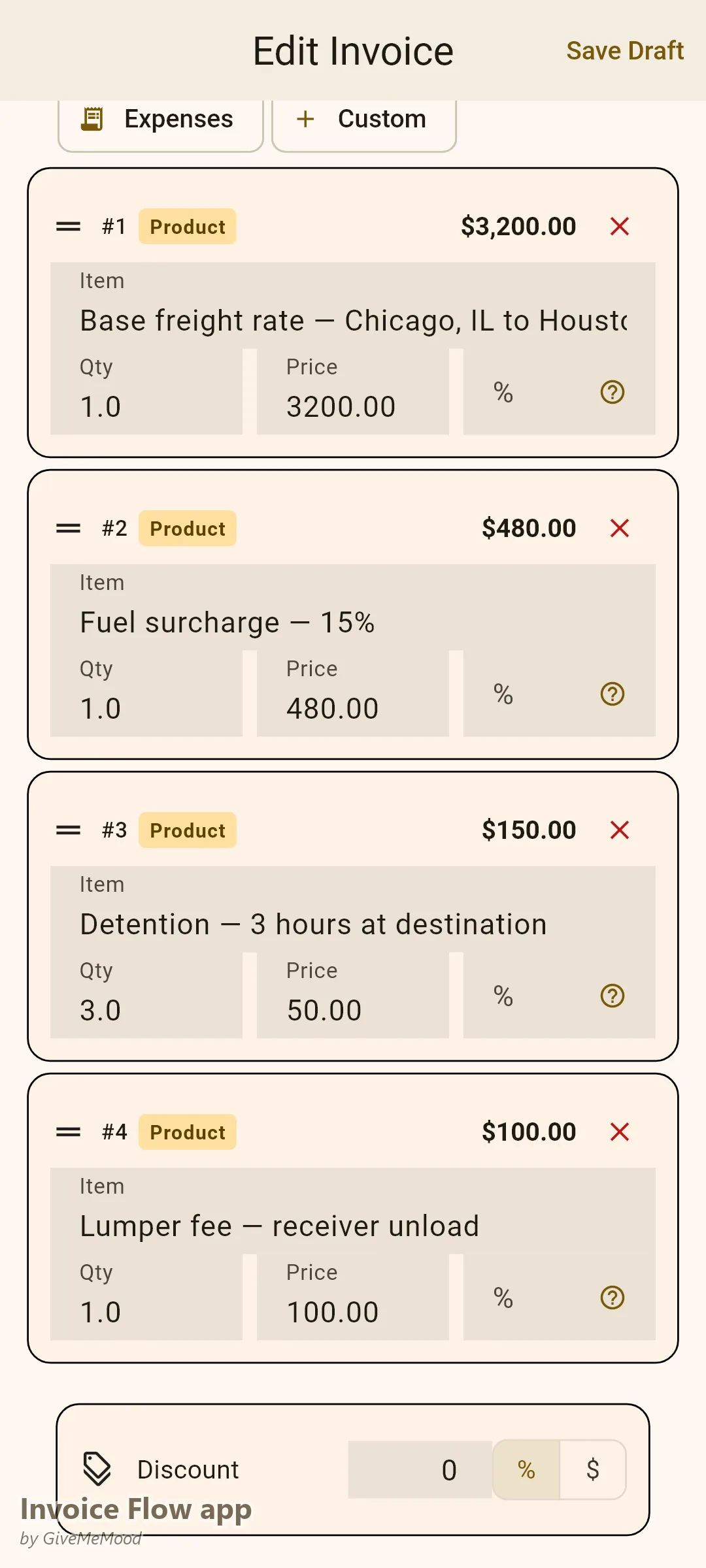
The fuel surcharge is a standard component of freight billing that changes weekly based on the DOE national average diesel price. Your freight broker contract specifies the surcharge table — a percentage of linehaul keyed to DOE price bands.
The most common billing error owner-operators make is applying last week’s surcharge rate to this week’s loads, or calculating it manually and getting it wrong.
Set up your fuel surcharge in InvoiceFlow as a percentage-of-linehaul line item. Update the percentage each Monday when the DOE publishes the new average. When you create a load invoice, the fuel surcharge calculates automatically from the linehaul amount. No manual math, no errors.
Detention Documentation and Billing
Detention pay is the most commonly underbilled freight charge. Most contracts allow $50-$100/hour after two free hours at pickup or delivery. The problem is documentation: without timestamps showing when you arrived and when loading or unloading actually began, detention claims are difficult to prove.
Detention documentation at every stop:
- Note arrival time
- Note when you were called to dock (start of free time clock)
- Note when loading or unloading was complete and you were released
- Calculate free time and billable detention
“Detention — Receiver [Name] — [Date]: Arrival at receiver: 14:00 Unloading commenced: 16:15 (2 free hours expired at 16:00) Released: 17:30 Billable detention: 1.5 hours × $75/hr: $112.50”
A detention claim with timestamps is rarely disputed. A claim without documentation often is.
Accessorial Charge Invoicing
Accessorial charges are legitimate billable items that many owner-operators absorb without invoicing. Common accessorials to always document and bill:
- Lumper fees (with receipt): paid to receiver warehouse workers for unloading
- Extra pick/drop stops: per-stop charge beyond original routing
- Oversize/overweight permits: state permit fees for special cargo
- TWIC or security fees: access fees for secure facilities
- Hazmat placards: for applicable commodity loads
- Layover pay: when held overnight due to shipper/receiver delay
- Truck order not used (TONU): when dispatched but load cancelled
Each of these should appear as a named line item on the invoice with any supporting receipt noted.
Broker Load Invoicing
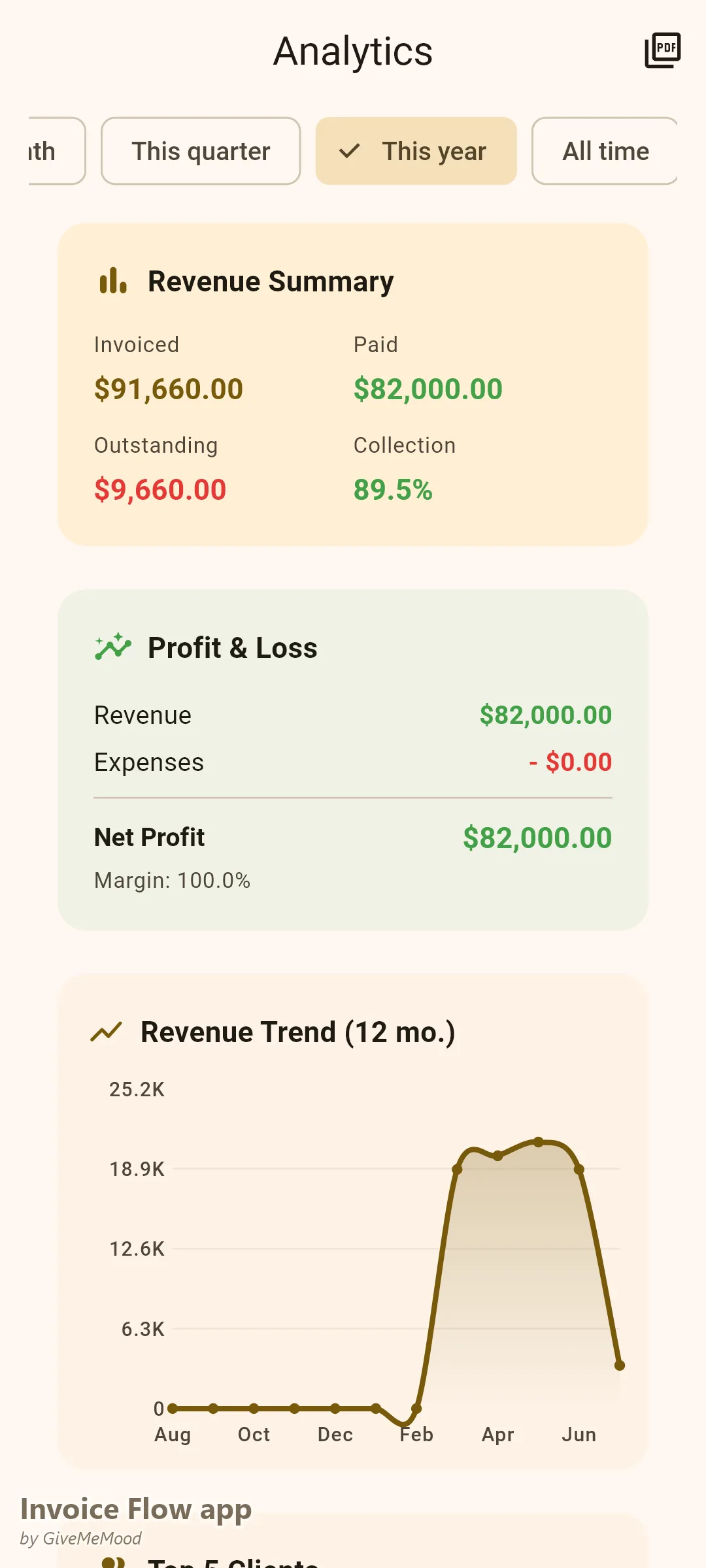
When you haul for a freight broker, your invoice goes to the broker. Required fields:
- Your carrier name and MC number
- The broker’s load/reference number
- Rate confirmation number
- BOL number (signed by receiver)
- Linehaul per the rate confirmation
- Fuel surcharge per the agreed schedule
- Any approved detention or accessorials
Brokers process invoices against their rate confirmations. If your invoice matches the rate confirmation, payment releases quickly. Discrepancies trigger review.
Direct Shipper Invoicing
Direct shipper relationships often have different billing requirements than broker loads:
- Some shippers issue purchase orders — reference the PO number
- Some assign account numbers to carriers — include your account number
- Payment terms may be net-30 rather than net-15
- Some shippers require your FMCSA operating authority number
Use InvoiceFlow’s custom fields to store per-client requirements for each direct shipper. Apply them automatically to each invoice.
Factoring Company Compatibility
If you factor your receivables, the factoring company needs consistent invoice formatting. Factoring companies typically require:
- The invoice itself (formatted, professional)
- The signed BOL
- The rate confirmation (broker loads)
InvoiceFlow’s formatted PDF invoices are factoring-company compatible. Clean, consistent submissions process faster and build your track record with the factoring company.
Fleet Billing for Small Trucking Companies
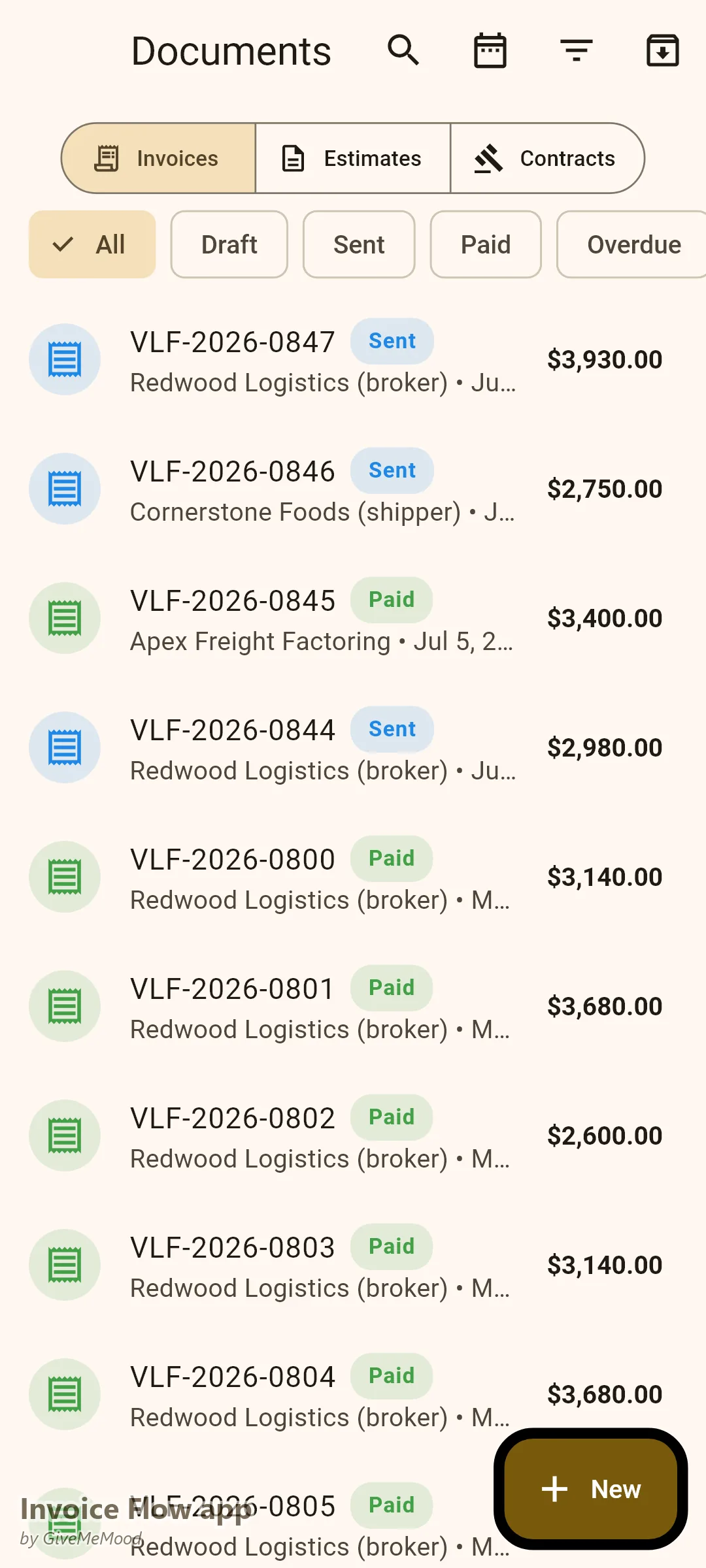
If you run multiple trucks, InvoiceFlow allows you to track invoices by load, by driver (using notes), and by client. At any time you can see which loads are invoiced, which are paid, and which are outstanding.
What InvoiceFlow Does for Freight Carriers
- Load invoice templates: pre-built freight invoice structure with all standard fields
- Fuel surcharge line item: percentage-of-linehaul calculation, update weekly with new DOE rate
- Custom fields: MC number, BOL reference, rate confirmation number, PO number per shipper
- Accessorial templates: pre-built line items for detention, lumper, extra stops, TONU
- Mobile invoicing: create and send the invoice before leaving the delivery location
- Payment tracking: see outstanding invoices by load and by client/broker
Getting Started
- Build your standard load invoice template with all required fields pre-structured
- Set your fuel surcharge as a percentage line item — update the rate each Monday
- Set a rule: document detention timestamps at every stop where free time may be exceeded
- Create line items for your common accessorial charges (detention, lumper, TONU)
- Invoice before you leave the delivery location on every load
Download InvoiceFlow. Stop leaving fuel surcharge, detention, and accessorial income uncollected. Professional freight billing recovers money you are already earning.
InvoiceFlow is a free invoicing app for Android, designed for independent professionals and small business owners.